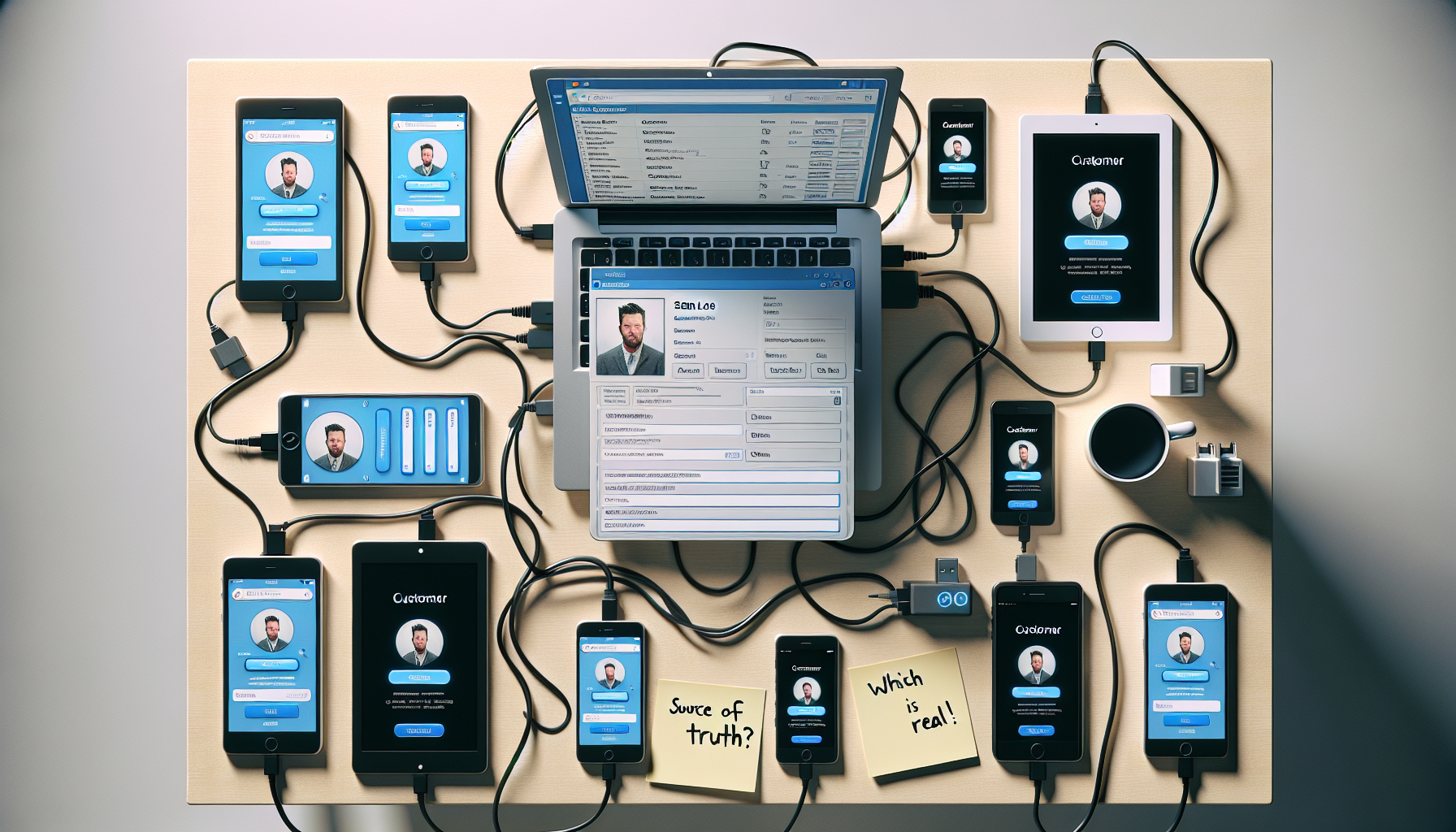
A lot of small businesses do not “choose a stack.” They collect one.
A CRM for sales. A form builder for the website. An email tool for campaigns. A scheduler. A chat widget. A Zap for the Zap that connects to the other Zap. Somebody adds one quick app to solve a Tuesday problem. Six months later, the company runs on duct tape and login screens.
The cost rarely shows up on the credit card line items. It shows up in your customer data.
When one customer becomes five
Sales has “Sam Lee” in the CRM.
Support has “Samuel Lee” in the helpdesk.
Marketing has “sam.lee@gmail.com” in the email tool.
Finance has a billing contact in an invoicing app.
Ops has a row in a spreadsheet named “S. Lee (VIP?)” with a note that reads: “Do not delete.”
Now try to answer a simple question: Who are our active customers, and what did we promise them?
You cannot. Not cleanly. You can guess.
Duplicate records are not annoying. They are corrosive.
They break workflows. They break reporting. They break trust inside the team because every meeting starts with a debate over which screen contains the data. People stop looking. Then they start re-entering. Then they start building shadow systems.
The time tax
Tool sprawl punishes you in time.
Employees lose minutes hunting for the right tab, the right record, the right permission. Those minutes stack into weeks. Context switching is not a vibe. It is a tax.
The U.S. Bureau of Labor Statistics reports that, as of 2023, the median tenure for wage and salary workers is 3.9 years. Knowledge walks out the door on a schedule. Each extra tool turns offboarding into an escape room and onboarding into folklore. Source: BLS, Employee Tenure Summary (2023)
Maintenance that never ends
Every SaaS app adds:
- Another source of truth that will drift
- Another permission model to misconfigure
- Another integration that fails quietly at 2:00 a.m.
- Another export button that becomes your data strategy
And you pay for the privilege.
Okta’s 2024 “Businesses at Work” report shows that organizations average 93 apps. Ninety-three. That is a junk drawer with invoices. Source: Okta, Businesses at Work 2024
Consolidate around the database you already own
Many SMBs already have a MySQL or MariaDB database powering orders, customers, inventory, tickets, whatever runs the place. The data exists. The problem is access, workflow, and a clean front end.
InfoLobby treats your existing MySQL database as the system of record and builds the business app around it.
- No migration
- No import your CSV and pray
- No rewrite
The consolidation play
1) Connect InfoLobby to MySQL
Whitelist IPs if needed. Add credentials. You are in.
2) Turn raw tables into usable workspaces
InfoLobby gives you a visual interface: grid views, forms, search.
Your team stops poking at phpMyAdmin or begging the one person who knows SQL. They can see the data, edit the data, and do it with role-based permissions:
- Read Only for interns
- Read and Write for ops
- Admin for the people you trust with matches
3) Centralize workflows where the data changes
InfoLobby triggers can fire on record changes, on schedules, or from webhooks.
Examples:
- New order row appears. Send a confirmation email via SMTP.
- Customer status flips to “Overdue.” Hit your accounting API.
- A record updates. Notify the CRM if you still need it, without handing the CRM custody of your customer truth.
You keep the database steady. You move actions around it.
4) Collect cleaner data at the source
InfoLobby web forms can feed directly into database tables.
- Put a lead form on the site that writes to
leads - Put an order request form that writes to
orders
No middleman app holding a second copy and syncing when it feels like it.
5) Add AI where it earns its keep
Use OpenAI/GPT in a workflow to summarize a long note, translate a message, categorize an inbound request. Let the robot do the dull parts. Keep the data where you can audit it.
6) Keep spreadsheets on a leash
You can still import and export with Excel when business reality demands it. Some people will always want a spreadsheet. Fine. Give them a controlled gate, not a shadow kingdom.
The spine, restored
Tool overload sells itself as speed.
It delivers scatter.
Your MySQL database can be the spine again. InfoLobby makes it usable by humans, runnable by triggers, and open to the outside world by webhooks and APIs, without moving your data into yet another rented silo.