Help & Documentation
InfoLobby gives you a managed MySQL database, file storage, a visual data interface, team workspaces, reports, automations, web forms, integrations, and a public API.
Use this manual when you need to set up an account, configure tables, work with records, invite a team, or automate your data.
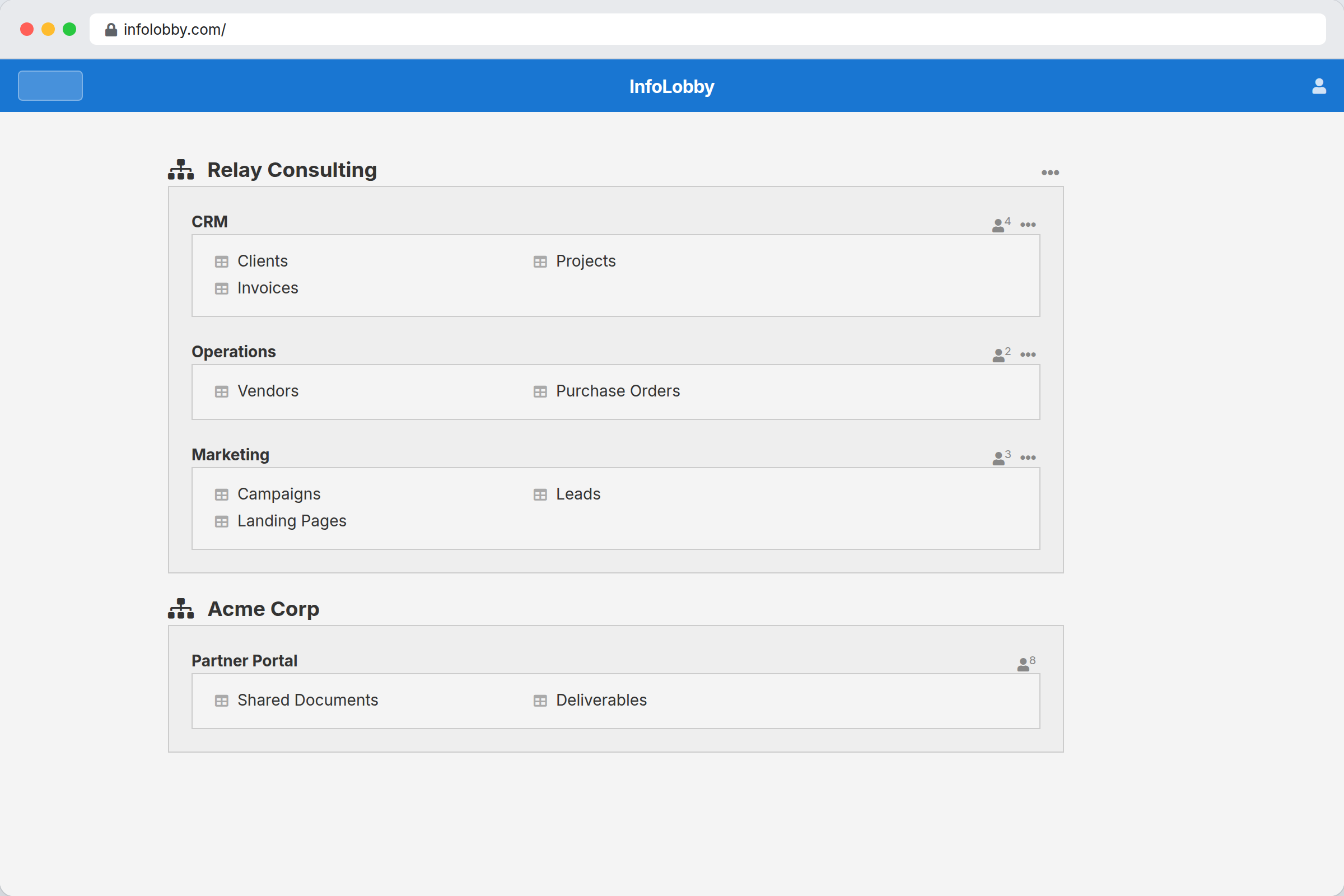
Start here
- Create or open a workspace.
- Add a table from your managed database, or connect your own MySQL server.
- Configure fields so records are easy for your team to use.
- Invite teammates and set workspace roles.
- Add reports, web forms, comments, files, integrations, automations, or API access as needed.
Core guides
- Getting Started
- Workspaces
- Tables and Fields
- Calculation Fields
- Working with Records
- Reports
- Automations
- Notifications
- Integrations
- Public API
InfoLobby is intentionally non-destructive. Removing a field from a form does not drop the database column.