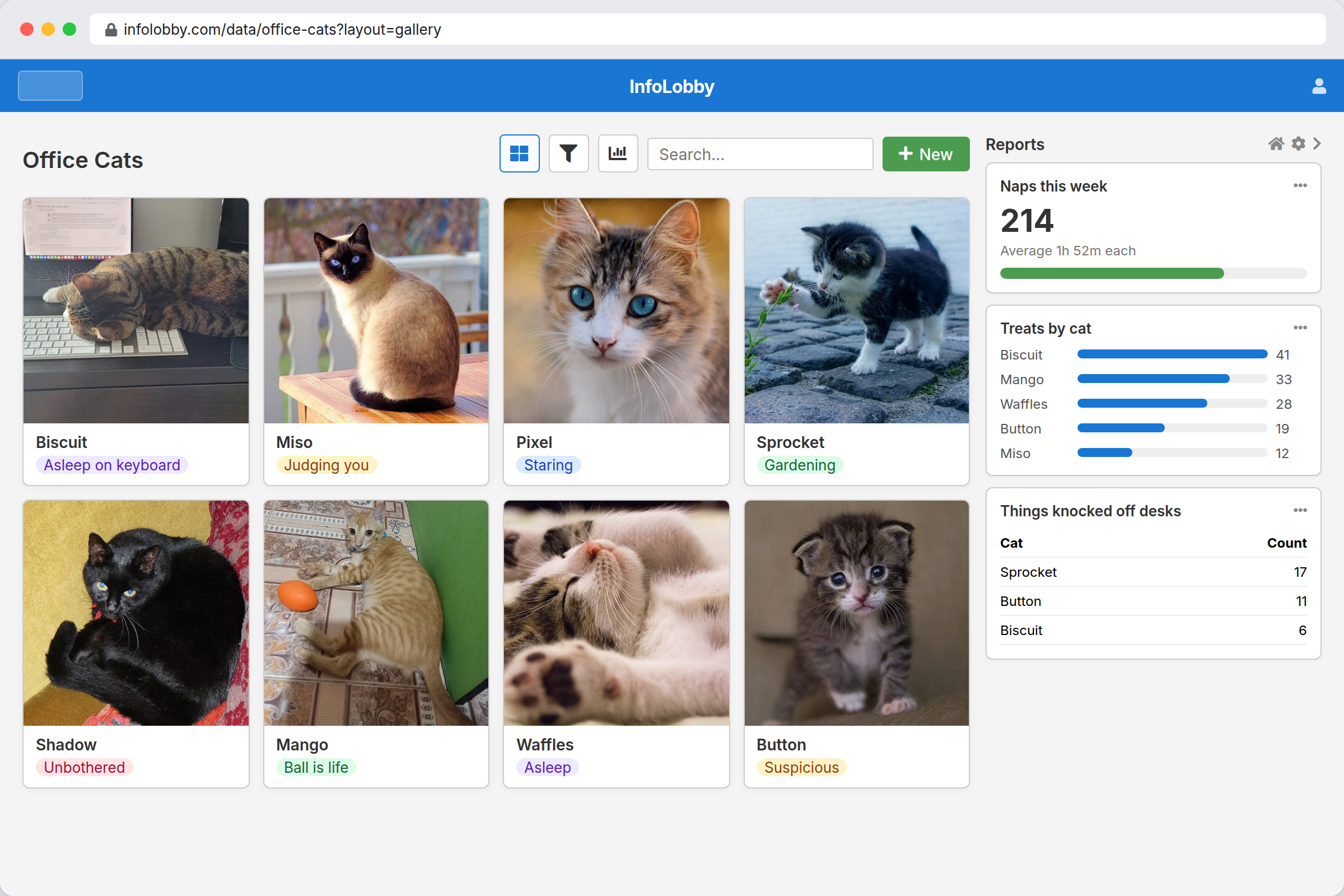
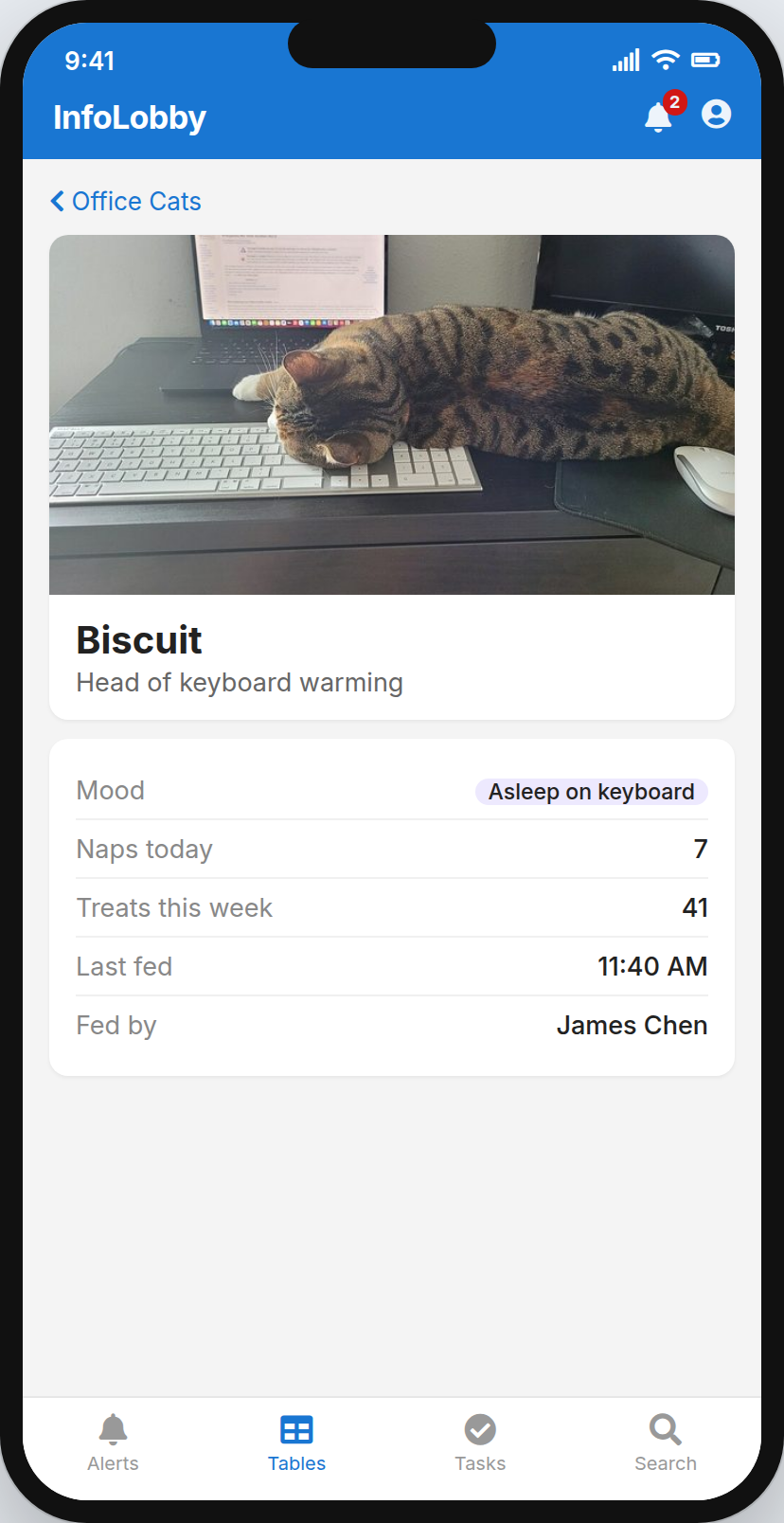
Sound familiar?
- The business runs on a spreadsheet nobody wants to sort. One wrong click breaks the formulas, and there are three copies with "FINAL" in the name.
- You are the integration. Data moves from the CRM to the invoicing tool to the project board because you move it. When you're away, it waits.
- The no-code tool hit its ceiling. It handled most of the process. The rest needs a rule it can't express, so it lives in a script on someone's laptop.
- Custom software didn't stay custom. It fit on launch day. Then the developer moved on, and every small change turned into a quote.
- You pay per seat for people who barely log in. The bookkeeper who checks one report a quarter costs the same as your busiest user.
- AI gave you a plan, not a system. A chatbot can suggest how to organise the work. It can't hold the data, the permissions or the history.
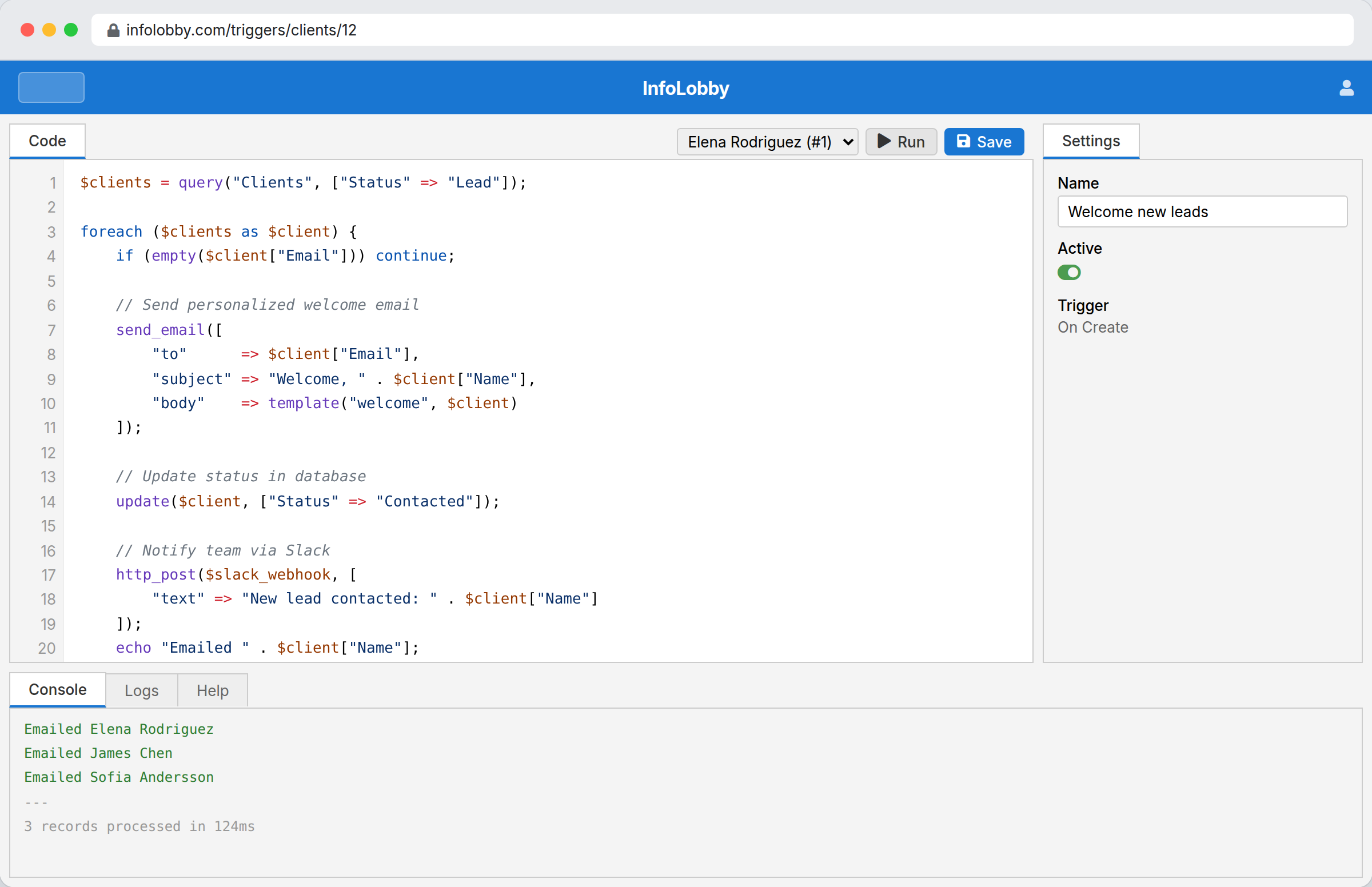
Every no-code tool has a wall. Ours has a door.
Most of InfoLobby is point and click. Then one day a business rule turns up that no drag-and-drop builder on earth can express. (It's always from finance.)
- PHPScript for the logic the builder can't express
- Call any REST API from a flow, or receive webhooks into one
- A full public REST API over your own data
- Bring your own keys for SMTP, OpenAI and other services
- Optionally connect your own MySQL server or S3 storage
Two things we believe
The person who knows the process should own the system.
Not a vendor roadmap. Not a developer three timezones away. You. If the process changes on Tuesday, the system should change on Tuesday.
One platform you can reshape beats six apps that almost fit.
Every tool you bolt on is another login, another export and another thing to keep in sync. Put the data, the screens and the automation in one place, and most of the glue work simply disappears.
What's the process you'd happily never do again?
Describe it however it comes out. Include the weird exception for that one client. You'll get back the tables, fields and automations it would take to run it here.
No signup and no sales call. Just an answer.
From first table to running system
Nothing has to be designed up front. Every field, view and flow can change later.
Get something live
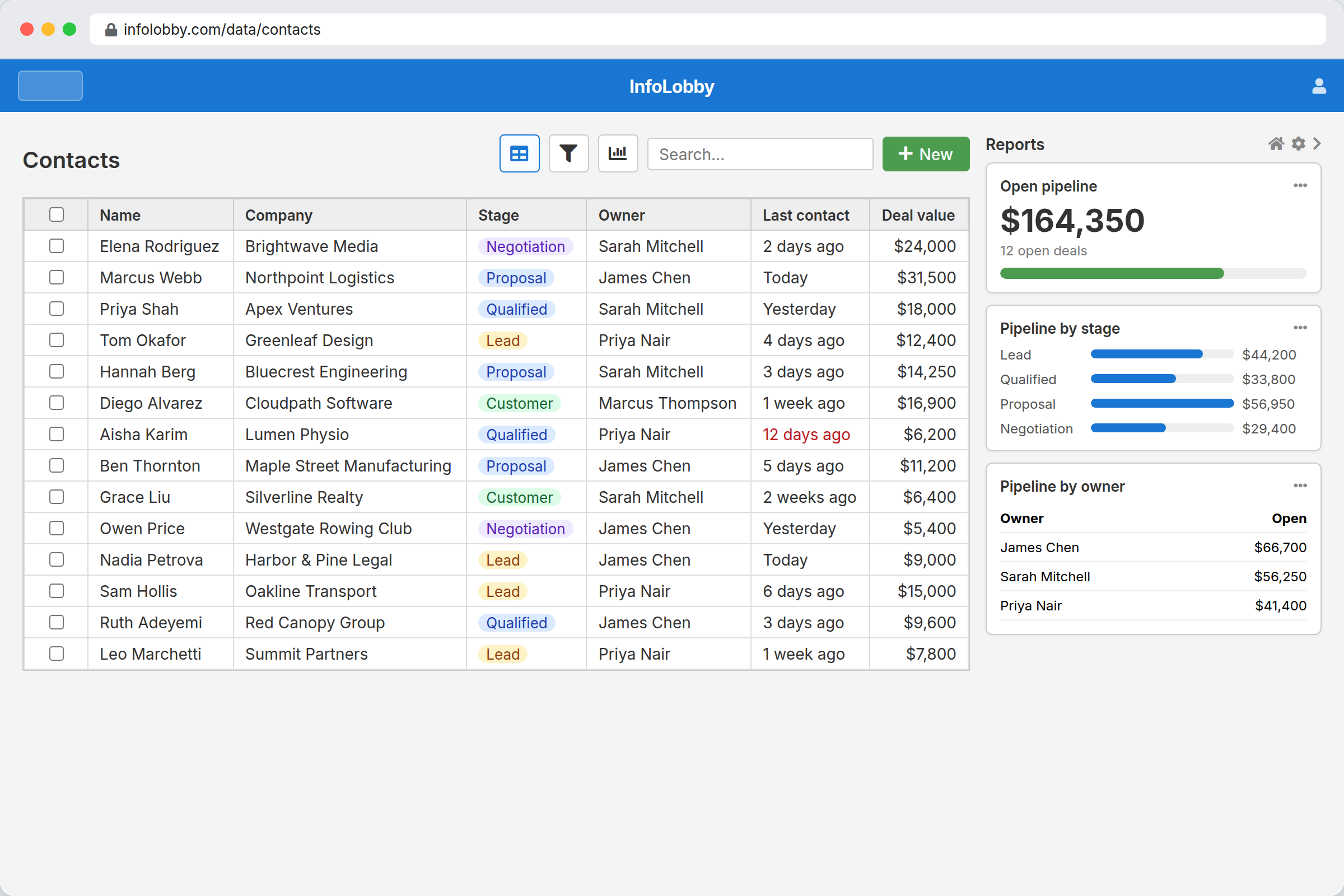
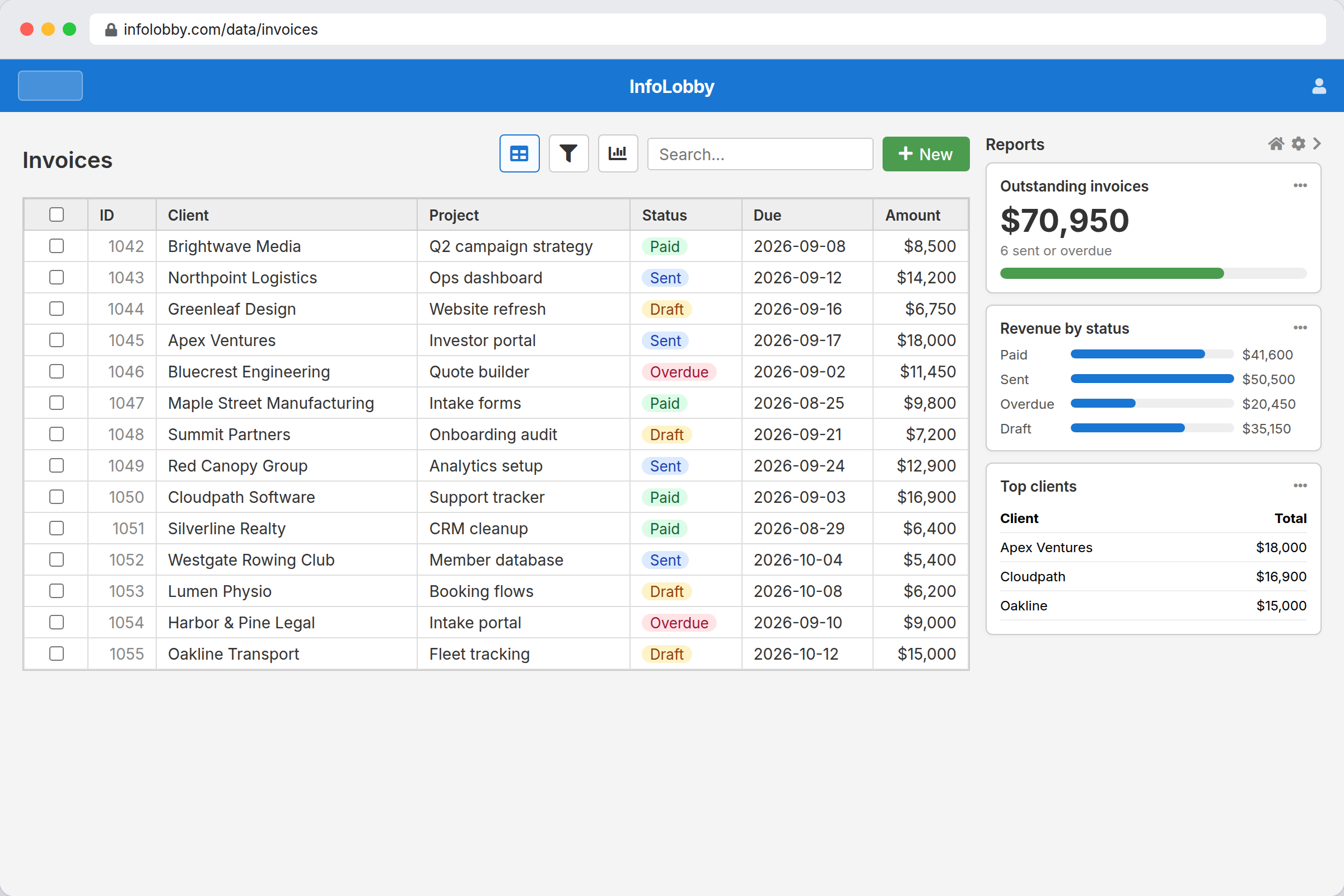
Make a workspace for each part of the business and add tables for the things in it. CRM with clients and contacts. Finance with invoices and vendors. A client portal that shows outsiders exactly what you choose.
Import the spreadsheet you already have, install an App Market pack, or ask the built-in assistant to set the tables up for you.
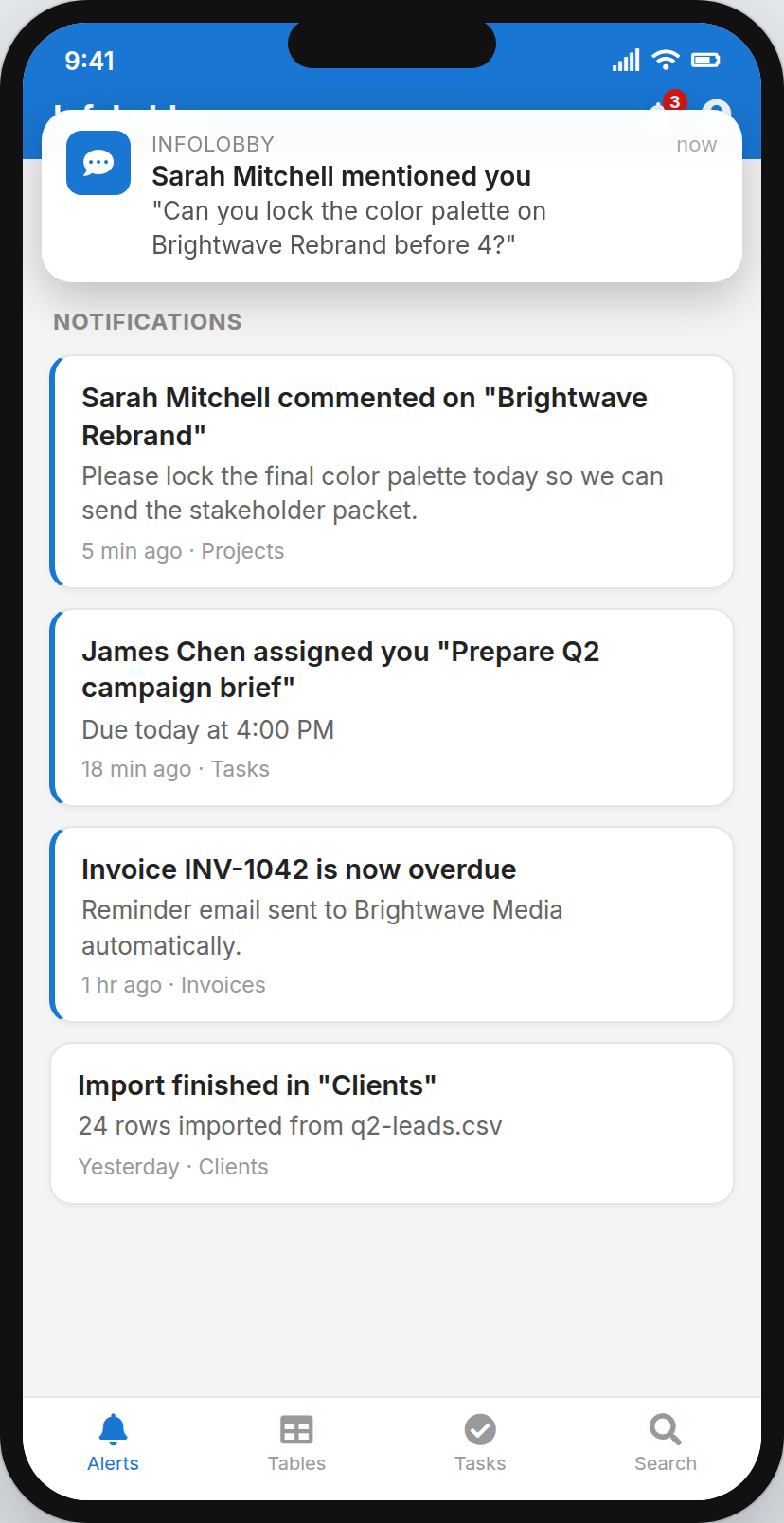
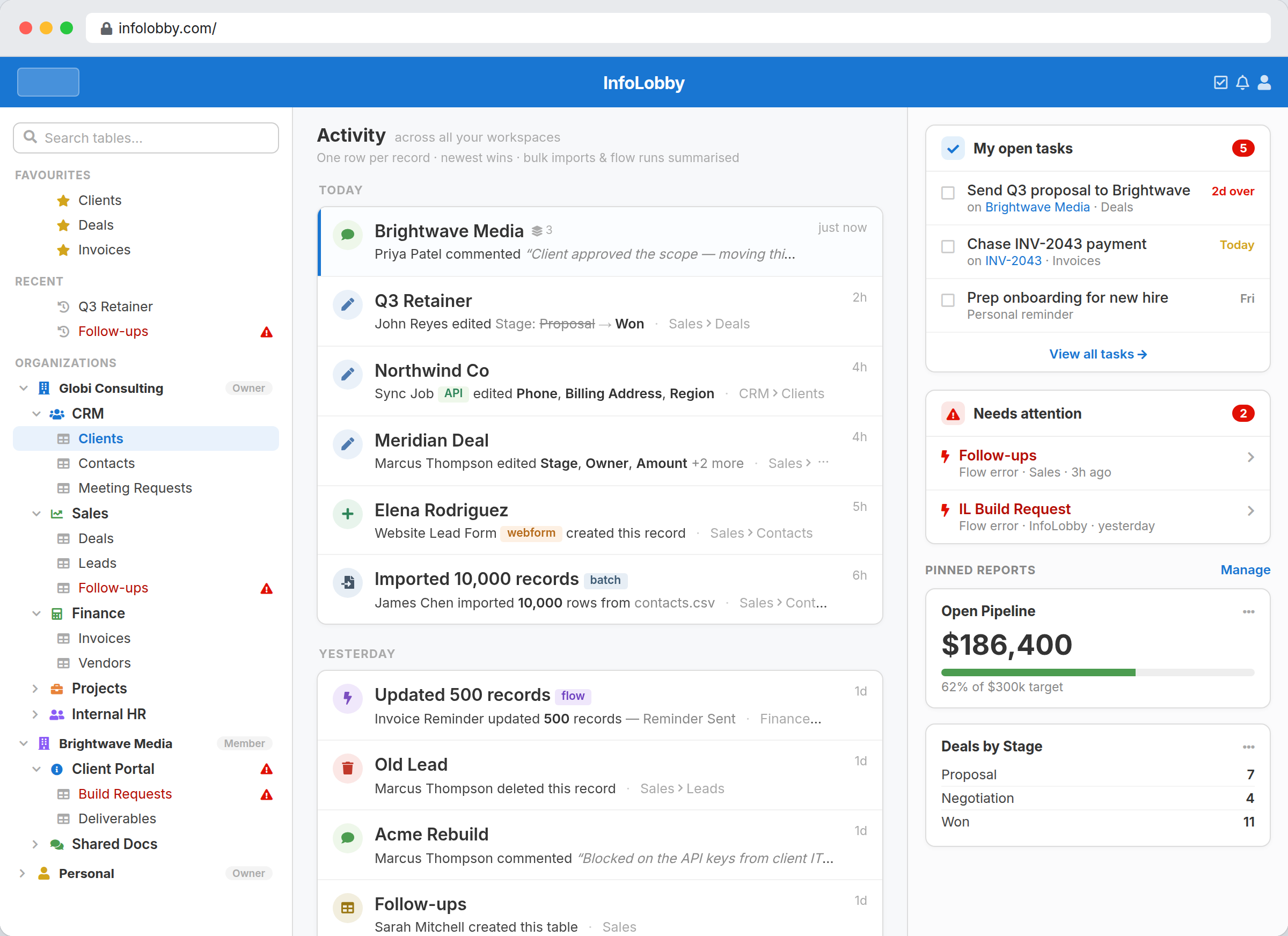 One screen: what changed, who changed it, and what's waiting on you.
Bend it until it fits
New field? Ten seconds. New status? Five. Restructure a whole table? No migration, no redeploy, no kickoff meeting.
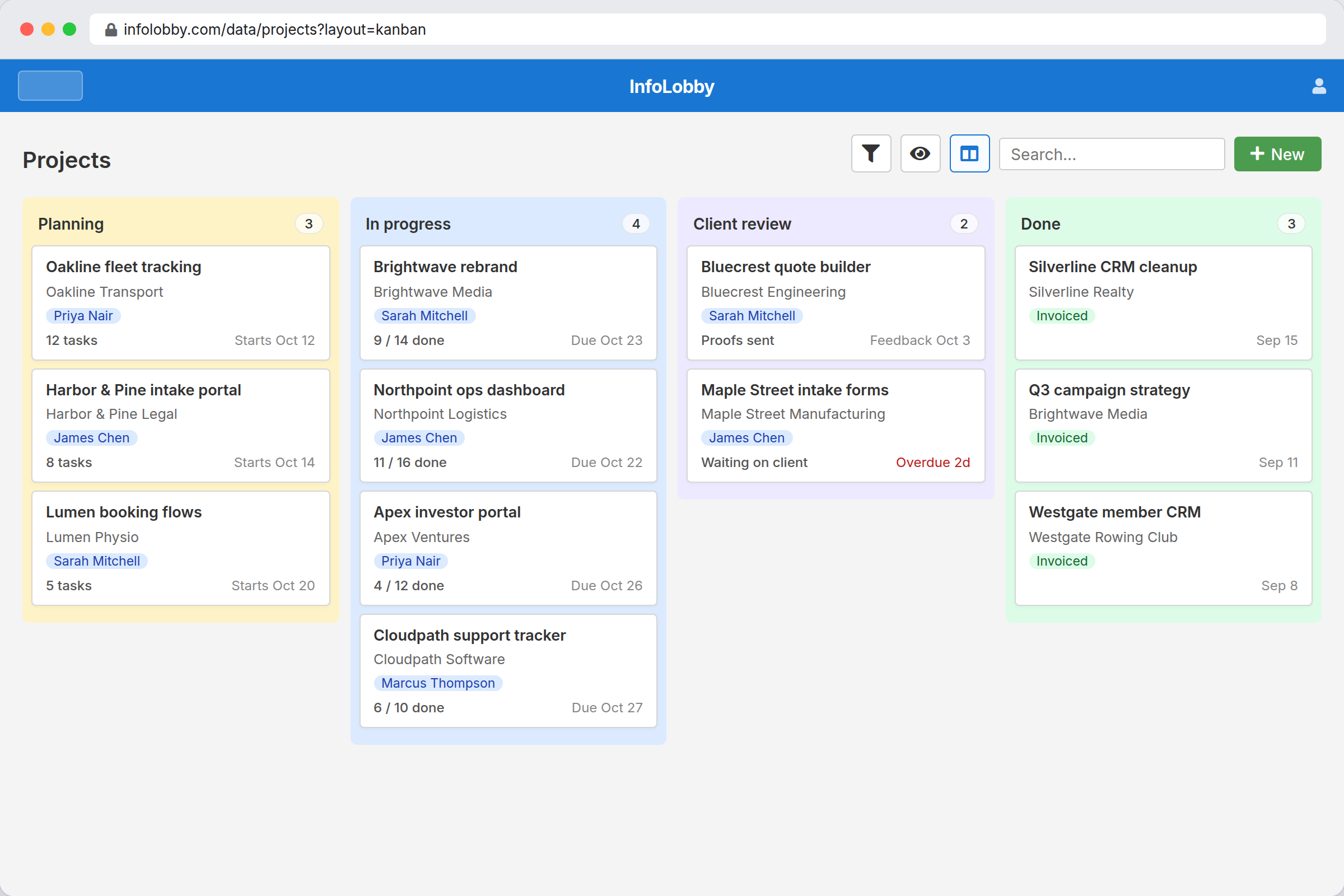
Add the views, forms and permissions the work actually needs. No vendor roadmap to wait on.
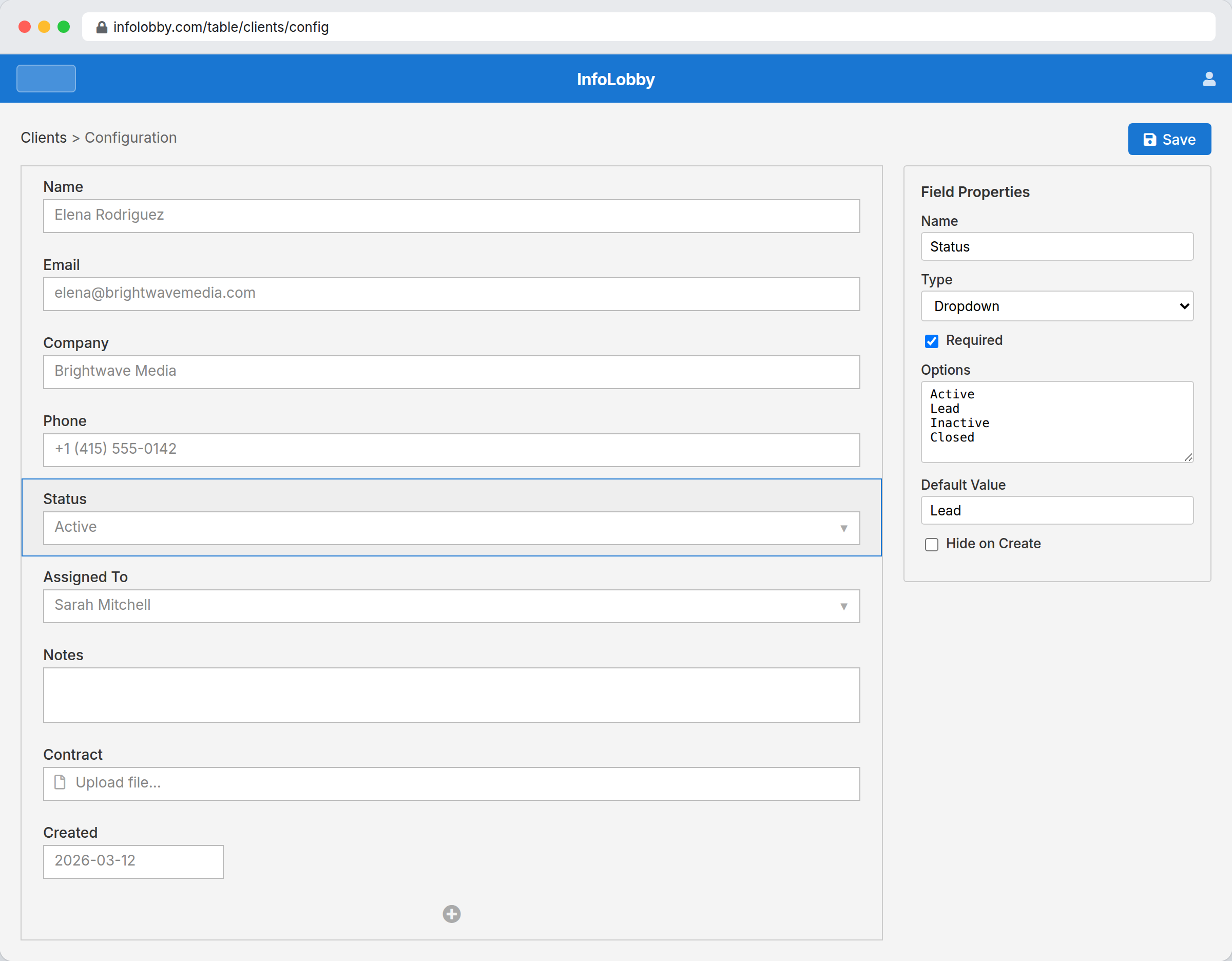 Field types, relationships and rollups, all point and click.
Let the robots do the chasing
Flows fire when a record changes, on a schedule, when a form comes in, or when another system pings a webhook. They reach across every table, not just the one they live in.
They update records, send email, build documents, call APIs, use AI, and chase the overdue invoice. So nobody has to be the bad guy.
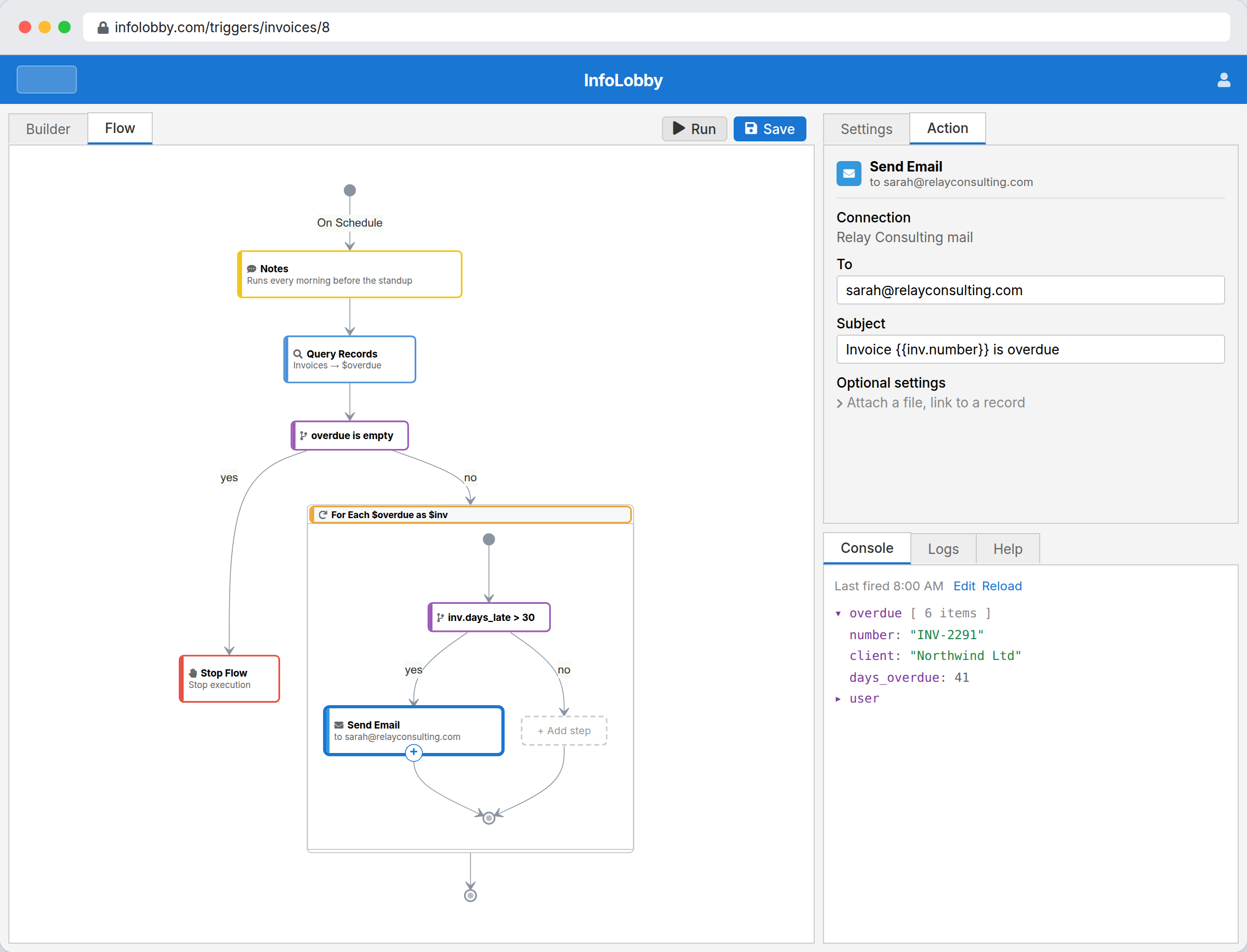 Drawn on a canvas. Code is optional.
Keep the conversation on the record
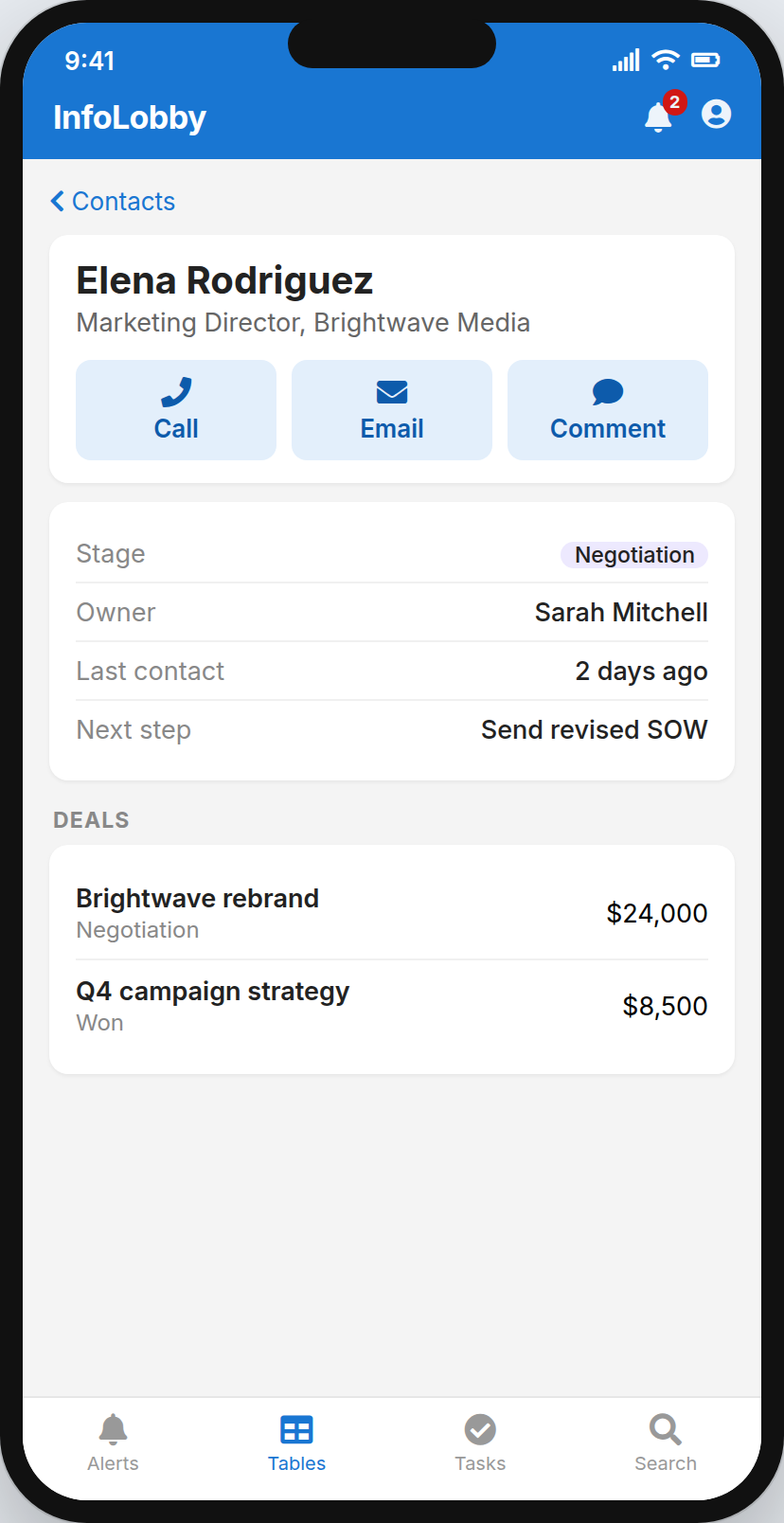
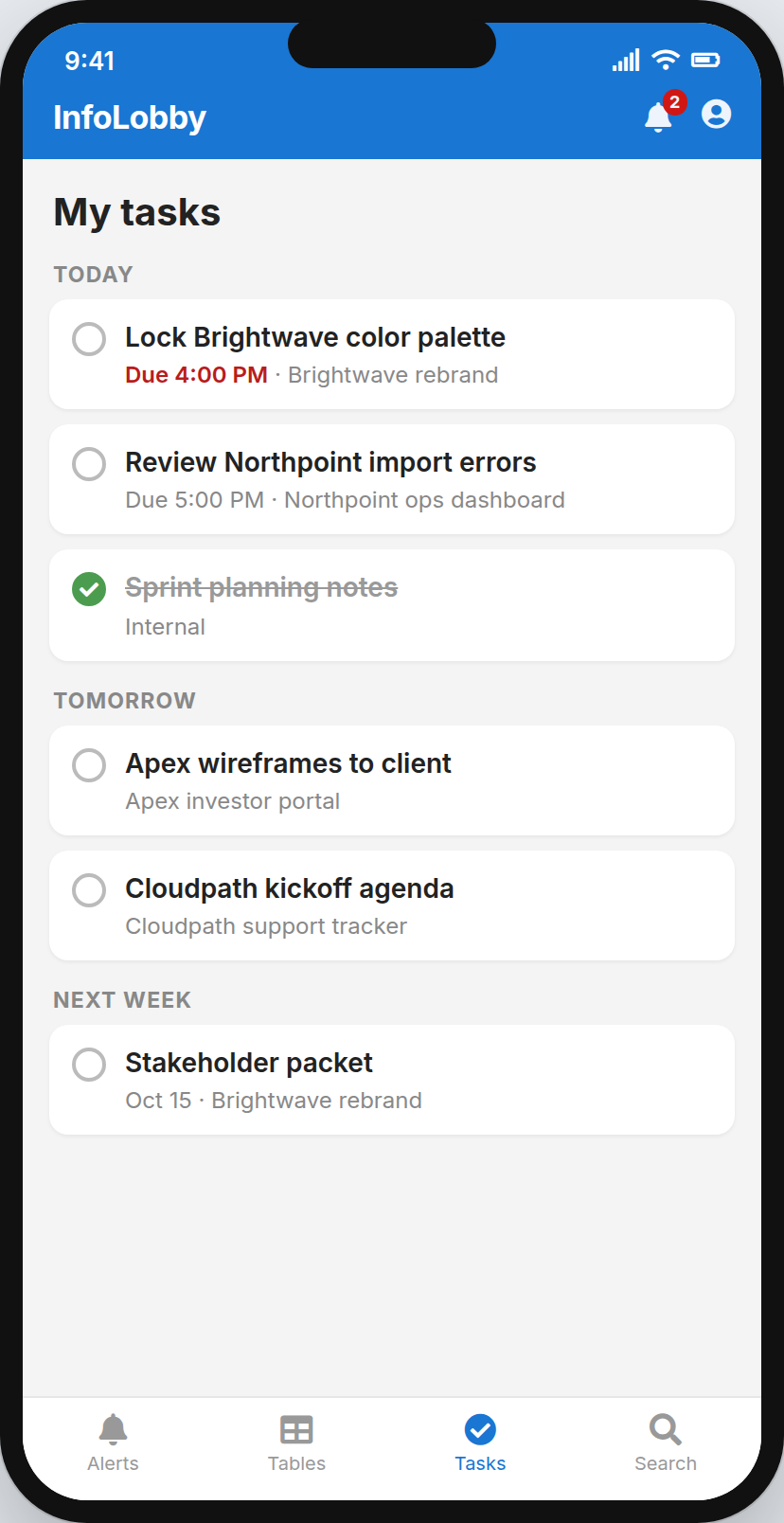
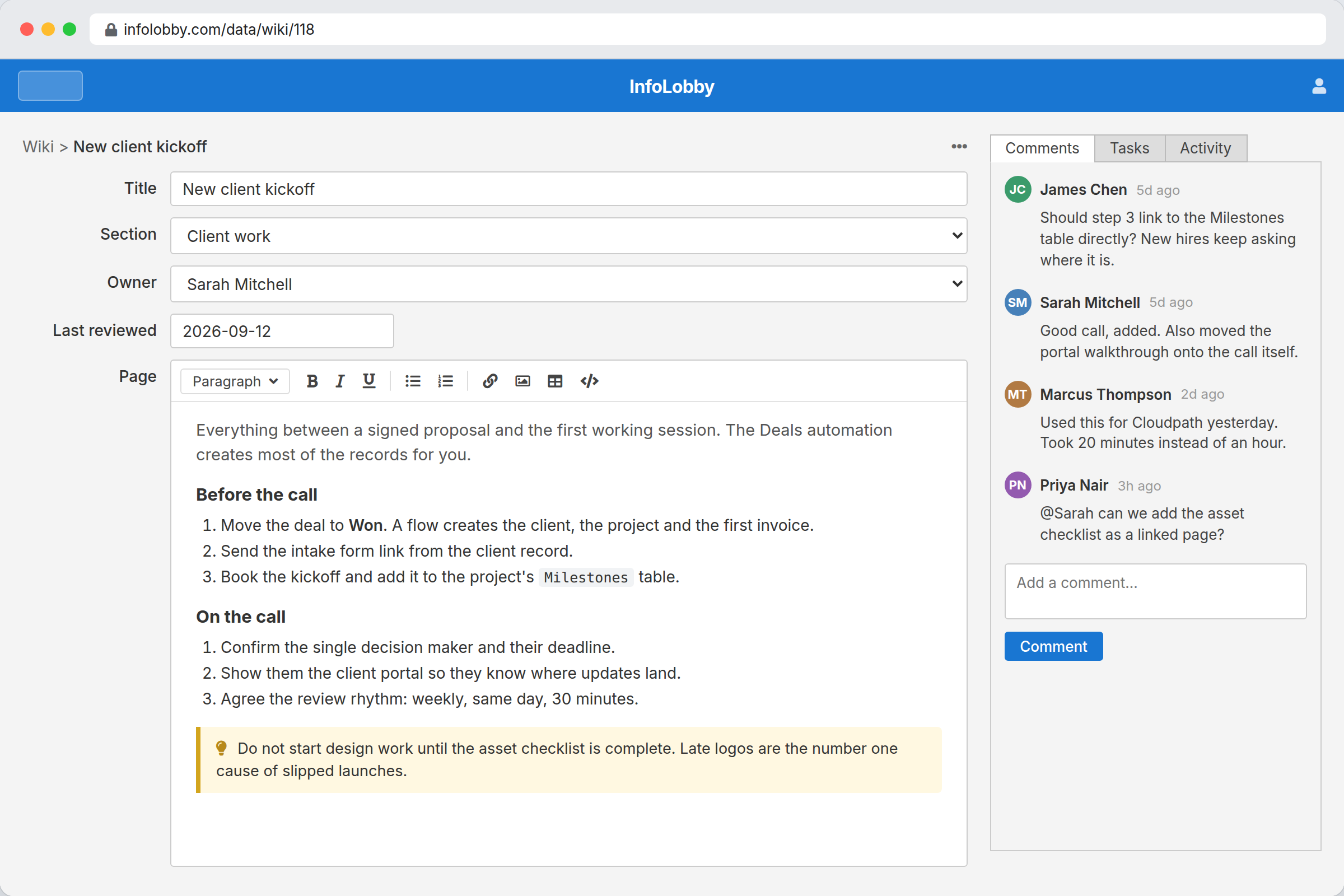
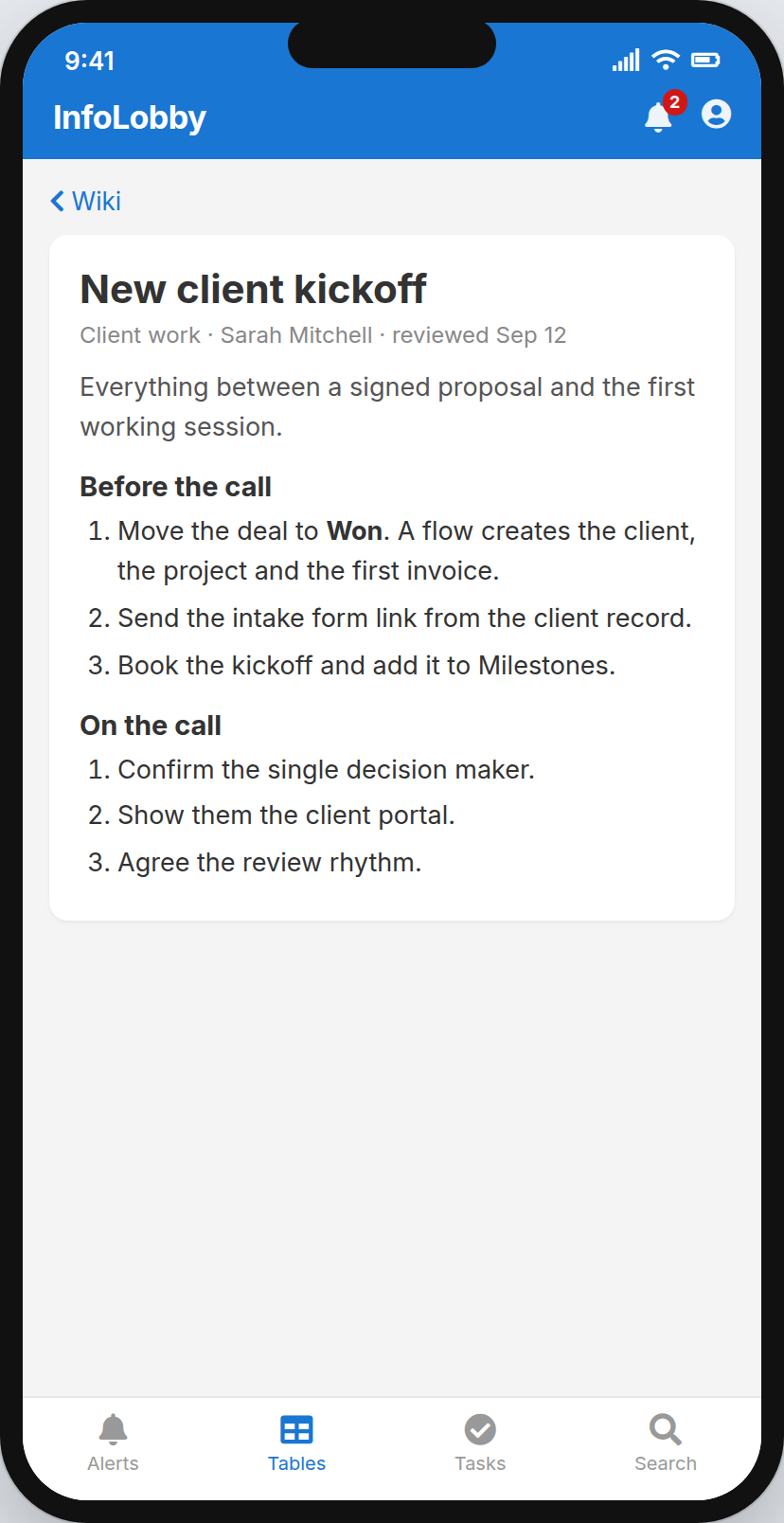
A spreadsheet row can't hold a conversation. A record can. Tasks with owners and reminders that actually fire. Comments next to the thing they're about. Files where they belong, not in "New Folder (2)".
Plus a full history of who changed what. Useful in most meetings. Decisive in some.
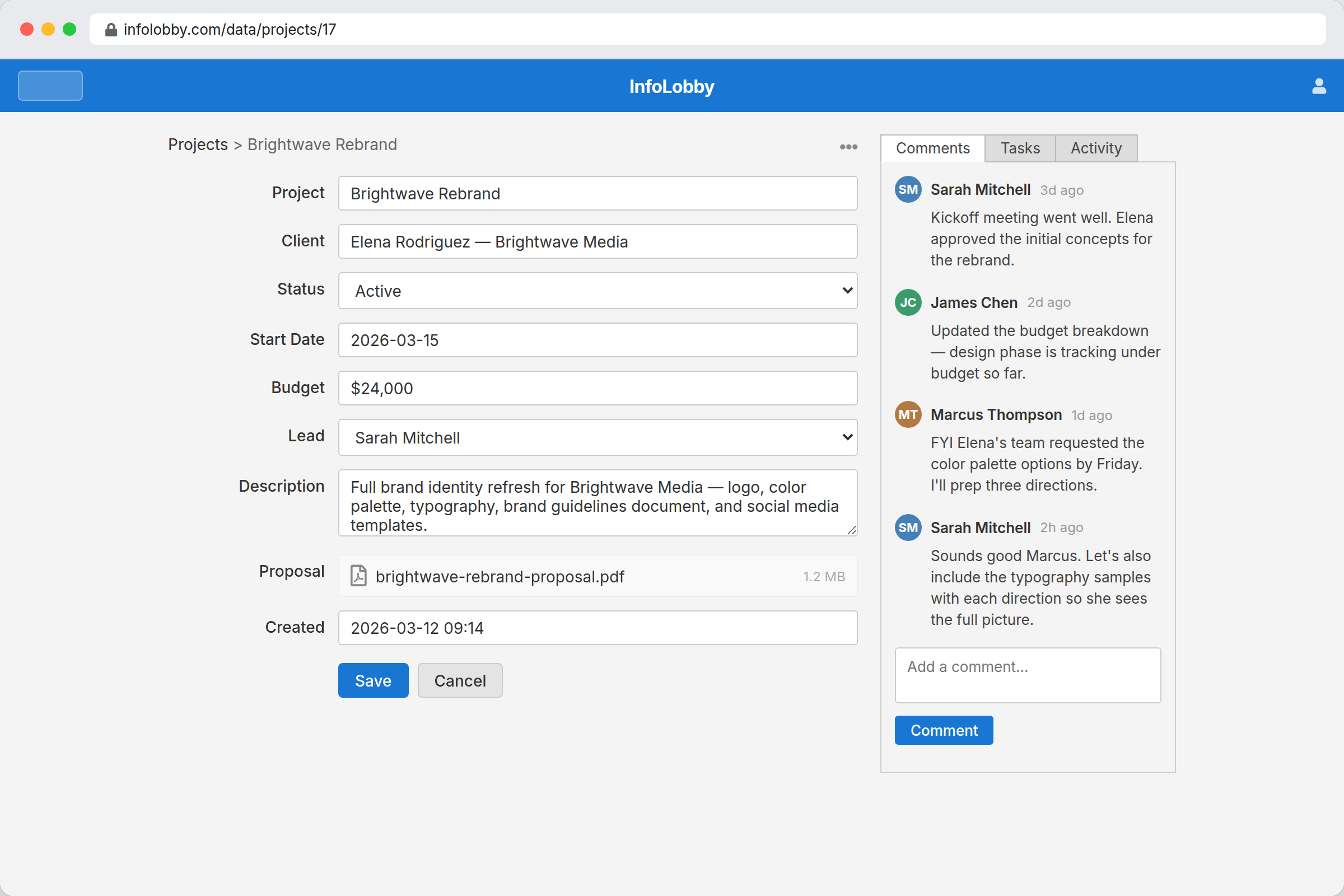 The decision, the file and the history, in one place.
Try it on one process this week
Import the spreadsheet or install an App Market pack, then change it as you go. 14 days free, no credit card required.
Not a category. A box of parts.
You assemble them into the system your business actually runs on, then rearrange them whenever you like.
- Tables with real field types, relationships and rollups
- Grid, kanban, calendar and gallery views
- Permissions per workspace
- Public web forms and electronic signatures
- Visual automation across every table
- Reports and charts over live records
- An email address for every table and record
- REST API, webhooks and PHPScript
- Managed MySQL, file storage and backups
- Leftover screws: 0
Yes, there's AI. No, it doesn't get the master key.
Your team is already pasting company data into chat windows. Here, AI comes in through the same front door as everyone else: a role, permissions, and a history of everything it touched.
- A built-in assistant that builds tables, fields and flows, on our key, nothing to set up
- A remote MCP connector for Claude, ChatGPT and other hosted assistants
- An agent skill for Claude Code, Cursor, Gemini CLI and friends
- API keys scoped to one workspace, read only, pinned to an IP
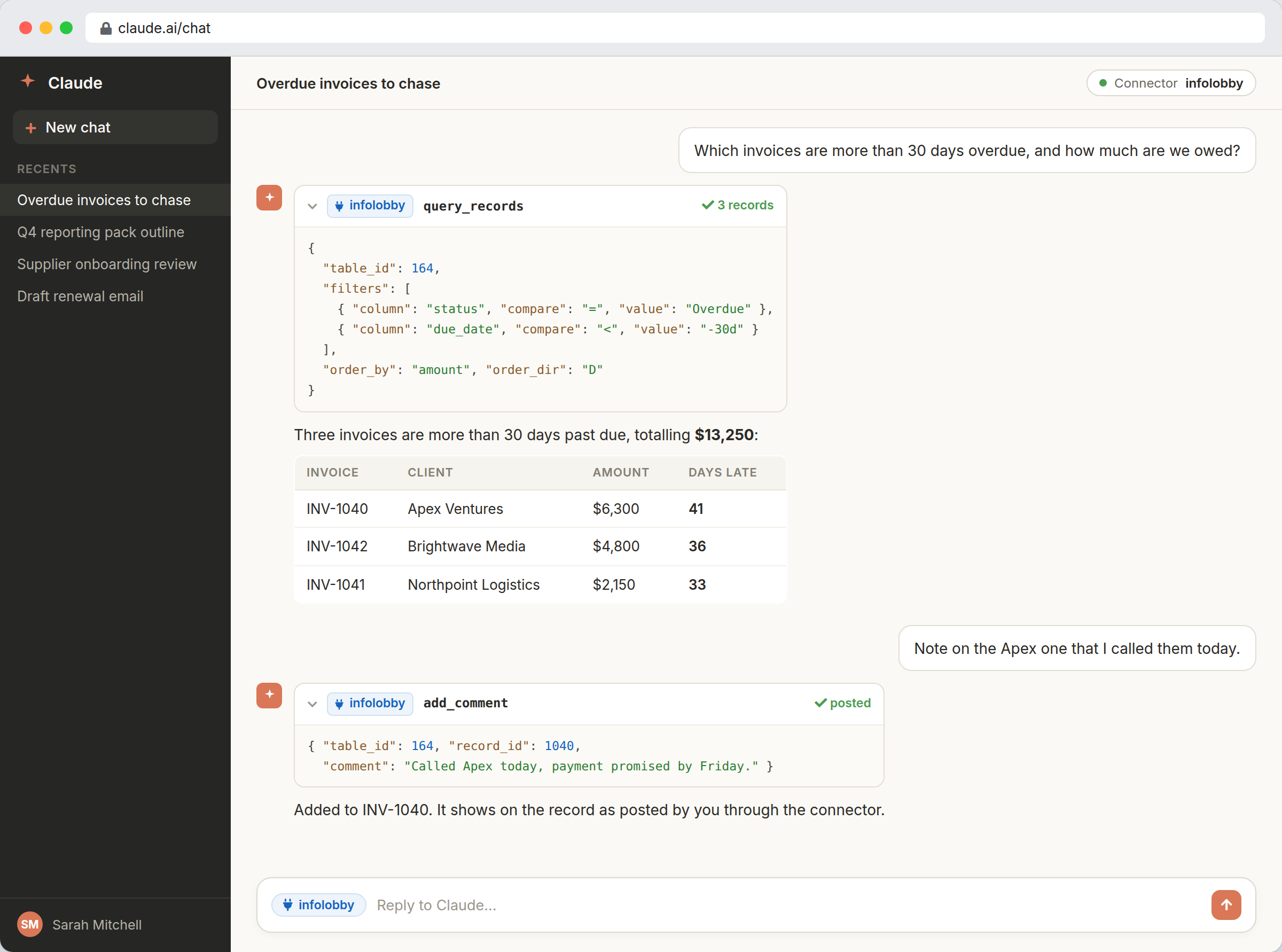 It acts as you. So it can't see the payroll table you can't see either.
Roles still apply
An agent connects as a person with a role. It reaches exactly what that person reaches, and not one table further.
Changes are proposals
In-app edits arrive as a diff with an Approve button. Undo sits right next to it, because we've met software.
Every write is signed
Agent writes land in the record history, badged with the key that made them. "Who did this?" finally has an answer.
You build it. We run it.
Your job
- Design the tables
- Build the automations
- Decide who sees what
- Take all the credit
Our job
- Run the MySQL database
- Store the files
- Back it all up and ship the updates
- Get paged at 2am
Your data stays yours: full REST API access, and SQL dumps you can download whenever you want.
Flat monthly pricing. Not per seat.
Plans start at $29/month, unlimited users included.
The moment a system is useful, you want everyone on it. Per-seat pricing charges you more for exactly that, so we don't use it.
Built by the team behind GlobiFlow
Citrix bought GlobiFlow in 2017 and made it the automation engine inside Podio, where it still runs every day as Podio Workflow Automation, now under Progress Software. If you used it, you probably never noticed it, which is how automation should be.
Nine years of watching businesses run real invoicing on our automation taught us where these systems hold up, and where they quietly ruin somebody's Friday. InfoLobby is the version we always wanted to build, and this time it's ours to run.
- We built GlobiFlow
- 2017: Citrix acquired it
- Now: InfoLobby
Stuck? A real human replies within one business day.
Not a forum thread from 2019 marked "solved" with no answer. The people who built it. Open a ticket from the user menu in the app and your account comes attached, so you don't have to explain your setup. How support works. Rather skip the building? We'll build the first version for you.
Who it's for, and who it isn't
Choose InfoLobby if
- You're the person everyone asks to make the system do something new
- Your process is specific enough that no off-the-shelf app quite fits
- You want to build it yourself and keep changing it
- You want an API and a code escape hatch for when configuration runs out
- You're done paying a full seat for someone who opens one report a quarter
Look elsewhere if
- You want a deep vertical suite with every industry feature pre-built
- You need a pure CRM with dialers, enrichment and sales coaching
- You'd rather not shape any part of the system yourself. Totally valid. Just not this.
Frequently asked questions
What happens when I hit a limit?
You go through it. PHPScript handles logic the visual builder can't express, flows can call any REST API, and the public API reaches your data from outside. The builder running out is a Tuesday, not a dead end.
Do I need to write code?
No. Most of InfoLobby is point and click, and plenty of workspaces never contain a line of script. Code is there for the day you want it, like the fire extinguisher nobody has touched since 2021.
Can I get my data out?
Anytime. Everything is reachable through the REST API, and you can download SQL dumps of your database whenever you like. We'd rather you stayed because leaving is easy, not because it's impossible.
Do you charge per user?
No. Plans are flat monthly with unlimited users, so adding the team, the contractors and read-only viewers doesn't change the bill. The numbers are on the pricing page.
Do I have to start from scratch?
No. Import the spreadsheet you already have, install an App Market pack and bend it until it fits, or ask the built-in assistant to set up the first tables for you.
Can I use my own database?
You can connect your own MySQL server or S3 storage if you want to. Most people don't bother, because the managed ones are already running and have never once asked for attention.
Can the AI see everything in my account?
No. An agent connects as a person and inherits that person's role, so it reaches exactly what they reach. You can scope an API key to one workspace, mark it read only and pin it to an IP, and every write it makes lands in the record history badged with the key that made it.
Do I need an OpenAI key?
Not to build. The assistant designs tables, fields and flows on our key from day one, with nothing to configure. Connect your own OpenAI key when you want it reading and changing actual records: that usage is billed to you at cost, and the data goes to an account you control rather than one we resell.
Can I use Claude or ChatGPT instead of yours?
Yes. There is an installable agent skill for local CLI agents and a remote MCP connector over OAuth for hosted assistants. Same API, same permissions, same history. We won't take it personally.
Do you build it for me?
If you'd like. Describe the process and we set up the tables, views, intake form and starter automations, then hand you the keys. Here's how that works.
Stop being the spreadsheet's emergency contact
Start with the process that annoyed you this morning. 14 days free, no credit card required.