TL;DR
- A MySQL frontend with automation is the middle ground between database admin tools, which non-developers cannot use safely, and connector platforms, which are clumsy when the work is mostly about records already in your database.
- The automation that matters is record-level: a field changes, a row is created, a date arrives, and something happens as a result. Connector-style "move data between apps" is a different job.
- Scheduled work is the capability teams underestimate most, and the one they miss most once they have it.
- Do not put automation in the frontend when the rule is a data integrity constraint. Those belong in the database.
- Before choosing, test one real workflow end to end, including an error, and check whether a non-developer can explain what happened.
We built one of these, so the shape of the problem is familiar: the database is fine, and the people who need to use it every day cannot.
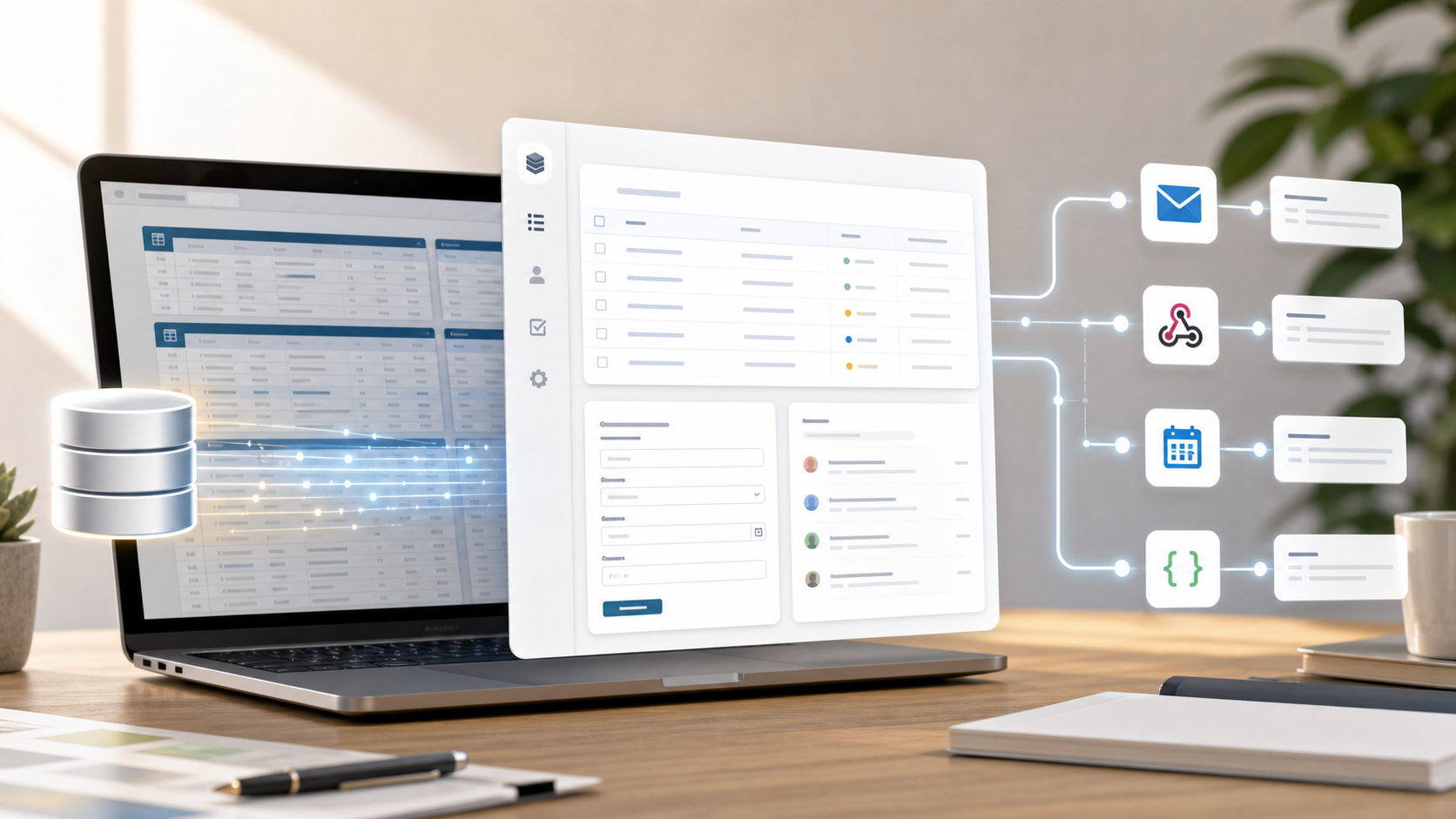
A MySQL frontend with automation sits between two tools teams often outgrow: raw database admin screens and disconnected no-code workflow builders.
Raw database tools are good for developers. They are poor places for a team to run daily work. Connector-first automation tools are good at moving data between apps. They can become clumsy when the work is mostly about records that already live in a database.
The useful middle ground is a frontend that makes database records usable by people, then lets routine actions happen from those records.
The Short Version
Look for a MySQL frontend with automation if you need non-developers to view, edit, search, assign, comment on, and act on structured records without writing a custom app from scratch.
The automation layer should handle ordinary operational events:
- A record is created
- A record is updated
- A record is deleted
- A schedule runs
- A webhook arrives
- A user runs a workflow manually
That does not mean every workflow belongs in the database frontend. Some should stay in a connector tool, a queue, a backend service, or a proper workflow engine. The test is whether the automation needs record context.
If it does, keep it close to the record.
Where A Basic MySQL Frontend Stops
Basic database frontends solve access. They let you browse rows, edit fields, filter data, and avoid giving everyone direct SQL access.
That is useful, but it is not a complete operations system.
Teams usually need more:
- Forms for clean data entry
- Role-based access
- Record pages people can understand
- File attachments
- Comments and task follow-up
- Change history
- Email notifications
- Scheduled checks
- Webhooks and API calls
- A safe way to encode business rules
Without those layers, the missing work moves elsewhere. A cron job sends reminders. A script updates statuses. A form tool writes into a table. A spreadsheet tracks exceptions. Six months later, nobody knows which part is responsible for what.
That is the real cost of a frontend that only does CRUD.
What Automation Should Mean
For this category, automation should be boring and visible.
Good automation in a database frontend usually means:
- Record triggers for create, update, and delete events
- Scheduled jobs for daily or weekly checks
- Manual workflows for human-controlled actions
- Incoming webhooks for outside systems
- Email actions for confirmations and alerts
- HTTP/API actions for external services
- Query and update steps for related records
- Logs or error alerts when something fails
The point is not to build a second application inside the automation tool. The point is to make routine database-adjacent work explicit.
If a new support ticket creates an SLA deadline, that rule should be visible somewhere. If a vendor record goes stale and sends a reminder, the team should know where that reminder lives. If a webhook updates a delivery status, there should be a trail.
A Practical Example
Imagine a support_ticket table.
When a new ticket is created, the team needs to:
- Confirm receipt to the customer.
- Assign the ticket based on priority.
- Set an SLA deadline.
- Notify the right person.
- Log what happened.
In a plain database frontend, someone still has to build the workflow somewhere else.
In a MySQL frontend with automation, that can be one visible record-created workflow. The automation can read the ticket fields, look up related records, update the deadline, create a task, send an email, and log the result.
That is not glamorous. It is useful because the logic lives near the data it affects.
Scheduled Work Matters More Than People Think
Record triggers get attention because they feel immediate. Scheduled work is often where the operational value is.
Examples:
- Every morning, find overdue tasks and send a digest.
- Every Friday, summarize open customer issues.
- Once an hour, check records waiting for an external callback.
- Each night, mark stale leads for follow-up.
- Once a month, generate renewal reminders.
These workflows do not need a huge automation platform. They need safe access to the data, clear conditions, and visible results.
Scheduled jobs are also where hidden scripts can cause the most confusion. If a process runs every day, it should be easy to find, pause, edit, and explain.
Webhooks: Useful, But Not A Strategy
Webhooks are valuable because they let outside systems talk to your database workflow.
They can receive:
- Website form events
- Payment status changes
- Build or monitoring updates
- Partner system notifications
- Custom script check-ins
But webhooks are only the entry point. The important part is what happens next.
A webhook payload usually needs to become a record update, task, notification, log entry, or API call. If that follow-up logic lives in the same place as the records, it is easier to reason about than a chain spread across several tools.
When Not To Put Automation In The Frontend
Some work should not live in a MySQL frontend.
Use another tool when you need:
- High-volume event streaming
- Long-running background workers
- Complex retry queues
- Enterprise workflow governance
- Desktop automation
- Marketing journey automation
- Deep connector catalogs
- Heavy data transformation pipelines
A database frontend with automation is best for operational workflows around records. It is not a replacement for every integration or backend process.
What To Check Before Choosing
Before choosing a MySQL frontend with automation, check the unglamorous parts.
Trigger Clarity
Can you see which automations run on create, update, delete, schedule, webhook, or manual action? If the answer is hidden in code or scattered across accounts, debugging will be painful.
Permissions
Can non-technical users safely edit records without getting raw database access? Can admins control who sees and changes each workspace or table?
Error Handling
What happens when a workflow fails? Look for visible error alerts, logs, and a clear way to clear or retry after fixing the cause.
Data Path
Does the tool require your existing MySQL server, or can it start with managed storage? The best answer depends on the team. Managed is simpler. Bring-your-own database is useful when existing production data or infrastructure control matters.
Automation Scope
Can automations query related records, update fields, send email, call APIs, and receive webhooks? If not, the tool may still push too much work into external scripts.
Exit Plan
Can you export records? Can you use an API? If you bring your own database, what data stays directly under your control? Do not wait until migration week to ask.
Where InfoLobby Fits
InfoLobby is one option in this category.
It starts with a managed MySQL database and managed file storage, then adds workspaces, tables, record views, permissions, files, comments, tasks, forms, automations, activity history, and API access.
It also supports connecting your own MySQL server, S3 storage, or FTP when that is the better path. That matters because not every team should start by managing infrastructure, a trade-off we cover in managed database vs bring your own database.
For automation, InfoLobby supports record events, schedules, manual runs, and webhooks. Common workflows can be built visually with workflow automation. PHPScript is available when a workflow needs custom logic. Automations can query and update records, send email, call HTTP APIs, use AI steps, and write log messages.
That makes it a fit when the team wants the database, the frontend, and the record-level automation in one operational workspace.
It is not the right fit if the main requirement is a massive connector marketplace, a developer-only job runner, or enterprise process orchestration.
A Reasonable Buying Rule
Choose a MySQL frontend with automation when the workflow needs the same record context your team uses every day.
Choose a connector tool when the job is mostly app-to-app data movement.
Choose custom backend code when the job needs queueing, scale, retries, or application-specific behavior that does not belong in a business-user interface.
Choose managed storage when speed and simplicity matter most. Connect your own MySQL when existing data, custom capacity, or infrastructure control matters more.
That rule prevents two common mistakes: forcing every workflow into a no-code automation tool, and forcing every business process into raw database tooling.
FAQ
Is a MySQL frontend with automation the same as database triggers?
No. Database triggers run inside MySQL and are usually developer-maintained. Frontend automation runs at the application layer, where teams can often see, edit, disable, and monitor the workflow more easily.
Should every database workflow become an automation?
No. Automate repeated work with clear rules. Keep judgment-heavy steps human, and keep high-volume backend jobs in systems built for that load.
Do I need to bring my own MySQL database?
Not always. Some tools, including InfoLobby, can start with managed MySQL and let you connect your own database later if needed.
What is the biggest risk with this kind of tool?
Hidden logic. If automations are hard to find, hard to monitor, or hard to explain, the frontend can become another place where business rules disappear.
What should I test first?
Test one real workflow: create a record, trigger an email or task, update a field, handle an error, and check whether a non-developer can understand what happened.
Related reading: webhook automation examples, workflow automation software for operational data, managed database vs bring your own database, and why atomic master detail matters. For the category view, see online database software.