TL;DR
- Per-seat CRM pricing does not just cost money. It changes who is allowed to see the customer, which is a data quality decision disguised as a billing one.
- The tell is a shared login, or a team that keeps a side spreadsheet because only three people have seats.
- Flat pricing matters most when a workflow needs occasional participants: technicians, contractors, finance, or clients.
- This is not an argument that per-seat is always wrong. It is clean when every paid user gets daily value.
- Start with managed storage. Use your own database when customer data already lives there or infrastructure control matters.
Small business CRM software gets awkward when every person who needs customer context becomes a paid seat.
Sales may own the pipeline, but customer data rarely stays inside sales. Operations needs delivery details. Support needs history. Finance needs billing context. Founders need visibility. Sometimes contractors or clients need limited access too.
If pricing makes you ration access, people create side channels: exported spreadsheets, shared logins, forwarded emails, private notes, and "just ask me" bottlenecks.
That is the real CRM problem for many small teams. Not a lack of features. A lack of shared customer truth.
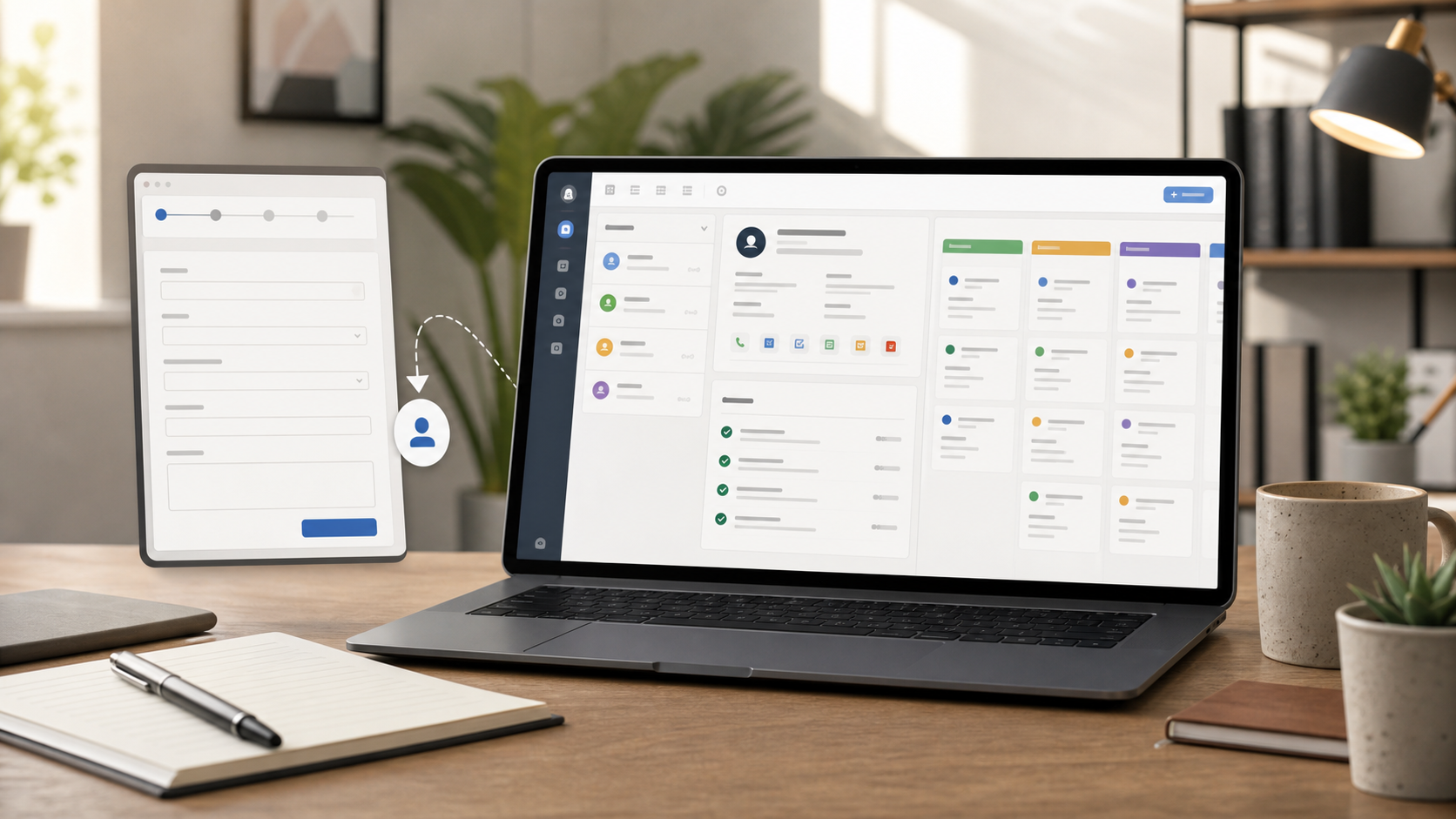
Start With The Job, Not The Category
Before choosing a CRM, ask what the team actually needs to do.
A small business CRM may only need to answer:
- Who is this contact?
- Which company are they tied to?
- What stage is the deal or request in?
- Who owns the next follow-up?
- What was promised?
- What files, notes, tasks, forms, and messages belong here?
- What happened after the sale?
If those are the main questions, you may not need a heavyweight sales suite. You may need a flexible customer workspace.
CRM Options For Small Teams
| Option | Best for | Tradeoff |
|---|---|---|
| Spreadsheet CRM | Fast start, tiny teams, simple lists | Weak permissions, history, and follow-up |
| Traditional CRM | Sales teams with pipeline discipline and sales-suite needs | Per-seat pricing and sales-first assumptions |
| Database workspace | Flexible customer records with tasks, forms, comments, files, and automations | Requires some setup and process decisions |
| Custom CRM | Exact process fit | Requires design, development, hosting, QA, and maintenance |
No option is universally best. The right one depends on how customer data moves through the business.
When Per-Seat Pricing Becomes A Problem
Per-seat pricing is clean when the CRM is used by a small, defined sales team. It becomes a problem when the CRM is really an operating record for the whole company.
Watch for these signs:
- People ask for exports because they do not have access
- Team members share screenshots instead of links
- Customer details live in chat or email because not everyone has a seat
- Support or delivery keeps a separate tracker
- Leadership sees stale reports because the source is not broadly updated
- Contractors need limited access, but the seat cost feels hard to justify
The issue is not that per-seat pricing is bad. The issue is that customer context often needs wider access than a sales-only model assumes.
What To Build First
Do not start with every possible CRM field. Start with the smallest model that reduces confusion.
Use these core tables or objects:
| Table | Purpose | Useful fields |
|---|---|---|
| Companies | Accounts or organizations | Name, website, industry, owner, status |
| Contacts | People you talk to | Name, email, phone, role, company |
| Deals or Requests | Opportunities or active work | Stage, value, close date, owner, priority |
| Activities | Calls, emails, meetings, notes | Type, related record, date, user, details |
| Tasks | Follow-up work | Owner, due date, status, related record |
That is enough for most small teams to stop losing context.
Add onboarding records, renewals, service requests, invoices, partner referrals, or project handoff only when the process needs them.
How To Judge A CRM For A Small Team
Use five criteria.
Access
Can everyone who needs customer context see or update the right records without paying for unnecessary seats or sharing logins?
Structure
Can the system model companies, contacts, deals, tasks, files, notes, and related records without turning into a pile of custom fields nobody trusts?
Follow-Up
Can the CRM make ownership and due dates obvious? Missed follow-up is usually the real failure.
Intake
Can website forms or internal forms create records directly? If leads still get copied from email into the CRM, the workflow is leaking.
Exit Path
Can you export records? Is there API access? If the system becomes important, how painful would it be to leave?
Where A Database Workspace Fits
A database workspace sits between spreadsheets and full CRM suites.
It can be a good fit when:
- Customer records overlap with operations
- Sales and delivery need the same source of truth
- The team wants forms, tasks, comments, files, and history around records
- User access should be broad
- The process does not match a rigid sales template
It is a poor fit when the team needs dialers, advanced forecasting, territory planning, commission tooling, campaign attribution, or a large CRM app marketplace.
Where InfoLobby Fits
InfoLobby is one database-workspace option for this kind of CRM. It starts with managed MySQL and managed file storage, then adds workspaces, tables, records, forms, tasks, comments, files, automations, activity history, and API access.
It also lets teams connect their own MySQL, S3, or FTP later when existing data, capacity, or company policy makes that useful.
The fit is strongest when customer records are part of daily operations, not just a sales pipeline.
Setup Path
Start with one workflow.
- Create companies and contacts.
- Add deals or requests only if the team needs stages.
- Add tasks for follow-up.
- Add a lead or request form.
- Decide who can view, edit, and administer the workspace.
- Add one automation: assignment, reminder, or status update.
- Review after two weeks before adding more fields.
The goal is not to recreate Salesforce in miniature. The goal is to make customer context dependable.
Bottom Line
A small business CRM should make follow-up easier and customer context easier to share.
Choose a traditional CRM when your main need is sales-suite depth. Choose a database workspace when customer records need to support the whole operation. Choose a custom CRM only when the process is important and unusual enough to justify building software.
Per-seat pricing is not automatically wrong. It is wrong when it makes people work outside the system.
FAQ
Is a spreadsheet enough for a small business CRM?
Sometimes. A spreadsheet is fine for a very small, low-risk contact list. It breaks down when multiple people need permissions, history, follow-up, files, forms, or reliable reporting.
What is the first CRM feature to set up?
Follow-up tasks. A simple customer record with a clear next owner and due date usually beats a complex CRM with no follow-up discipline.
Do small teams need a traditional CRM?
Only if they need sales-suite features. Many small teams need customer records and follow-up more than forecasting, territories, dialers, or campaign attribution.
Should a CRM use managed storage or an existing database?
Managed storage is usually the easier start. Use an existing database when important customer data already lives there or when infrastructure control matters.
Related reading: custom CRM for small business, outgrowing Airtable, avoid vendor lock-in, and fix duplicate customer records. See also custom CRM and pricing.