TL;DR
- A spreadsheet stops being safe as a system of record the moment decisions are made from it by people who did not build it.
- What breaks first is almost never capacity. It is silent edits, no history, and no way to tell which copy is current.
- You do not need to abandon spreadsheets. Keep them for analysis and modelling, where they are genuinely the best tool.
- Move the part that has intake, ownership, status and history. That is the part a database does better.
- Do it one process at a time. Big-bang spreadsheet migrations fail because the sheet encodes rules nobody wrote down.
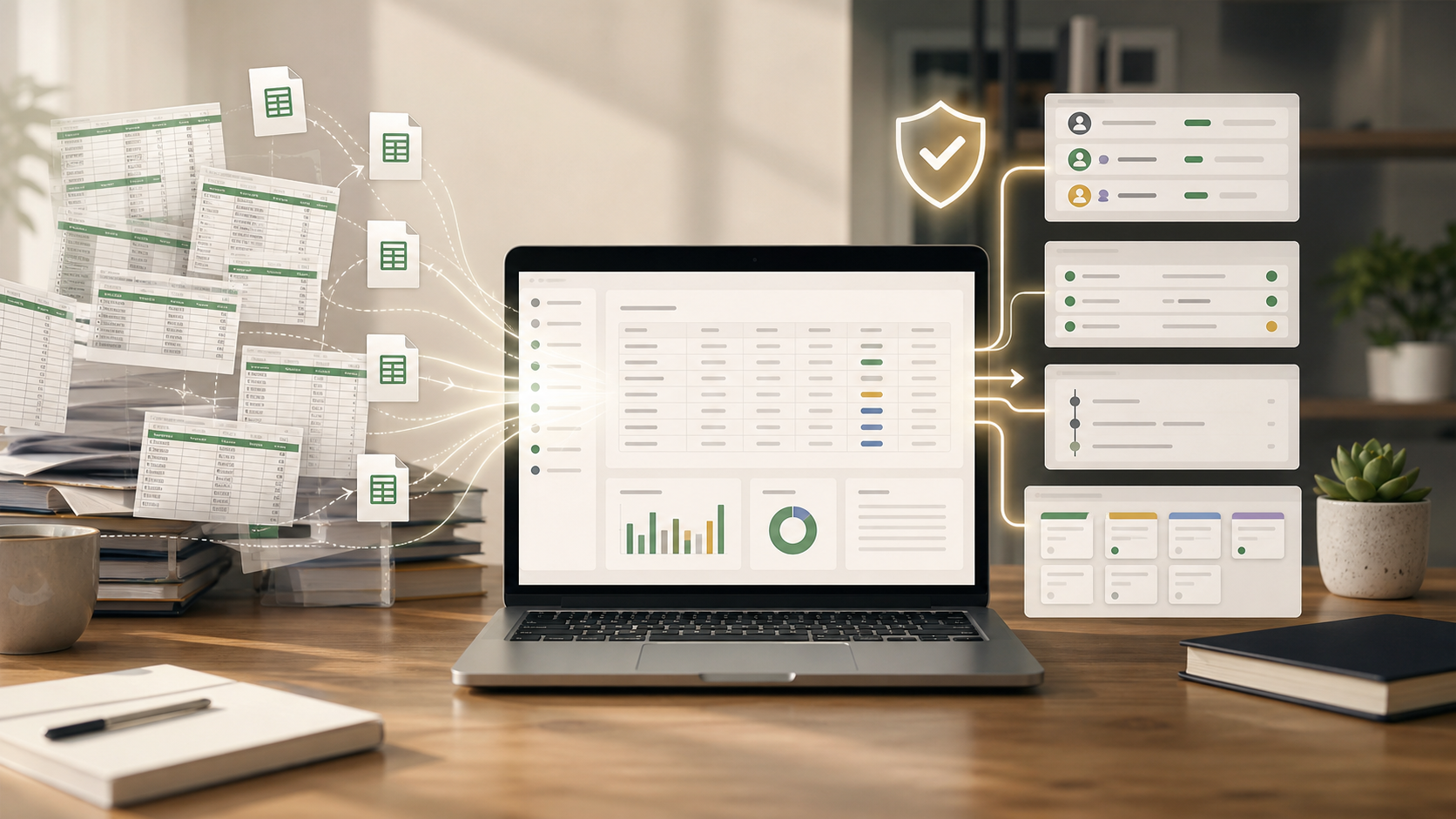
Stop using spreadsheets as your system of record when the file is no longer a working document and has become the place your business makes operational decisions.
That line is easy to miss.
A spreadsheet starts as a relief. One file for prices. One tab for customers. One column for status. Everyone can see it. Anyone can update it. Nothing needs to be built.
Then the spreadsheet becomes the workflow, the database, the approval queue, the audit trail, the reporting layer, and the integration plan.
That is too much work for a grid.
The Real Problem Is Not Spreadsheets
Spreadsheets are good tools.
Use them for:
- Planning
- Modeling
- Ad hoc analysis
- One-off exports
- Temporary tracking
- Quick cleanup
- Personal working lists
The problem starts when a spreadsheet becomes the official record for recurring work: pricing, customer status, orders, inventory, vendor documents, service requests, renewals, approvals, or financial operations.
At that point, the team does not need a cleverer file name. It needs a safer operating model.
Signs The Spreadsheet Has Become Risky
There Are Multiple "Final" Copies
If the source of truth lives beside copies called final, final-2, or use-this-one, the team is already managing versions manually.
Manual version control works until two people make different correct changes in different files.
People Are Afraid To Sort Or Paste
When a simple sort, paste, or inserted row can break the sheet, the file is holding hidden logic.
That hidden logic may be formulas, lookup ranges, protected cells, formatting rules, or conventions only one person understands. The risk is not always that the sheet breaks loudly. Often it keeps working with the wrong answer.
Permissions Are Too Broad
Operational data usually needs roles:
- Some people view only
- Some edit assigned records
- Some update specific fields
- Some administer the structure
- Some submit data through forms without seeing the full dataset
A shared spreadsheet often gives too much access or requires awkward workarounds.
Copy-Paste Has Become The Integration Layer
Data moves from emails to spreadsheets, from spreadsheets to accounting, from forms to spreadsheets, from spreadsheets to reports.
That movement is slow, but the bigger problem is uncertainty. Nobody knows whether the copied value is current, complete, or already changed somewhere else.
History Is Hard To Rebuild
When something goes wrong, the team needs to know:
- Who changed the record?
- What changed?
- When did it change?
- What was the previous value?
- Was the update manual, imported, automated, or form-submitted?
If answering those questions takes memory, chat search, or file timestamps, the system does not have enough auditability.
What A System Of Record Needs
A system of record does not have to be a large enterprise platform. It does need to do jobs a spreadsheet is weak at.
Look for:
- Structured records instead of loose cells
- Clear field types and required fields
- Role-based access
- Record pages humans can understand
- Forms for controlled intake
- Comments, files, and tasks near the record
- Activity history
- Search and saved views
- Automations for repeated follow-up
- API access for external systems
- Export or ownership path if you need to leave
The point is not to make work more formal. The point is to stop relying on memory and caution as your safety system.
What To Replace The Spreadsheet With
Do not jump straight to custom software by default.
| Current problem | Better next step |
|---|---|
| Personal analysis or temporary planning | Keep the spreadsheet |
| Small shared tracker with light risk | Spreadsheet or simple database app |
| Recurring operational records | Database-backed workspace |
| Highly specialized workflow | Custom internal tool |
| Heavy reporting across many systems | BI or data warehouse |
The right replacement depends on what the spreadsheet is doing now.
If it is a calculator, keep it. If it is the record of what customers bought, what vendors owe, what price is current, or what work is due, move it into something with stronger structure.
Managed Database Or Bring Your Own?
For most small teams, managed is the practical start.
Managed storage is better when:
- The workflow is new
- The team needs to move quickly
- Nobody wants to manage credentials, backups, or hosting
- The priority is a usable interface, not infrastructure
Bring your own database is better when:
- Important data already lives in MySQL or MariaDB
- Other systems already depend on that database
- Backup, retention, or access policies matter
- You need capacity beyond managed plan limits
- The business wants direct infrastructure control
Do not pick bring-your-own infrastructure because it sounds more serious. Pick it when it solves a real operational requirement.
Migration Path
Start with one file, not the whole business.
- Choose the spreadsheet people trust least.
- Identify the real records inside it: customers, prices, orders, vendors, requests, assets, or projects.
- Define the minimum fields and field types.
- Decide who can view, edit, and administer the data.
- Replace manual intake with a form where possible.
- Add one useful automation: assignment, reminder, notification, or status update.
- Keep the spreadsheet read-only until the new system proves itself.
The goal is not a perfect rebuild. The goal is to remove the most dangerous uncertainty first.
Where InfoLobby Fits
InfoLobby is one database-backed workspace option for this kind of move. It starts with managed MySQL and file storage, then adds workspaces, tables, records, forms, comments, tasks, files, automations, activity history, and API access.
If the business already has MySQL, S3, or FTP infrastructure, it can connect to that later. That makes bring-your-own infrastructure an option, not the starting requirement.
The fit is strongest when a spreadsheet has become an operational system and the team needs records, permissions, workflow, and history without building a custom app from scratch.
Bottom Line
Spreadsheets are excellent working tools. They are fragile systems of record.
Keep them for analysis, modeling, and temporary work. Move the process when the file controls daily operations, multiple people edit it, mistakes are hard to trace, or access rules matter.
A business can survive a messy spreadsheet. It should not have to run on one.
If your spreadsheet-style system is already in Smartsheet, review the best Smartsheet alternative for small business for the product, pricing, and migration tradeoffs.
If your spreadsheet-style system is already in Smartsheet, review the best Smartsheet alternative for small business for the product, pricing, and migration tradeoffs.
FAQ
When is a spreadsheet no longer safe as a system of record?
When multiple people depend on it for recurring operational decisions and mistakes are hard to prevent or reconstruct.
Should every spreadsheet become a database?
No. Temporary analysis, planning, and simple personal trackers belong in spreadsheets. Recurring shared operations usually need more structure.
Do we need custom software to replace a spreadsheet?
Not always. Many teams can start with a database-backed workspace that provides records, forms, permissions, tasks, activity history, and automations.
Should we start with a managed database or our own database?
Start managed unless existing production data, capacity, retention, backup, or infrastructure rules make bring-your-own database worth the extra responsibility.
Related reading: when to move from Google Sheets to a database, Google Sheets cell limit, fix duplicate customer records, and stop copying website data into spreadsheets. See also replace spreadsheets and audit trail software.