TL;DR
- A webhook that posts to chat tells you something happened. A webhook that creates a record tells you what happened, to whom, and who owns the next step.
- The highest-value pattern is the one nobody builds: alerting on the message that did not arrive. Missed backups and dead devices are silent failures.
- Good candidates are outside signals that need a durable trail: backup reports, device logs, vendor documents, job completions.
- Webhooks are a poor fit when you need user identity, review screens, high-volume streaming, or regulated source-of-truth records.
- Every example below is a record plus a schedule, which is the whole trick.
Webhook automation is most useful when it turns outside signals into operational records.
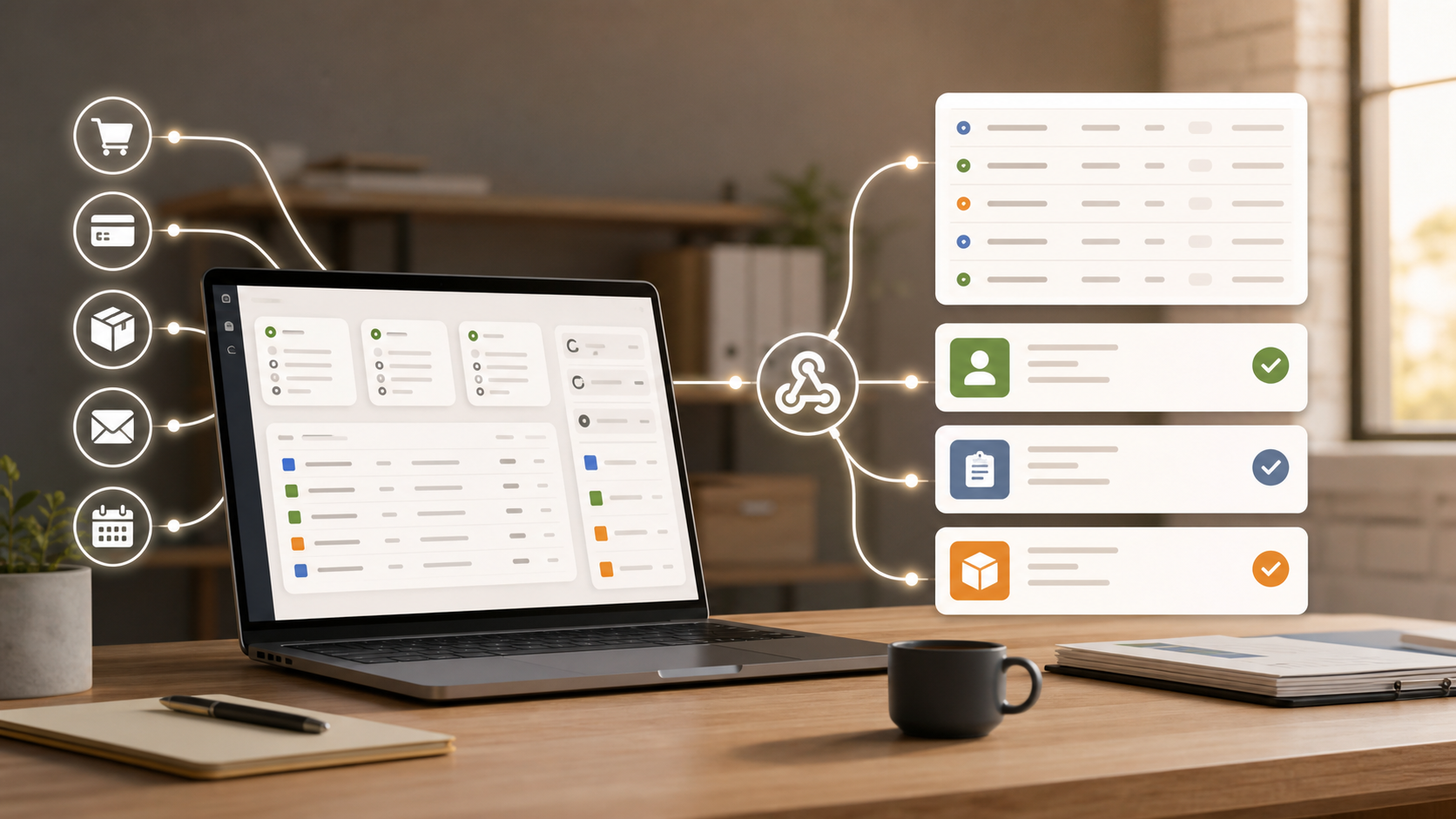
A Slack message says something happened. A record can tell you what happened, when it happened, which customer or job it affected, who owns the next step, and whether the expected follow-up happened.
That is the useful shift for small business operations. Webhooks stop being loose notifications and become part of how the business runs.
The Basic Pattern
Good webhook automation has three parts.
| Part | What it answers | Example |
|---|---|---|
| Trigger | What event calls the webhook? | Backup complete |
| Record | Where is the event stored? | Backup Runs table |
| Follow-up | What should happen next? | Alert if no run by 3:00 a.m. |
That middle step matters. If the webhook only sends a notification, the signal disappears. If it lands in a table, the team can search it, report on it, audit it, and build exception rules around it.
Use webhook automation when an outside system, script, device, or person needs to tell your operations system, "this happened."
Avoid webhook automation when the process needs a logged-in human decision, a full review screen, complex two-way sync, or high-volume event streaming.
How To Judge A Webhook Workflow
Before choosing a tool or building the workflow, check five things.
Can The Webhook Write Structured Records?
A raw event log is rarely enough. You usually need fields like source, status, timestamp, payload, owner, deadline, and follow-up state.
Can The Workflow Detect Missing Events?
Many operational failures are absences. The backup did not run. The vendor did not submit the file. The device stopped reporting.
Can Non-Developers Inspect The Result?
If only a developer can read the logs, the automation is not really part of operations.
Can You See What Changed Later?
Webhook automation should improve auditability, not hide work behind anonymous scripts.
Can You Keep The Simple Path Simple?
Some webhook flows only need "receive event, store row, assign task." Do not buy a giant orchestration suite for that.
7 Practical Webhook Automation Examples
1. Missed Backup Alerts
Most backup alerts tell you when something fails. The more dangerous case is silence.
Create a Backup Runs table with fields like:
- System
- Expected time
- Last completed at
- Status
- Failure notes
- Owner
Have each backup job call a webhook when it finishes. The webhook records the run and marks the system healthy.
Then add a scheduled check for expected backups. If the daily database backup has not arrived by 3:00 a.m., create a task or send an alert.
Choose this when you need proof of completion, not just an error email.
2. Vendor Document Tracking
Monthly vendor paperwork is a classic operations leak. Insurance certificates, compliance forms, reports, invoices, proof of delivery, and tax documents all arrive through different channels.
When a document is submitted, a webhook can update a Vendor Submissions record.
Useful fields:
- Vendor
- Document type
- Due date
- Received at
- File link
- Review status
- Reviewer
The valuable automation is not the "received" message. It is the exception report: vendors missing required documents this month.
Use a proper upload form instead when submissions require identity verification, file review, or a better human experience.
3. Job Completion Links
Not every field workflow needs a mobile app.
For simple work, a contractor can click a secure job completion link or scan a QR code. The webhook updates the job record, timestamps completion, and triggers the next step.
Example flow:
- Dispatch creates a job record.
- The contractor receives a job-specific completion link.
- The contractor clicks the link after the visit.
- The webhook marks the job complete.
- Billing review or customer follow-up is assigned.
This works for low-risk confirmations: cleaned, delivered, inspected, picked up, dropped off, checked in, checked out.
Do not use it for high-risk approvals. If the action changes money, inventory, legal status, or safety state, require authentication or review.
4. Device Event Logs
A small device does not need a full API client to be useful. It may only need to call a URL.
A Raspberry Pi, sensor, gate controller, kiosk, or local script can send a webhook with a timestamp and reading:
- Temperature
- Door opened
- Machine started
- Water level high
- Button pressed
- Scanner read
- Printer error
The event can become a business record and trigger follow-up. For example, if a freezer sensor posts a high temperature, create an incident and assign the person on duty.
Choose this when you need business visibility, not industrial telemetry.
Use a telemetry platform if a device sends thousands of events per minute.
5. Scheduled Operations Without Hidden Scripts
Cron jobs are useful. Hidden cron jobs are trouble.
Instead of letting a server script hold all the business logic, keep the scheduler simple. Have it call a webhook every hour, day, or month. Put the operational logic somewhere visible to the team.
Examples:
- Generate a daily stale-lead report
- Create monthly account review tasks
- Archive records past a retention date
- Send renewal reminders
- Check for missing timesheets
- Start a cleanup workflow after business hours
Do not use this pattern when you need precise infrastructure scheduling, job dependencies, retries, or queue management. Keep that in a job runner.
6. External System Audit Trails
Many small businesses depend on systems they cannot fully customize: payment processors, payroll portals, shipping tools, booking platforms, and vendor systems.
When those systems can call a webhook, use it to build an operational audit trail.
Examples:
- Refund issued
- Payroll exported
- Shipment label created
- Appointment cancelled
- Quote accepted
- Payment failed
- Order returned
The webhook creates or updates records. Now operations can answer: what happened, when did it happen, which customer or job did it affect, and who followed up?
Do not use this as a replacement for financial, payroll, or legal system records. The source system should remain the official system for regulated data.
7. Heartbeat Monitoring For Small Internal Services
Some services do not fail loudly. They just stop.
Set each internal service, script, or integration to ping a webhook every few minutes. Store the last heartbeat per service. Then run a scheduled check for stale heartbeats.
Example fields:
- Service name
- Environment
- Last heartbeat
- Expected interval
- Owner
- Current status
- Last alert sent
If a service misses two expected pings, create a task or send an alert.
This is not a replacement for infrastructure monitoring. It is useful for small operational jobs that are invisible until they stop: nightly imports, email parsers, report generators, sync scripts, and partner feeds.
Where InfoLobby Fits
InfoLobby is one way to run this pattern when webhook events should become business records. Its automations can run from webhook URLs, schedules, manual runs, and record changes, and can update records, create tasks, send email, call APIs, and leave history.
It is not a replacement for iPaaS tools with huge connector catalogs, high-volume telemetry systems, or infrastructure monitoring platforms.
Implementation Pattern
Start with one table and one webhook.
- Create a table for the event.
- Add fields for source, timestamp, status, owner, and raw details.
- Create the webhook-triggered workflow.
- Store the incoming payload.
- Add one follow-up rule.
- Add one exception rule for missing or stale events.
For example: start with Backup Runs, not company-wide reliability automation. Once the pattern works, reuse it for vendor submissions, report generation, or device alerts.
FAQ
What is the best webhook automation example for a small business?
Missed-event detection is a strong first use: backups, reports, renewals, vendor documents, or service heartbeats. These workflows are simple and valuable because silence is easy to miss.
Should webhooks create records or just send notifications?
Most operational webhooks should create or update records. Notifications are useful, but records give you search, ownership, reporting, history, and exception handling.
Can webhook automation handle missing events?
Yes, if the system stores expected events and checks them on a schedule. The webhook records what arrived. A scheduled automation finds what did not arrive.
When should I avoid webhook automation?
Avoid it when the action needs strong user identity, complex review screens, high-volume streaming, or regulated source-of-truth records. Use authenticated forms, dedicated monitoring, or the source system for those cases.
Related reading: workflow automation software for operational data, MySQL frontend with automation, small business automation hub, and finding leads on Reddit. See also business system integrations and the public REST API.