TL;DR
- The trigger is not size. It is when other people depend on the sheet and a mistake in it reaches customers, orders, money or delivery.
- The reliable warning signs: a column of notes explaining exceptions, a tab nobody will touch, a person who is the only one allowed to edit it, and version names ending in "final".
- Formulas are not the fragile part. Uncontrolled edits and missing history are.
- Do not migrate the spreadsheet. Migrate one process out of it, run both briefly, then retire the tab.
- If you are hitting the technical ceiling rather than the trust ceiling, the Google Sheets cell limit covers the numbers instead.
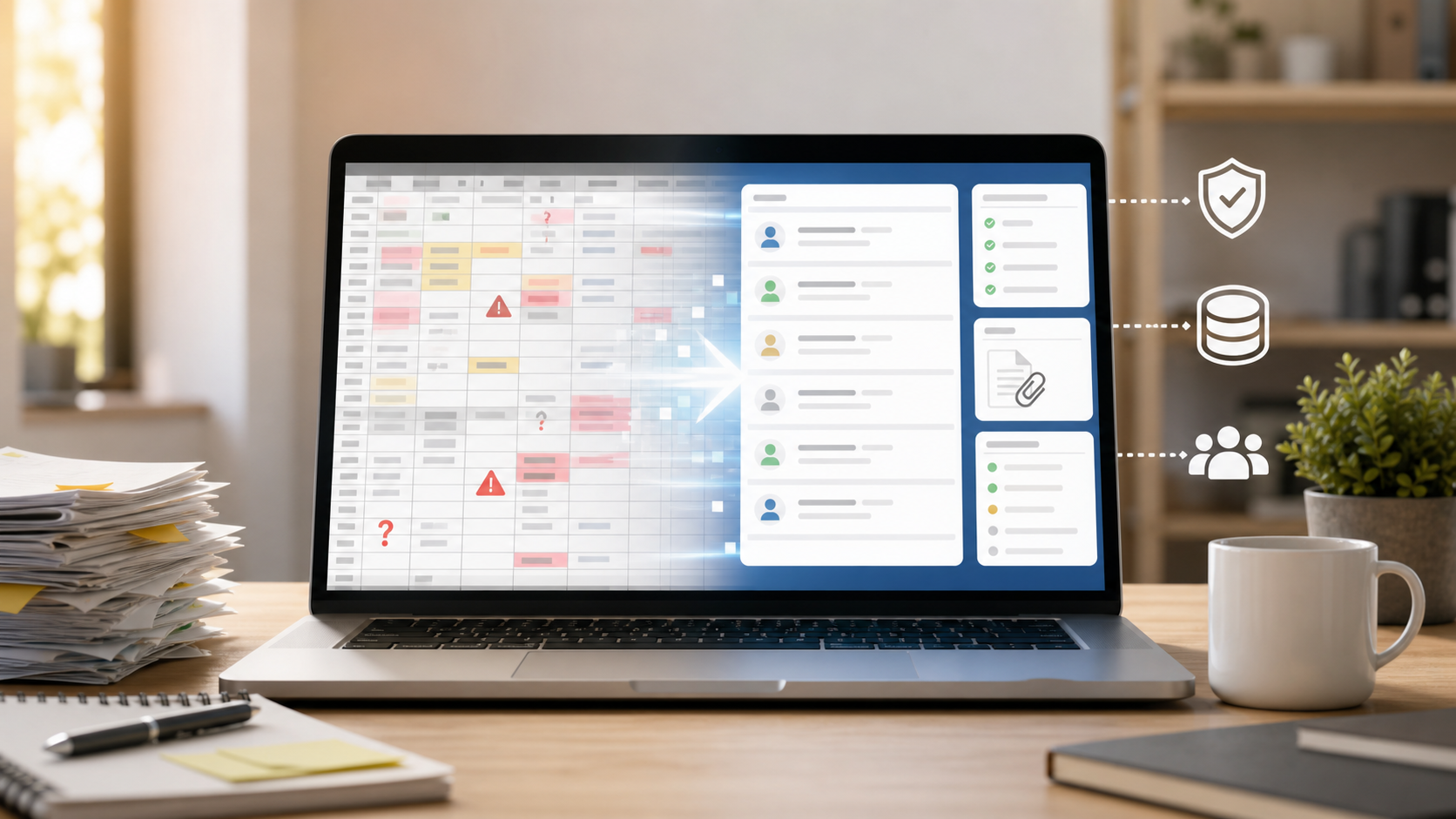
Move from Google Sheets to a database when the sheet is no longer just a working document. If multiple people depend on it as the source of truth, and mistakes now affect customers, orders, approvals, money, or delivery, the sheet has become operational software.
That is the point where trust starts to break.
Google Sheets is not the villain. It is excellent for quick planning, analysis, lightweight tracking, and one-off collaboration. The problem starts when a flexible spreadsheet becomes the place where a business process lives.
At that point, you are not asking for a better spreadsheet. You are asking for a safer system of record.
The First Sign: People Stop Trusting The Numbers
The clearest signal is not technical. It is social.
Someone says:
- "Who changed this?"
- "Which tab is current?"
- "Why does this total not match?"
- "Did someone paste over the formulas?"
- "Can everyone stop editing column F?"
- "I exported a copy just in case."
When people start creating backup copies of the source of truth, the source of truth is already in trouble.
Version history can help after damage is done. Protected ranges can reduce some mistakes. Comments can explain intent. None of those fully solve the deeper problem: a spreadsheet does not naturally model records, permissions, workflows, and audit history as a business system.
Seven Signs You Have Outgrown Google Sheets
1. The Sheet Needs Rules People Must Remember
If the process depends on instructions like "never sort this column," "do not edit these cells," or "only paste values," the sheet is relying on memory instead of structure.
A database-backed system should make invalid actions difficult or impossible. Users should see the fields they need, not the fragile mechanics underneath.
2. Permissions Are Too Broad
Spreadsheets usually force awkward access choices. Someone can view too much, edit too much, or needs a special workaround.
Operational data often needs narrower roles:
- Some users only view records
- Some users edit assigned records
- Some users manage tables or fields
- Some users submit data through forms but never see the full database
If access rules are becoming part of team folklore, the tool is too loose for the job.
3. Formula Cells Are Carrying Business Logic
Formulas are fine for analysis. They are risky as hidden business rules.
When pricing, status, eligibility, routing, or deadlines live in fragile formulas, a simple paste can change the process. Worse, the sheet may still look normal afterward.
That is when you want explicit fields, validation, automations, and activity history.
4. Intake Requires Copy-Paste
If website forms, emails, customer requests, or internal submissions need to be manually copied into a sheet, errors will accumulate.
The next step should usually be a form that creates structured records directly. That does not have to mean custom software. It does mean the intake path should stop depending on someone moving data by hand.
5. Follow-Up Lives Outside The Row
Spreadsheets are weak at context.
A customer row may need files, comments, tasks, reminders, status changes, and a record of who did what. If that context lives in email, chat, calendar reminders, and a separate task app, the sheet is no longer holding the full process.
The data may be in one place. The work is not.
6. Reporting Requires Cleaning The Data First
If every report starts with fixing names, statuses, dates, empty fields, duplicate entries, or pasted notes, the spreadsheet is not structured enough.
A database should reduce cleanup at the point of entry. Field types, required fields, dropdowns, forms, validation, and permissions matter because they prevent dirty data before reporting begins.
7. Mistakes Are Hard To Reconstruct
When something goes wrong, the team needs to know:
- Who changed the record?
- What changed?
- When did it happen?
- Was it a person, import, form, API, or automation?
- What was the previous value?
If answering those questions takes detective work, the sheet is not giving you enough operational history.
What To Use Instead
Do not jump straight from Google Sheets to a full custom app unless the process truly needs one.
There are several reasonable next steps.
| Need | Better next step |
|---|---|
| Quick analysis or temporary planning | Stay in Google Sheets |
| A structured list with light collaboration | Airtable-style database app |
| Internal operations with forms, files, tasks, permissions, and history | Database workspace |
| A customer-facing product or complex app | Custom software |
| Heavy analytics across large datasets | Data warehouse or BI stack |
The right replacement depends on what the sheet is doing now.
If the sheet is mainly a calculator, keep it. If it is a shared operating system for customers, orders, approvals, inventory, service requests, or projects, it likely needs a database-backed workspace.
For a direct product comparison, see InfoLobby vs. Google Sheets.
What A Better System Should Include
When you move from Google Sheets to a database, do not only ask where the rows go.
Ask what the team needs around the rows:
- Clear tables and fields
- Record pages people can understand
- Role-based access
- Forms for intake
- Required fields and field types
- File attachments
- Comments and tasks
- Activity history
- Search and saved views
- Automations for reminders and updates
- API access for external systems
- A practical export or ownership path
This is where many migrations fail. The team copies spreadsheet data into a database, but still has no usable workflow around it. Then everyone quietly returns to the sheet.
Managed Database Or Bring Your Own?
Most small teams should start with a managed database unless there is a clear reason not to.
Managed is better when:
- You want to start quickly
- Nobody wants to manage database credentials and backups
- The workflow is new
- The team needs a usable interface more than infrastructure control
Bring your own database is better when:
- Important data already lives in MySQL
- You need direct infrastructure control
- Your existing backup, retention, or access rules matter
- You expect capacity needs beyond a managed plan
Do not choose bring-your-own infrastructure just because it sounds more independent. Independence that nobody can operate becomes a different kind of risk.
Where InfoLobby Fits
InfoLobby is one example of the database workspace category.
It starts with managed MySQL and managed file storage, so a team can build a workspace without setting up infrastructure first. You can create tables, records, forms, tasks, comments, files, automations, activity history, and API workflows around operational data.
If you already have MySQL, S3, or FTP infrastructure, InfoLobby can connect to it. That is useful for teams with existing production data or stronger control requirements.
The point is not to turn every spreadsheet into an app. The point is to move the right processes into a system with stronger guardrails.
A Simple Migration Path
Start small.
- Pick one sheet that creates the most doubt.
- Identify the records it actually represents: customers, requests, orders, assets, projects, or approvals.
- Define the required fields and field types.
- Decide who can view, edit, or administer the data.
- Replace manual intake with a form.
- Add only the first useful automation, such as an assignment, reminder, or notification.
- Keep the old sheet read-only until the team trusts the new workflow.
The goal is not a perfect system on day one. The goal is to stop the most expensive uncertainty first.
The Buying Rule
Stay in Google Sheets when the work is temporary, analytical, or owned by one or two people.
Move to a database when the data is operational, shared, recurring, permissioned, audited, or connected to customer-facing work.
Use a managed database workspace when you need the database and the team interface together.
Use a custom app when the workflow is unique enough to justify design, development, QA, maintenance, and support.
That distinction keeps the decision grounded. A spreadsheet is not bad because it is simple. It becomes risky when the process is no longer simple.
FAQ
Is Google Sheets bad for business data?
No. Google Sheets is useful for planning, analysis, and lightweight collaboration. It becomes risky when it becomes the system of record for a recurring business process with many users, rules, and consequences.
What is the biggest sign we should move to a database?
The biggest sign is loss of trust. If people keep checking backups, asking who changed values, or avoiding edits because the sheet feels fragile, the process needs more structure.
Do we need SQL skills to replace a spreadsheet?
Not always. A database workspace can give non-technical users forms, records, views, permissions, and automations without asking them to write SQL.
Should we bring our own database?
Only if you have a reason. Managed storage is usually the easier start. Bring your own database when existing data, infrastructure control, capacity, or retention rules matter.
What should we migrate first?
Migrate the sheet where mistakes cost the most or where trust is already broken. Do not start with the largest sheet by habit. Start with the process where structure will reduce the most risk.
Related reading: Google Sheets cell limit, stop using spreadsheets as your system of record, stop copying website data into spreadsheets, and managed database vs bring your own database. See also replace spreadsheets and the Google Sheets alternative comparison.