TL;DR
- Automation that acts on records belongs next to the records. Connector platforms are built to move data between apps, which is a different job.
- The question to ask a vendor is not "does it integrate" but "can it see the record, and can I tell what it did".
- Debuggability decides whether automation survives contact with a real team. If nobody can explain a failed run, the automation gets switched off.
- Check the limit tied to what your workflow does most: automation runs, API calls, records, storage, or rate limits.
- Ownership matters as much as capability. An automation nobody maintains becomes a rule nobody can find.
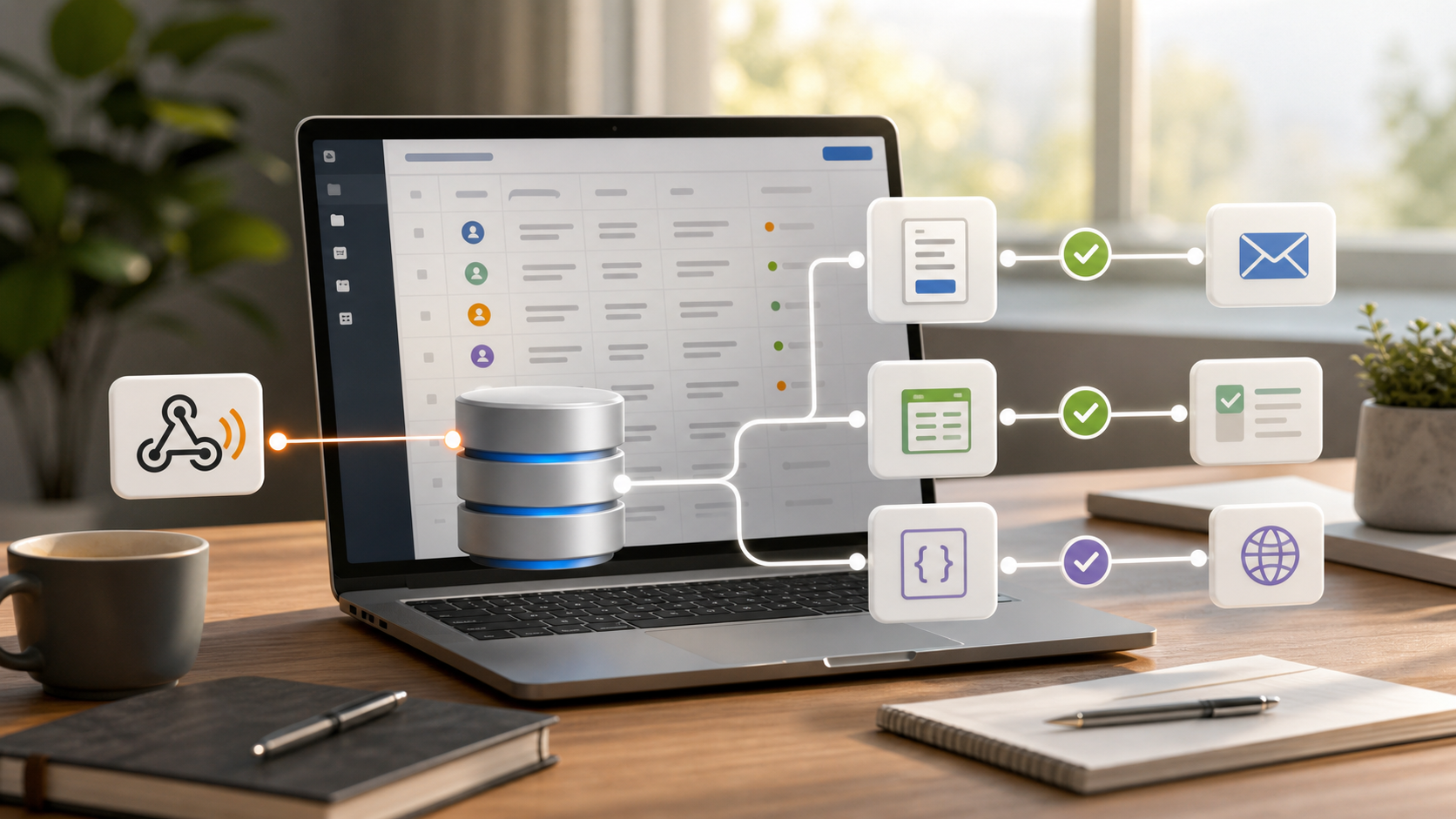
Workflow automation software gets messy when the automation lives far away from the work.
Your records live in one tool. Forms live somewhere else. Approvals move through email. A connector platform sits in the middle, passing data around with API keys and mapping rules.
That setup can work. It is often the right answer when the problem is connecting separate SaaS apps.
But if the work starts with business records, changes those records, assigns tasks around those records, and needs a clear history of what happened, a different pattern may be better: keep the automation close to the operational data.
The Core Question
Do not start with "what can automate this?"
Start with "where should this automation live?"
If the workflow is mostly app-to-app movement, use a connector tool. If the workflow is mostly record-to-action work, use a system that understands the record.
That simple distinction prevents a lot of duct-tape automation.
Two Different Automation Jobs
Standalone automation platforms are good at connecting tools. They usually have large connector catalogs, friendly mapping screens, webhooks, schedules, filters, and logs.
Record-driven automation is different. It needs context:
- What record changed?
- What was the previous value?
- Who owns it?
- Which related records matter?
- What files, comments, or tasks are attached?
- What permissions apply?
- What should be written back for the team to see later?
If the automation platform only sees a thin event payload, you may spend time rebuilding context that already exists in the system of record.
Compare The Fit
| Need | Better fit |
|---|---|
| Connect many separate SaaS apps | Connector automation platform |
| Run marketing journeys | Marketing automation platform |
| Automate desktop actions | RPA platform |
| Manage enterprise approval governance | BPM suite |
| Trigger follow-up from operational records | Record-driven automation |
| Process high-volume events | Event streaming or queue system |
The categories can overlap. The problem is using one category for every workflow.
When Automation Belongs Near The Data
Keep automation near the operational data when:
- The workflow starts from a record change
- The automation needs related records
- The result should be visible on the record
- A human owner may need a task or notification
- History matters
- Missing events need scheduled checks
- Non-developers need to understand what happened
Common examples:
- Lead routing
- Service request triage
- Approval workflows
- Renewal reminders
- Vendor follow-up
- Inventory status changes
- Customer onboarding
- API sync around business records
- AI summaries or classifications tied to records
These are not abstract integrations. They are business rules around data people already use.
When Standalone Automation Tools Win
Use a connector-first platform when you need:
- Hundreds or thousands of packaged SaaS connectors
- Fast app-to-app recipes
- Neutral integration between many systems of record
- Marketing, sales, or analytics tool handoffs
- Simple notifications from third-party apps
- A workflow owned by a technical or operations admin, not the whole team
That is a real need. A connector tool is often the right first answer when the value is breadth.
What To Check Before Choosing
Starting Point
Where does the workflow start: an app event, a form submission, a database record, a schedule, or a webhook?
The starting point tells you where the logic naturally belongs.
Context
How much does the automation need to know? If it needs related records, previous values, owners, files, tasks, or permissions, a payload-only approach may get brittle.
Debugging
When something fails, who investigates? If debugging requires checking four products and one script, the workflow may be too scattered.
Visibility
Can the people who run the process see what happened? Or does the automation live in a separate admin account nobody else understands?
Limits
Check automation runs, API calls, record limits, storage, rate limits, and pricing. The cheap prototype can become expensive once every operational event runs through it.
Practical Examples
Lead Routing
A website form creates a lead. The workflow checks region, budget, source, and urgency. It assigns an owner, creates a follow-up task, sends a confirmation, and updates an external system only when the lead qualifies.
If the lead record is the source of truth, the workflow should leave its result there.
Approval Workflow
A purchase request changes status. The workflow checks amount, department, and requester. If approval is needed, it creates a task for the right person and records the result.
This is not just data movement. It is a business rule around a record.
Vendor Follow-Up
A vendor webhook updates a delivery record. A scheduled workflow checks missing updates each morning and creates tasks for overdue items.
The webhook is useful, but the operational value comes from combining the event with stored records, schedules, and follow-up.
Where InfoLobby Fits
InfoLobby is one record-driven automation option. It starts with managed MySQL and file storage, with optional own MySQL, S3, or FTP later.
Its automations can run from record events, schedules, manual runs, and webhooks. They can update records, create tasks, send email, call APIs, use AI steps, and leave history around operational work.
That makes it relevant when automation belongs beside business records. It is not a replacement for connector platforms with huge app directories, RPA tools, marketing automation, or high-volume event systems.
Bottom Line
Good workflow automation software should reduce the number of places your team has to think.
Use connector tools when the job is broad app-to-app movement. Use record-driven automation when the workflow needs the same data, ownership, history, and follow-up your team uses every day.
The better automation is not the one with the most steps. It is the one your team can still understand when it breaks.
FAQ
Is record-driven automation a replacement for Zapier or Make?
Not always. It can replace some record-centered workflows, but connector platforms are better when the main need is a large app directory.
Should automation always live beside the database?
No. Keep business-record workflows close to the data. Keep queues, high-volume events, marketing journeys, and broad app connections in tools built for those jobs.
What is the first workflow to automate?
Choose a repeated operational handoff with clear rules: lead routing, approval reminders, vendor follow-up, stale record checks, or service request assignment.
What limit should buyers check first?
Check the limit tied to volume: automation runs, API calls, records, storage, or rate limits. The relevant limit depends on what the workflow does most.
Related reading: MySQL frontend with automation, webhook automation examples, small business automation hub, and Airtable record limits. See also workflow automation and business system integrations.