Inventory and Asset Tracking With Real Accountability
Track inventory, equipment, or business assets in a structured system instead of unreliable spreadsheets and tribal memory.
Inventory pain is rarely just counting. It is knowing ownership, status, movement, and exceptions without guessing.
Why teams search for inventory and asset tracking software
Spreadsheet inventory trackers break down once assets move across people, locations, vendors, and service states. Teams lose time reconciling reality back into the sheet.
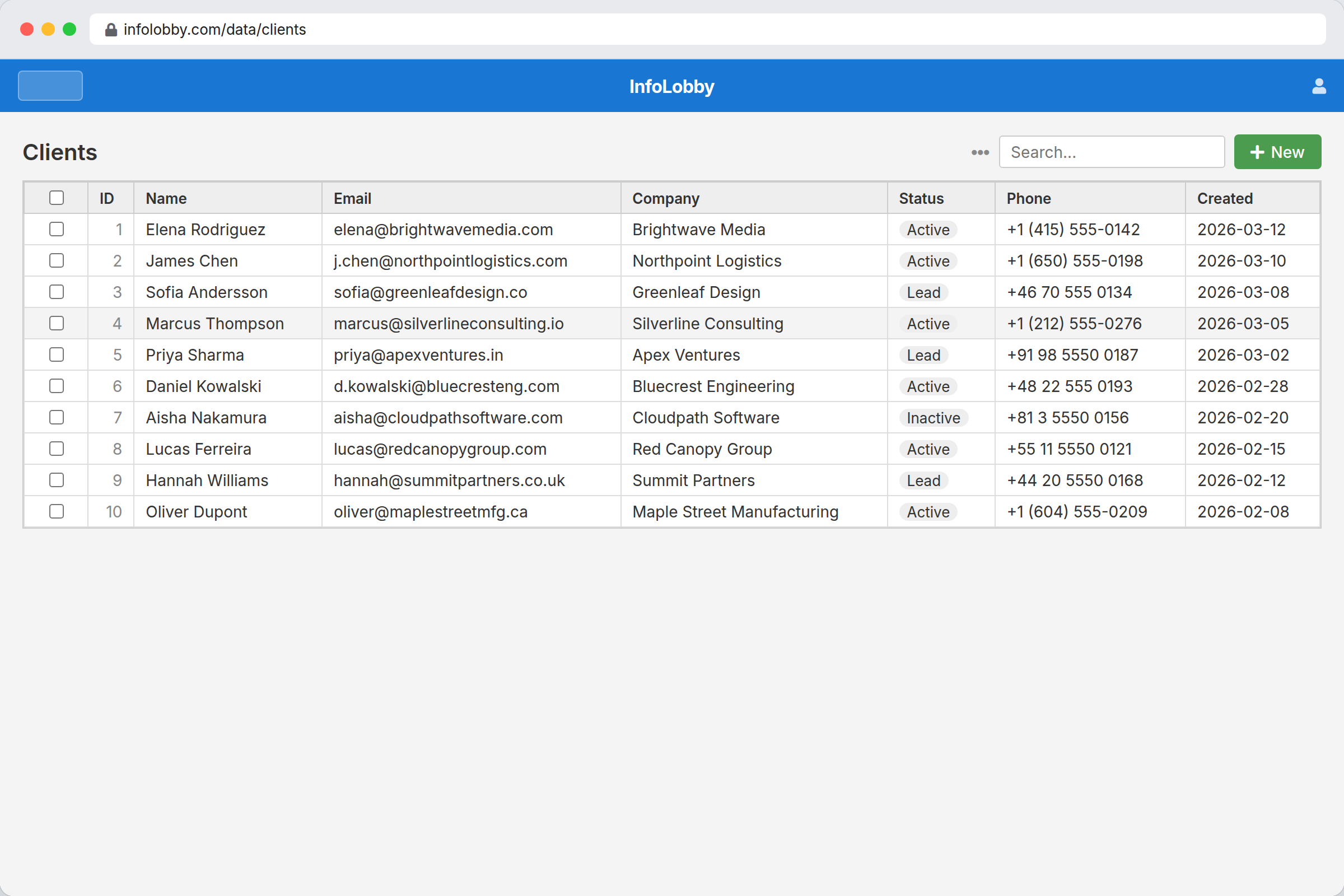
InfoLobby helps teams manage inventory and asset workflows with searchable records, related data, task follow-up, and audit history. It is useful when operational accuracy matters, but you do not want to build a custom system from scratch first.
What improves when this workflow is cleaned up
- Track assets, quantities, locations, vendors, and status in related tables
- Record updates and exceptions with visible history
- Assign tasks for audits, maintenance, or replenishment follow-up
- Use forms or APIs to bring operational updates into the same system
How InfoLobby supports the workflow
- Create custom fields for the exact asset data you care about
- Let multiple teammates update records safely with permissions
- Use automations for reminders, reorder alerts, or sync jobs
- Keep the operational record separate from ad hoc spreadsheets
A practical workflow in InfoLobby
- Create asset, location, vendor, status, quantity, and maintenance records with the fields your team uses.
- Update counts or asset state through shared record views, forms, or API imports.
- Assign audit, replenishment, service, or exception tasks directly on the affected records.
Best fit
- Light-to-medium inventory or asset tracking where spreadsheets are causing errors
- Teams that need ownership, status, location, vendor, and history in one system
- Operational assets that need follow-up tasks more than warehouse automation
Probably not a fit
- Warehouse operations needing barcode hardware, pick paths, or ERP-grade stock control
- Retail point-of-sale inventory where checkout sync is the core requirement
FAQ
Can InfoLobby handle custom asset fields and statuses?
Yes. Tables and fields are configurable, so teams can model their own inventory or asset structure.
Is there a record of who changed inventory data?
Yes. Activity history can show what changed and whether the actor was a user, API call, workflow, or other source.
Need this workflow to stop depending on memory and manual cleanup?
InfoLobby is strongest when the work is operational, shared across a team, and hard to manage in spreadsheets or disconnected SaaS. If that sounds familiar, a free trial is the fastest reality check.