A Real Database Your Team Can Use Right Away
Sign up and you get a MySQL database, file storage, and a working interface for your data. No servers to set up.
You should not have to set up MySQL, S3 and an admin panel before anyone can enter a single record.
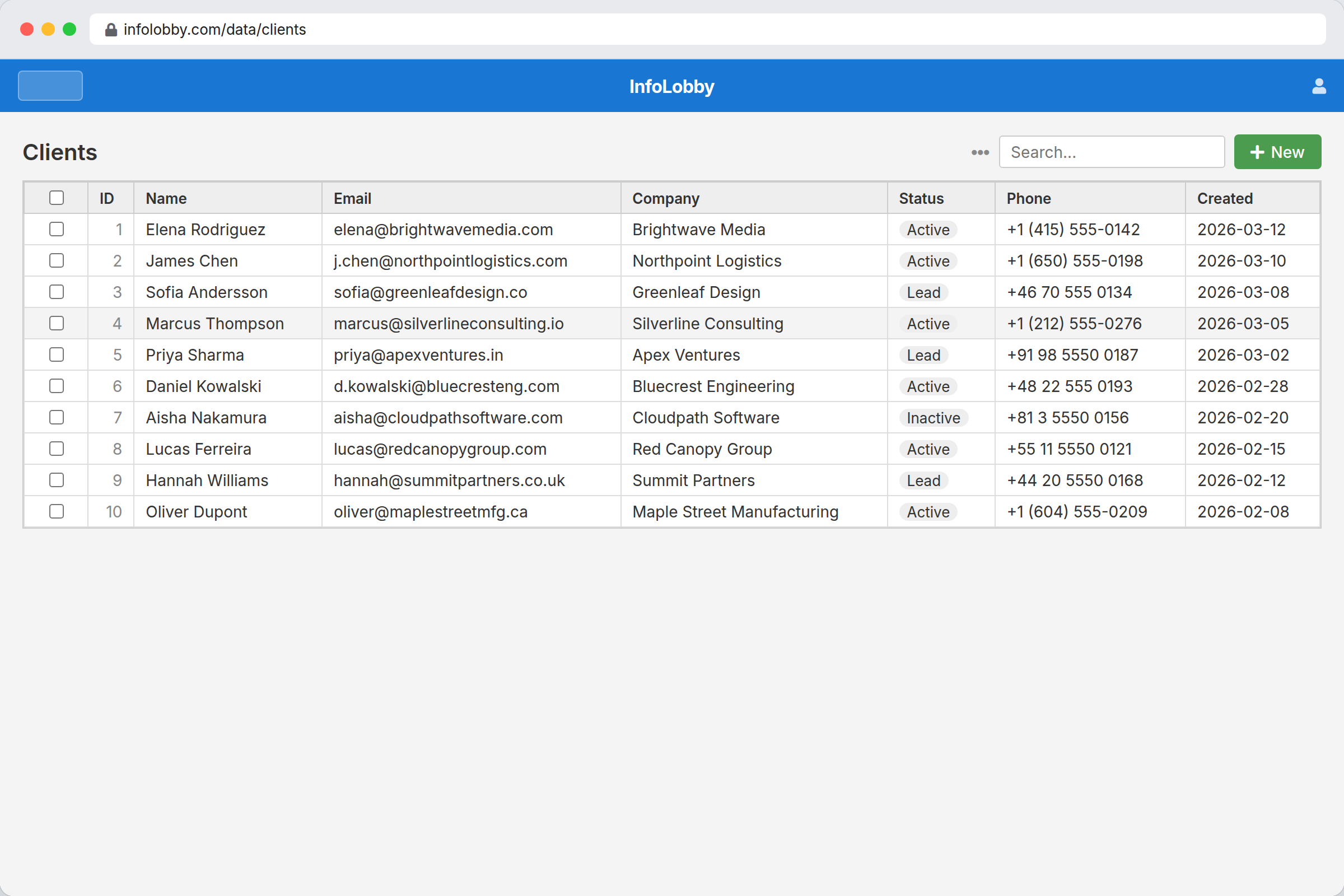
The gap between a spreadsheet and a real database
A spreadsheet stops coping somewhere around the fourth person editing it. What you want by then is types that hold, somewhere to put the attachments, a record of who changed the price, and a way to stop everyone editing the margin column. Those are all database problems.
The usual answer is to stand up MySQL somewhere, wire in file storage, write an admin screen and arrange backups. That is a fortnight of work before anyone can enter a single record. InfoLobby hands you the database, the storage and the interface already running, so the first thing you do is type in data.
The point is not hosting. It is removing the blank first week.
A raw database is powerful, but most business teams need a place to enter, search, edit, discuss, and protect data before infrastructure choices matter. InfoLobby starts there: usable records first, deeper control when the process grows.
- Start with the business object, not the server checklist
- Keep files and record data together from day one
- Give teammates an interface instead of database credentials
What you get on the first day
- Create tables and fields visually, then use them right away
- Store files with records without separate storage setup
- Invite your team into a clean interface instead of giving DB credentials
- Switch later to your own MySQL, S3, or FTP when needed
Moving your first spreadsheet in
- Start with one spreadsheet or operational tracker that already has multiple users and recurring updates.
- Turn columns into typed fields, add file fields where documents belong, and invite the team with workspace roles.
- Add forms, tasks, comments, and automation only after the core data model is stable.
Where it fits
Use it for
- Teams that need real database structure without database administration
- Operational systems where records, files, permissions, and history all matter
- Businesses that may later connect their own MySQL, S3, or FTP
Reach for something else when
- Teams that only need raw database hosting with no app interface
- Analytics-heavy workloads where BI warehousing is the main need
Questions people ask
Is InfoLobby a real database or just a spreadsheet alternative?
It uses a managed MySQL database underneath, with a visual interface on top. That gives teams structure and ownership without raw database friction.
Do I need to configure storage before I can use it?
No. Managed database and file storage are included at signup, so the first workspace is usable immediately.
Try it on your own data
Start free and build one working process around this feature, then add the records, views, tasks and automations around it.