Connect the Systems Your Workflow Depends On
Call any REST API, send email through your own SMTP server, move files to S3 or FTP, and prompt OpenAI, all from inside a flow.
The connection to your accounting system belongs beside the record it updates, not in a script on somebody's laptop.
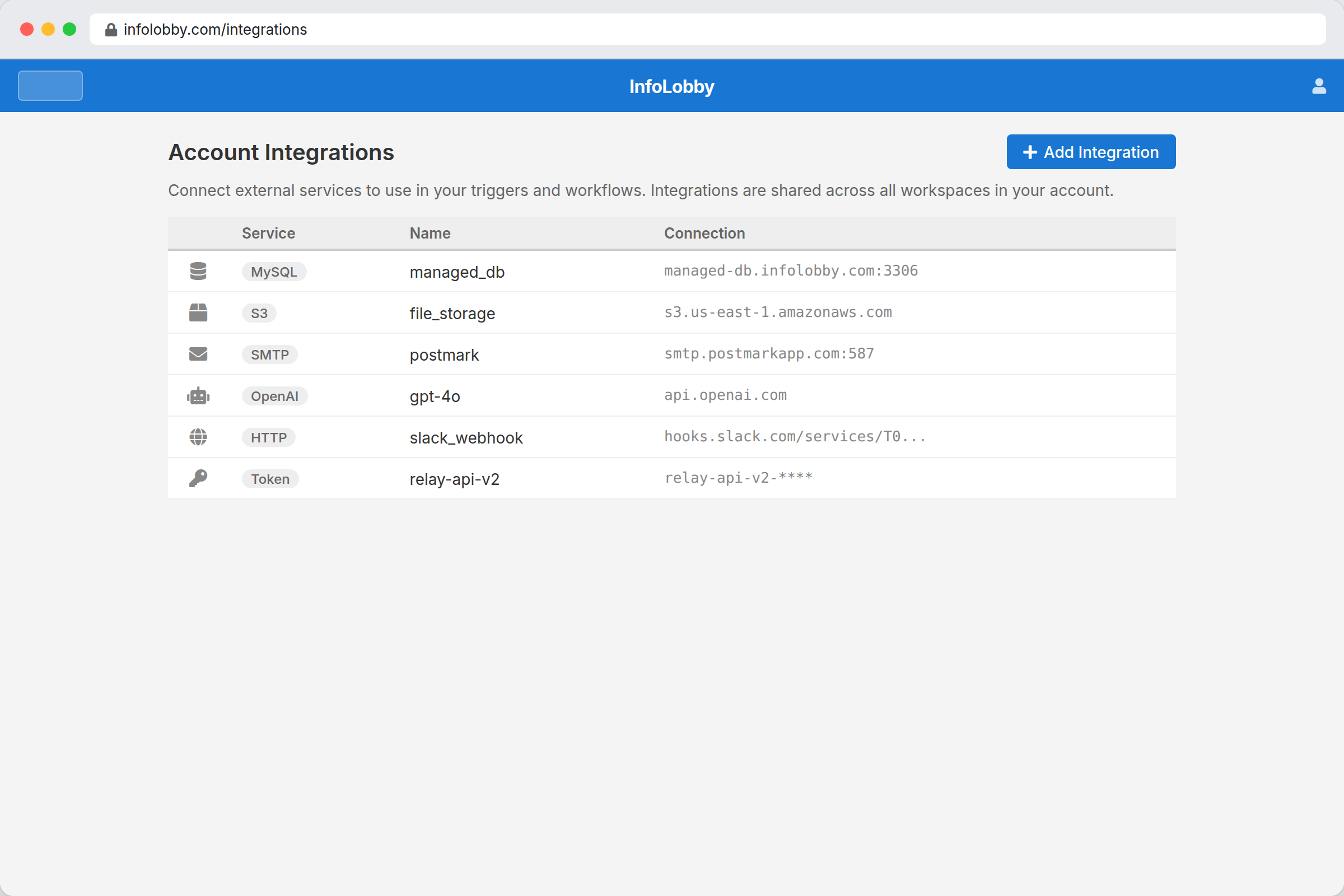
The connection to your accounting system should not live on a laptop
Integration sprawl creeps up on a team. One webhook relay, one cron box, a mailer account nobody remembers signing up for, and three scripts on somebody's machine. It all works right up until that person is on holiday and an invoice stops syncing.
In InfoLobby an integration is a credential saved once on the account and shared across your workspaces. Set up your SMTP server, an OpenAI key, an OAuth2 connection or an S3 bucket, and every flow that needs it can use it. A quick-add gallery pre-fills the URLs and settings for twenty-odd popular services, so most of the time you are pasting a key and nothing else.
Integrations are easier to trust when the team can see them.
Hidden scripts can work for a while, then nobody knows who owns them. InfoLobby puts integration work inside the same environment as the data, workflow, and history, so a sync or API call has context instead of being another black box.
- Use HTTP, SMTP, OpenAI, S3, FTP, OAuth2, token auth, and MySQL where they fit
- Attach integration logic to the workflow it supports
- Reduce the number of mystery scripts around important data
What you can connect to
- Call REST APIs with token auth or OAuth2
- Send email through your SMTP setup
- Store or fetch files from S3 and FTP
- Connect your own MySQL when needed
The ones most people connect first
Pick one from the quick-add gallery and InfoLobby fills in the base URL, the headers, the OAuth endpoints or the SMTP host for you, then walks you through where to find your key. Anything not on this list is still a generic REST, OAuth2, token or SMTP connection, which is the same thing without the shortcut.
-
 OpenAI (GPT)
-
 Stripe
-
 HubSpot
-
 Slack
Slack
-
 Twilio
-
 SendGrid
-
 Mailchimp
-
 Airtable
-
 Notion
-
 Asana
Asana
-
 Monday.com
-
 Calendly
-
 GitHub
-
 Brave Search
-
 Zendesk
-
 Xero
Xero
-
 QuickBooks
-
 Google Drive
-
 Podio
Podio
-
 Reddit
-
 Gmail
Gmail
-
 Microsoft 365 / Outlook
Adding a connection
- Identify the system that must exchange data with InfoLobby: email, API, AI, storage, FTP, or MySQL.
- Keep the integration attached to the relevant workflow or table so ownership is visible.
- Use automations for standard sync and notification work, then code only where the edge case demands it.
Where it fits
Use it for
- Business systems where integrations must stay close to operational records
- Teams replacing cron scripts, webhook glue, and hidden one-off sync jobs
- Processes that need SMTP, HTTP APIs, OpenAI, S3, FTP, OAuth2, or MySQL access
Reach for something else when
- Teams that need hundreds of packaged SaaS connectors out of the box
- Enterprise iPaaS governance, mapping, and monitoring as the main product
Questions people ask
Which integrations does InfoLobby support?
Core options include SMTP, OpenAI, generic HTTP APIs, OAuth2, token auth, S3, FTP, and MySQL connections.
Can integrations be used without writing code?
Yes. Many common actions are available directly inside the visual automation builder.
Try it on your own data
Start free and build one working process around this feature, then add the records, views, tasks and automations around it.