Build the Internal Tool Your Process Actually Needs
Add a field when you need one. Change a form when the process changes. No developer, no release.
Most internal tools die because nobody can change them. This one you change yourself.
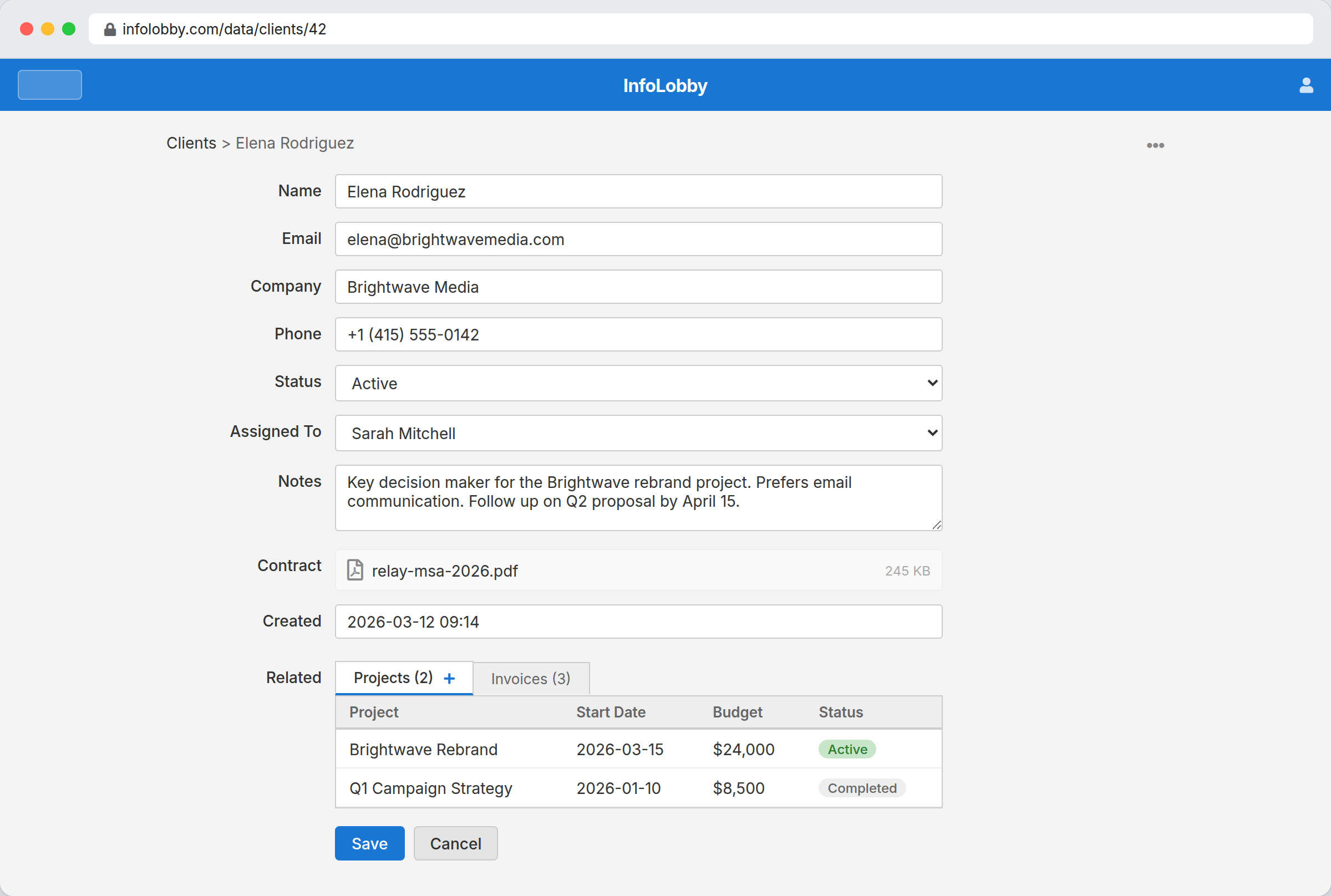
Internal tools die when nobody can change them
Someone builds the request tracker and it works. Then the process changes, the person who built it has moved on, and a new field means a ticket, a sprint and a deployment. So the team quietly goes back to a spreadsheet and a chat channel, and the tool becomes something nobody opens.
What makes an internal tool survive is not how good it looked on day one. It is whether the person who runs the process can add a field on a Tuesday afternoon. In InfoLobby, changing a field, a form or a view is an edit, not a release.
Most internal tools are really shared memory with rules.
The app is not valuable because it has a table. It is valuable because everyone can see the current state, update it safely, know who owns the next step, and understand what changed. That is the layer InfoLobby tries to give you before custom code becomes necessary.
- Create the data model around how the team talks about the work
- Put follow-up and discussion on the same records
- Add automation only where it removes real repeated effort
What you can change yourself
- Model real business entities and relationships visually
- Switch any table between table, calendar, gallery, and kanban views
- Let non-technical teammates edit data safely
- Enforce data-integrity rules and lock records by status with table scripts
- Show computed, read-only values on records with script fields
- Attach work and discussion directly to records
- Pin table reports to the home page for quick team context
- Track changes through built-in activity history
Turning a process into a tool
- Define the business objects the team already talks about: customers, vendors, requests, assets, projects, or approvals.
- Build table views and record forms around daily work instead of around database theory.
- Add permissions, comments, tasks, history, and workflows where the team currently relies on memory or chat.
Where it fits
Use it for
- Ops, support, finance, and sales teams with custom internal processes
- Data-centric internal apps where CRUD, permissions, forms, and workflow are the hard part
- Teams that need a working internal system faster than a custom app project
Reach for something else when
- Public customer-facing products where custom UX is the main value
- Pure BI dashboards over an existing warehouse
Questions people ask
Is InfoLobby for customer-facing apps or internal tools?
Primarily internal tools and data-centric business apps, though it also supports web forms and API-based integrations.
Why not just build internal tools from scratch?
You can, but most teams burn time rebuilding CRUD, permissions, forms, and workflow before solving the actual business problem.
Can I stop people editing certain records by hand?
Yes. A table validation rule runs before every save and can block a write with a message: lock a record once it reaches a status, or restrict a whole table to writes from the API and automations while blocking manual edits.
Try it on your own data
Start free and build one working process around this feature, then add the records, views, tasks and automations around it.