You can now build a customer-facing site on top of your InfoLobby data, publish it at its own address, and hand your clients a login.
The tables are the ones you already have. A portal does not copy your data anywhere or ask you to model it a second time. You point a screen at a table, say which rows this visitor is allowed to see, and that is the portal.
The problem it replaces
Most of us have solved this twice already, badly.
The first way is email. A client asks where their job is, someone opens the app, reads a row out loud, and types it into a reply. It works, it is slow, and it scales exactly as far as the person doing it.
The second way is a shared view or an exported spreadsheet, which answers the question and quietly answers several others nobody asked. Once a file leaves, it keeps going.
A portal is the third way. Your client signs in and sees their rows, live, and nothing else.
What a visitor gets
A portal is made of screens, and you choose which ones exist:
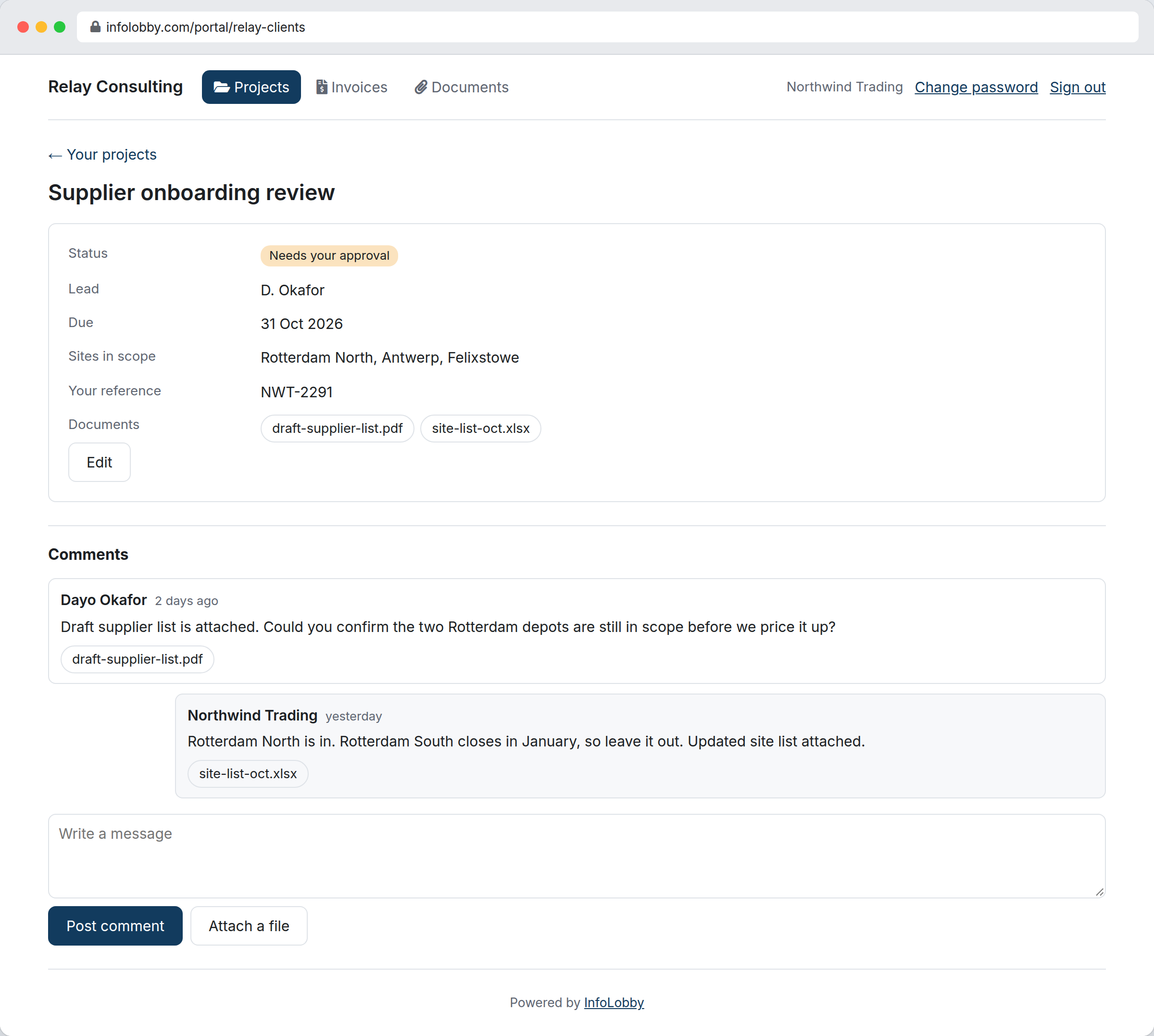
- Lists. A table of the visitor's own records, with paging, sorting and search if you allow it.
- Records. One record opened up. Choose exactly which fields show, and which of those they may edit.
- Forms. Let a visitor add a record: a support request, a timesheet, an order.
- Comments. The same comment thread your team uses on that record, so a conversation with a client is not a separate inbox.
- Files. Download attachments, or upload one against their own record.
Click a row in a list to open it, and screens chain: client, then project, then milestone.
Signing in
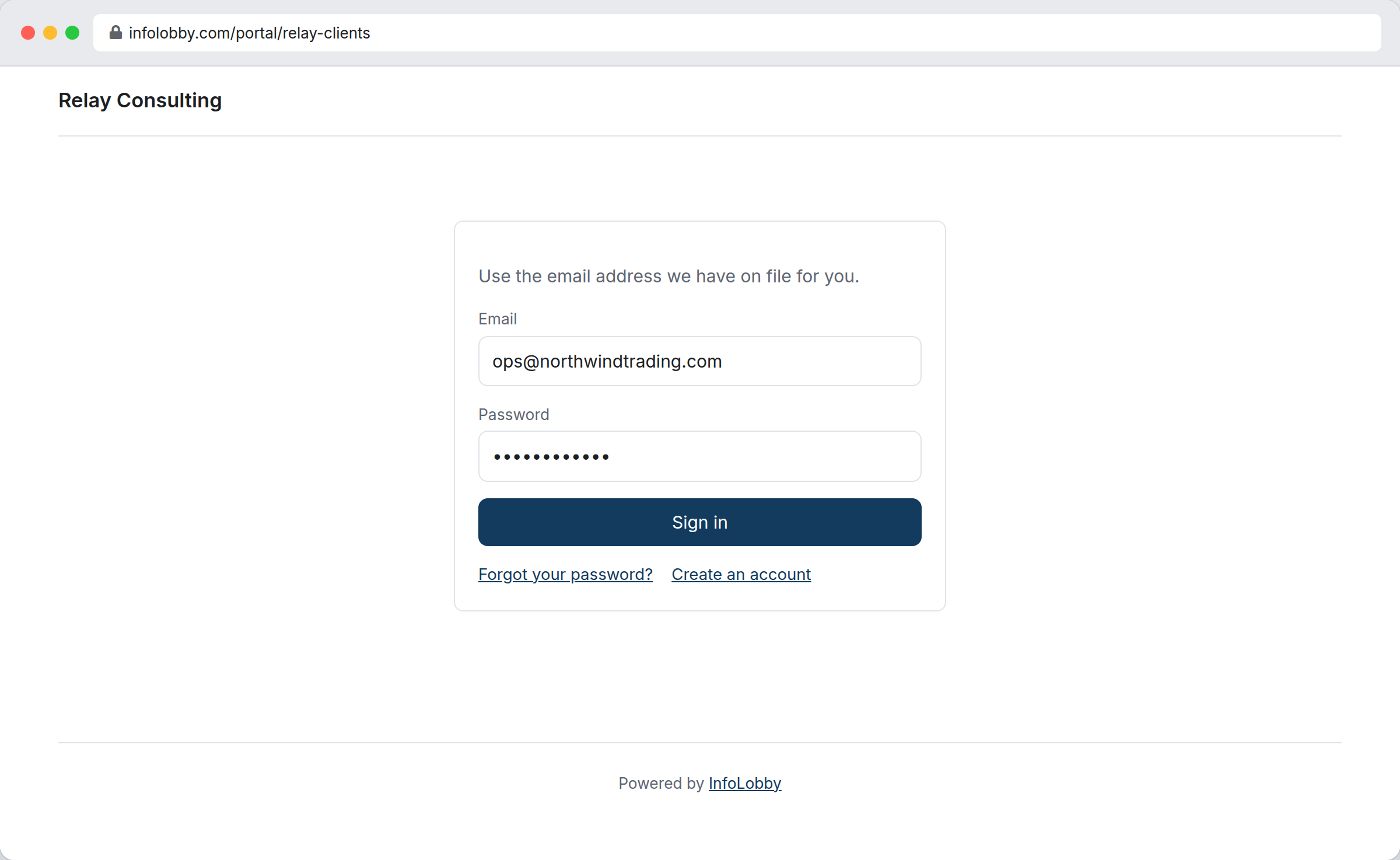
Identity is a record in one of your tables. The client you already have a row for is the client who signs in, so there is no second list of people to keep in step.
Passwords live in a password field, which is write-only. It can be set and checked, and it cannot be read back by anyone, including you, including the API, including the AI assistant.
You can turn on any of these, or none:
- Self-registration, with a CAPTCHA, so people can sign themselves up into a table you choose.
- Lost password, so they can recover without emailing you.
- One-use sign-in links, so a visitor can open the portal straight from an email without typing a password at all.
There is also a button in the builder to send someone their login, or a fresh sign-in link, one person at a time.
Mail goes through your server
Every message a portal sends, the welcome, the reset, the sign-in link, leaves through your own SMTP integration, from your own address. Not ours.
That is a deliberate constraint rather than a missing feature. These messages carry credentials to your customers and they should arrive from you, with your domain's reputation behind them. A portal needs a mail integration before you can create one.
Every word is yours
There are 41 strings on a portal, from the sign-in button to the message shown when a link has expired, and all 41 are editable. Field labels too.
The point is not translation, though it works for that. The point is that this is your site talking to your customers, and "Sign in to continue" may not be how you talk to them.
On Business and above you can remove our branding entirely.
Before you publish
A portal starts as a draft. Preview it as a visitor would see it, with your real data, before anyone else can reach it. Saves are versioned, and if two people open the same portal one of them gets an edit lock rather than a surprise.
When you are ready, make it active and it is live at its address.
Limits
Build as many portals as you like, and sign in as many clients as you like. Neither is capped on any plan.
The one thing we meter is operations: the reads and writes your visitors actually perform. That is the part that costs us something, and it tracks the size of your client base on its own without charging you for structure or for people.
We were close to charging per portal user, and then we read our own pricing page, which promises unlimited users and no per-seat fees on every plan. Charging you by the head for your customers would have been the same fee wearing a different hat.
Your operations count sits on your account page and we will warn you at 80 percent. If you do run past it, portals go read-only rather than dark. Your clients can still sign in and see their data, and you get the month's remaining writes back on the first. Locking a client out of their own records because their supplier had a busy month is not a thing we are willing to do to you.
See the pricing page for the numbers, and Portals in the help documentation to build your first one.