Every operations team ends up maintaining software nobody planned to build. A spreadsheet with a macro. A form feeding a sheet feeding a script. An Access database from 2015 that one person can still open. These accumulate because the work is specific and no product matches it, and they persist because replacing them is a project nobody has time for.
The question is not whether to have internal tools. You already do. It is which of the three ways to build them fits each case.
Build, buy, or configure
Buy a product when your process is genuinely standard. Payroll, accounting, email. Do not build these. The temptation to build something you could buy is the most expensive mistake in this category.
Build custom software when the tool is a competitive advantage, the requirements are stable, and you can fund ongoing maintenance. A developer costs real money continuously, not once. Most internal tools do not clear this bar, which is why so many custom internal apps are abandoned two years after the developer who wrote them left.
Configure a platform when the process is specific to you but not special, the requirements will change, and the people who understand the process should be the ones changing the tool. This is the middle path and it covers most operational software.
The middle path itself splits. Retool, Appsmith, and Budibase are developer-oriented: powerful, and they expect someone comfortable writing queries and JavaScript. Knack, Softr, and InfoLobby are configuration-oriented, aimed at the person who runs the process rather than the person who codes. Pick the side that matches who will maintain it in a year, because that is the decision that actually determines whether the tool survives.
The honest test for the middle path: if your requirements are stable and performance-critical, build. If your requirements change every quarter because the business does, configure, because the round trip through a developer is what actually kills internal tools.
What operations teams actually build
The pattern repeats across industries. These are registers and workflows, almost always:
| Tool | Shape | Usually replaces |
|---|---|---|
| Vendor register | Suppliers, contracts, contacts, renewal dates, documents | A spreadsheet plus a folder |
| Asset and equipment tracking | Assets, assignees, locations, purchase and warranty dates | A spreadsheet nobody trusts |
| Inventory tracking | Items, quantities, locations, movements, reorder points | A spreadsheet with a manual count |
| Onboarding and offboarding | Person records with checklists across IT, HR, and facilities | An email thread and a Word document |
| Request handling | Intake form, routing, status, resolution | A shared inbox |
| Compliance registers | Requirement, evidence, review date, owner | A binder or a folder |
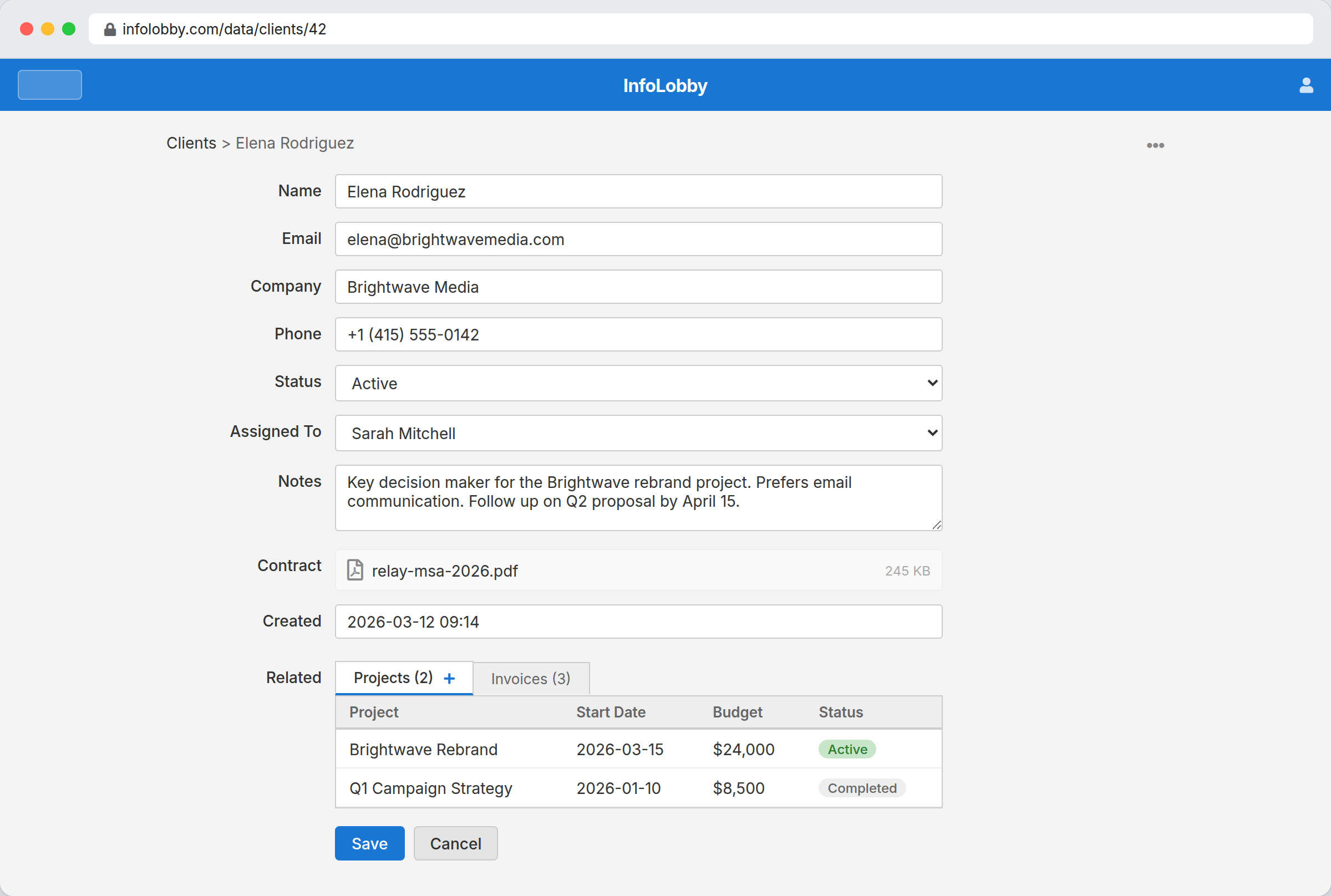
What these share: a list of things with attributes, relationships to other lists, a status that changes, dates that matter, documents attached, and someone who should be told when something needs attention. That is the shape InfoLobby fits, and recognizing it is most of the skill.
The build pattern
The same five steps regardless of what you are building.
Name the objects. What are the nouns? Suppliers, contracts, assets, requests. One table each. Resist adding tables for things that are really attributes.
Add the relationships. A contract belongs to a supplier. An asset is assigned to a person. Links, not repeated text.
Type the fields. Dates as dates, statuses as single-selects with defined options, documents as file fields. This is where a spreadsheet's accumulated mess gets cleaned.
Build the views. The daily working list, the exceptions, the things expiring. These are filters, not copies.
Add the automation last. Reminders before dates, notifications on status change, assignment on creation. Automating a process you have not yet run manually is how you automate the wrong process.
Where non-technical stops and code starts
Most of this is configuration: tables, fields, links, views, forms, permissions, and the visual flow builder. An operations person who is comfortable with a complex spreadsheet can do all of it.
PHPScript exists for what the builder cannot express: multi-step calculations, non-trivial external API interactions, bulk operations with conditional logic. It is a genuine escape hatch rather than a requirement, and the useful property is that reaching for it does not mean rebuilding on a different platform.
The public REST API is the other boundary. Anything with an API can exchange data with your tables. There is no marketplace of one-click connectors, so integrations are built rather than installed. For a team with some technical capacity this is fine; for one with none, it is a real constraint worth weighing.
What this is not suited to
- Customer-facing products. No control over visual design, no custom UX, no branding. Anything your customers experience as your product should not be built here.
- Heavily bespoke interfaces. If the tool needs a specific interaction model beyond records, forms, views, and workflow, you want a development framework.
- Warehouse and plant operations. No barcode scanning hardware, no pick path optimization, no machine integration. Light to medium tracking works; automated logistics does not.
- Procurement suites. Vendor registers and purchase approvals work well. Sourcing events, bid management, and spend analytics do not.
- Anything performance-critical at scale. This is operational software for teams, not a high-throughput transactional system.
Why the managed database matters here
Internal tools built on a platform you do not control have a well-known ending. InfoLobby provisions a managed MySQL database and S3 storage with the account, and the data is exportable. That is worth confirming before you move an operational process into anything, because the cost of being wrong is proportional to how long you waited to check.
The practical version: you can start building this afternoon without provisioning a database, and you are not trapped if you later decide the process deserves custom software.
On cost, plans are $29, $59, and $129 a month with unlimited users. Compare that to the alternatives honestly: a developer building and maintaining an equivalent internal tool is the largest line item by an order of magnitude, and internal tool platforms that price per user make it expensive to give the whole ops team access to the thing built for the ops team.
The limits that decide your plan are workspaces and records: 3 workspaces and 250,000 records on Starter, 10 and 1 million on Team, 25 and 5 million on Business. One tool is usually one workspace, so the workspace count is effectively a cap on how many separate internal tools you run. Connect your own MySQL server and records become unlimited on any plan.
Related
- Replace spreadsheets for operations for the migration itself
- Work order software for job dispatch specifically
- Intranet for small business for the reference side of the same data
InfoLobby plan pricing and limits, and the competitor claims on this page, were last checked on 2026-08-20. Competitor pricing changes often and varies by region, so confirm current figures on the vendor's own pricing page before deciding. Our plans are on the pricing page.