Search for work order software and nearly every result is a maintenance platform. UpKeep, MaintainX, Fiix, Limble. They are good at what they do, and what they do is computerized maintenance management: asset hierarchies, preventive schedules, meter readings, parts inventory, mean time between failures.
Plenty of teams issue work orders and own no machinery. Property managers, facilities teams, internal service groups, installers, and small contractors all need requests captured, assigned, tracked, and closed. For them a CMMS is a large tool aimed slightly to the left of the problem, and the usual result is a shared inbox with a spreadsheet beside it.
Why a CMMS fits badly when you have no assets to maintain
The mismatch is structural, not cosmetic. A CMMS is organized around assets. Work orders hang off an asset, preventive maintenance schedules generate against an asset, and reporting is asset-centric. If your work orders hang off a client, a property, a tenant, or a job number instead, you spend the implementation forcing your world into an asset tree that does not describe it.
The second mismatch is pricing. Most CMMS products charge per technician, often $20 to $50 a user per month, and requesters usually need a seat or a limited requester licence. Teams respond by limiting who can raise a work order, which pushes requests back into email and defeats the purpose.
InfoLobby plans are $29, $59, and $129 a month with unlimited users, so technicians, coordinators, and managers all cost nothing to add. The limit to plan around is web forms, at 2 on Starter, 10 on Team and unlimited on Business, which matters if you want a separate intake form per site or per client. Create, edit, and signature forms all draw on the same allowance, so a completion sign-off form counts too.
Four tables, no asset hierarchy
Four tables cover most non-maintenance work order operations.
| Table | Key fields | Links to |
|---|---|---|
| Work Orders | Reference, description, status, priority, requested date, due date, assignee, completion notes, cost | Sites, Customers, Tasks |
| Sites | Address, access notes, contact, site type | Work Orders |
| Customers | Name, billing contact, service agreement, notes | Sites, Work Orders |
| Technicians | Name, skills, availability notes | Work Orders |
If you do track equipment, add an Assets table and link it to Work Orders. The difference from a CMMS is that assets are optional here rather than the organizing principle, which is exactly right when only some of your jobs concern a specific piece of kit.
Status is a field you define. Most teams need something like Received, Scheduled, In Progress, On Hold, Complete, and Cancelled. On Hold earns its place because it is the state that consumes the most time and gets tracked the least. Add a Hold Reason field and you can finally answer why jobs sit.
Dispatch and scheduling views
The same work orders render several ways, which is where daily use happens.
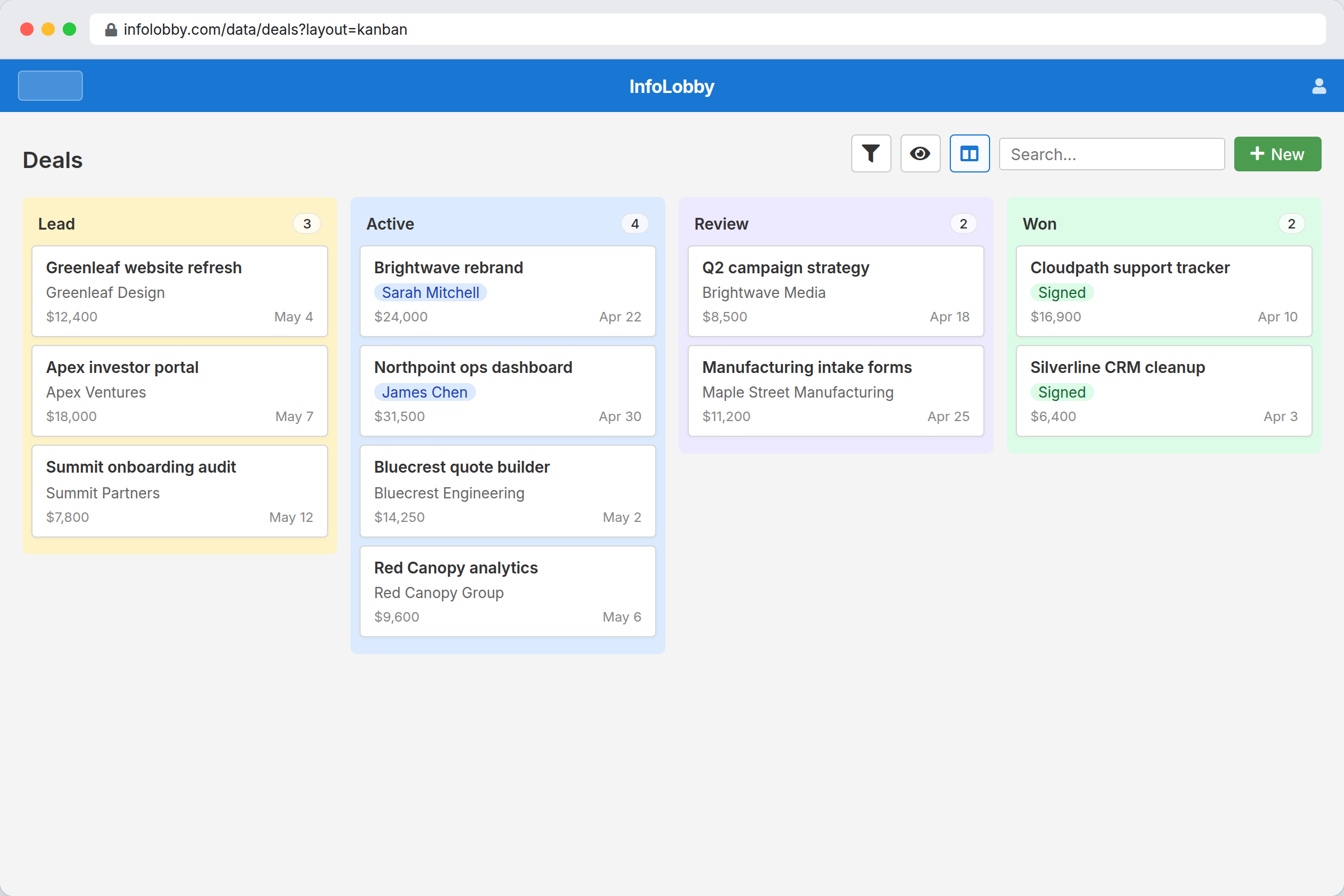
- Kanban by status gives the dispatch board. Drag a job from Scheduled to In Progress.
- Calendar by due date shows the week and where it is overloaded.
- Grid filtered to one technician is the individual work list.
- Grid filtered to overdue is the review queue nobody wants but everybody needs.
These are saved views on one table, not separate copies of the data. Changing a job on the board changes it everywhere.
What you do not get is route optimization or map-based dispatch. If your scheduling problem is genuinely geographic, sequencing eight stops to minimize drive time, this is not the tool and no amount of configuration makes it one.
Intake without giving everyone an account
Publish an embedded web form. A tenant, client, or colleague fills it in and a work order record is created. No login, no seat, no licence.
Make the form ask for what dispatch actually needs: location, access constraints, priority, a description, and a photo. Every field the form captures is a phone call somebody does not make later. This is the single highest-return part of the build, and it takes about twenty minutes.
For staff who need to see and update jobs, invite them. Every plan includes unlimited users, so putting technicians, coordinators, and managers all in the system does not change the bill.
What you give up by not using a CMMS
Stated plainly, because getting this wrong is expensive:
- No preventive maintenance scheduler. Nothing generates recurring work orders against an asset on a runtime or calendar basis. You can create recurring jobs with a scheduled flow, but this is not PM planning.
- No meter readings or condition monitoring. No runtime hours, no thresholds, no failure prediction.
- No parts inventory or reorder points. You can track a parts list as a table, but there is no stock depletion tied to work order completion.
- No offline mobile app. Technicians work through the browser, which handles records, comments, and photo upload fine on a phone but requires signal. Crews in basements, plant rooms, or rural sites without coverage are a genuine problem here.
- No barcode or QR asset scanning hardware integration.
If two or more of those matter, buy a CMMS. That is the honest answer and it saves everyone time.
Choose by situation
Choose a CMMS if you maintain equipment on a schedule, track parts, need failure history per asset, or your technicians work offline.
Choose field service management software if your problem is routing and scheduling crews geographically, with mobile dispatch and time tracking as the core need.
Choose this if your work orders hang off clients, properties, or jobs rather than assets, your process has quirks that packaged tools fight, you want everyone raising and viewing jobs without seat costs, and your teams have connectivity.
Related
- Complaint management software for when the request is a problem rather than a job
- Internal tools for operations teams for asset and vendor registers
- Approval workflow software for jobs that need sign-off above a cost threshold
InfoLobby plan pricing and limits, and the competitor claims on this page, were last checked on 2026-08-27. Competitor pricing changes often and varies by region, so confirm current figures on the vendor's own pricing page before deciding. Our plans are on the pricing page.