Every CRM assumes a sales motion. Leads become opportunities, opportunities have stages, stages close won or lost. If your business works that way, buy a CRM and move on. This page is for the teams it does not fit: the ones running a shadow spreadsheet next to the CRM they already pay for, because the CRM has no place to put site surveys, delivery milestones, renewal conditions, or whatever else the deal actually depends on.
What "custom CRM" usually means, and what it costs
The phrase covers three very different things, and the price gap between them is enormous.
Custom-built software. An agency writes you a CRM. Quotes commonly land between $50,000 and $250,000, take months, and leave you owning a codebase. It fits perfectly on day one and starts drifting from your process on day two, because every change goes back through the developer.
A configurable CRM. Salesforce, Zoho, HubSpot. You add fields, rename objects, and build automations inside a data model somebody else defined. This works until your process needs an object the vendor does not have. You end up storing Site Visits as Tasks, or Contract Renewals as Opportunities with a weird stage, and everyone on the team learns the translation.
A database platform you shape yourself. You define the objects. There is no translation layer because the schema is yours. This is what InfoLobby does, and it is the honest category for this page.
The tradeoff is real and worth stating up front: option three has no opinion about how you sell. That is the point, and it is also the cost. Nothing is preconfigured. If you want a CRM that works fully out of the box on day one, this is the wrong tool.
The five tables a working CRM needs
A working CRM in InfoLobby is usually five to seven linked tables. Here is a structure that covers most B2B teams, with the fields that matter rather than an exhaustive list.
| Table | Key fields | Links to |
|---|---|---|
| Companies | Name, industry, size, owner, status | Contacts, Deals |
| Contacts | Name, email, phone, role, company | Companies, Activities |
| Deals | Value, stage, expected close, source, owner | Companies, Contacts, Line Items |
| Activities | Type, date, notes, outcome, contact | Contacts, Deals |
| Line Items | Product, quantity, price, discount | Deals |
The fifth table is where most packaged CRMs start to hurt. Line items on a deal are a master-detail relationship: many rows belonging to one parent, edited inline on the deal record. InfoLobby supports these as sub-tables, so a quote with fourteen line items is one record with fourteen children, not fourteen unrelated rows you filter by deal name.
Then add the table your business actually needs and no CRM ships with. A field service company adds Sites. A recruiter adds Placements. A manufacturer adds Specifications. It links to Deals like any other table, and it stops being a workaround.
Wiring intake, routing, and follow-up
Structure alone is a database. What makes it a CRM is what happens automatically.
Intake. Embed a web form on your site. Submissions create Company and Contact records directly, with no copy-paste and no integration to maintain. The form can require the fields your qualification actually depends on, which is the cheapest way to stop unqualified leads consuming sales time.
Routing. A flow triggered on record creation assigns the owner. Route by territory, deal size, product, or round-robin. The rule is yours, built in the visual builder, and it runs the moment the record lands rather than when someone next opens the queue.
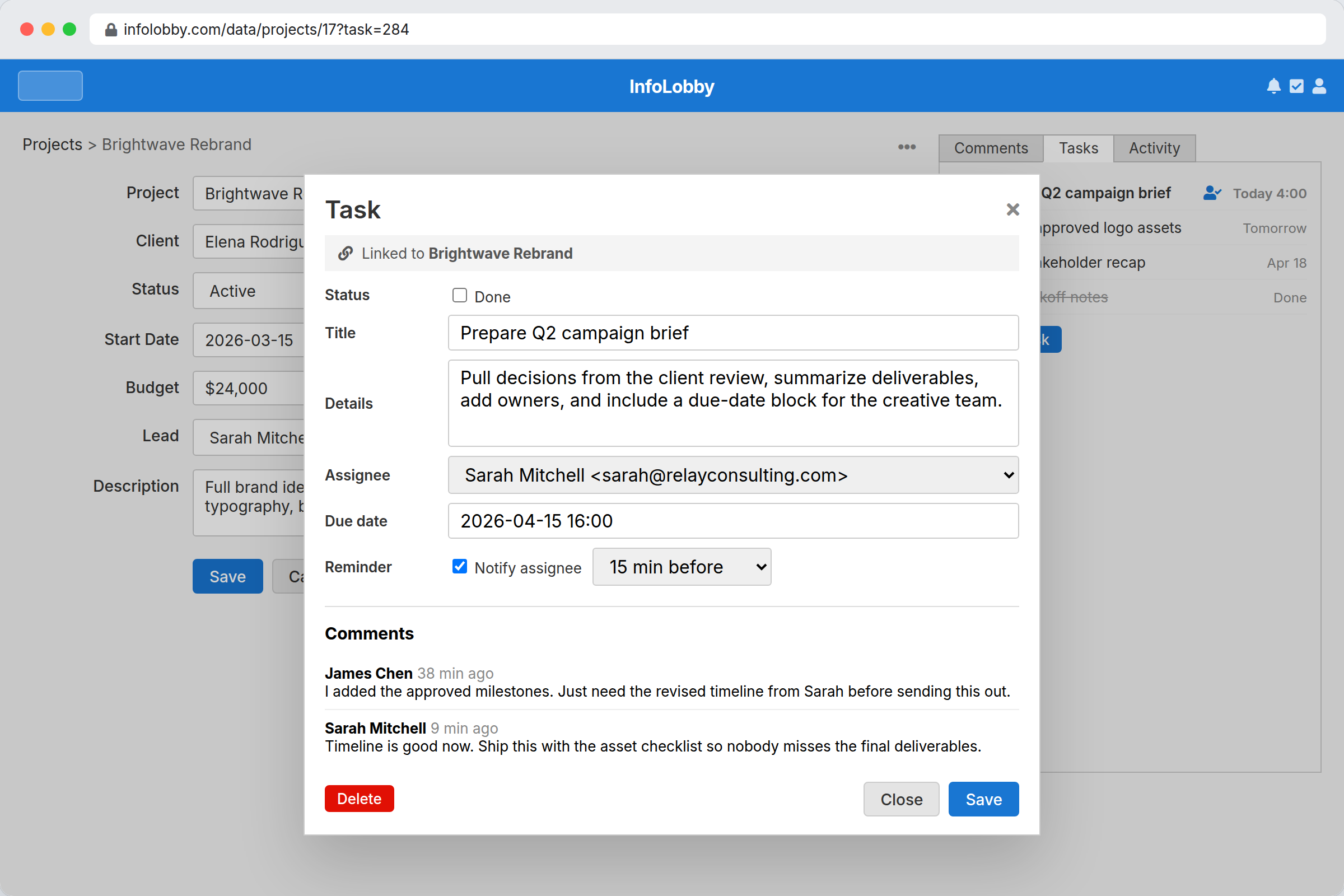
Follow-up. Tasks attach to the deal or contact, with due dates, assignees, and reminders. A flow can create the follow-up task automatically when a stage changes, so "call them in three days" is a record rather than a memory.
Handoff. When a deal closes, the same record carries into delivery. This is the part that packaged CRMs handle worst, because delivery lives in a different tool with a different customer list. Here the onboarding checklist links to the deal that created it, and the account manager sees the promises sales made.
What it costs as the team grows
Per-seat pricing is the reason most CRMs end up with incomplete data. Support has context sales needs, ops knows why the invoice was wrong, and neither has a licence, so the knowledge stays in Slack.
InfoLobby is $29, $59, or $129 a month depending on plan, and every plan includes unlimited users. The bill does not change when you add the fifth salesperson or the twentieth. For comparison, at ten people needing access, per-seat CRMs in this bracket typically run $150 to $900 a month depending on tier.
Records are the limit to plan around rather than users: 250,000 on Starter, 1 million on Team, 5 million on Business. Every company, contact, deal, activity, and line item counts as a record, and activity logs grow fastest, so a busy team should assume Team rather than Starter. Connecting your own MySQL server makes records unlimited on any plan.
That changes what you put in the system. Everyone who touches the customer gets access, so the record is complete.
Where a packaged CRM still wins
Be honest about this before committing.
- Sales forecasting. There is no forecast model, no weighted pipeline projection, no quota tracking out of the box. You can build reports on your own fields, but you are building them.
- Sales engagement tooling. No dialer, no email sequencer, no call recording, no conversation intelligence. If your team lives in a sales engagement platform, that stays a separate purchase.
- Marketing automation. No campaign management, lead scoring models, or attribution reporting.
- Prebuilt integrations. There is a public REST API and outbound webhooks, so anything with an API can be connected. But there is no app marketplace of one-click connectors. Connections are built, not installed.
- Day-one usability. A packaged CRM works immediately. This takes an afternoon of setup before it does anything, and rewards someone who enjoys that afternoon.
When to stop customizing
The most common failure with a build-your-own CRM is not the build, it is the sprawl. Teams add tables for every edge case until nobody knows where anything lives.
Two rules keep it sane. First, a new table needs its own lifecycle, not just its own fields. If Site Visits have their own status, owner, and dates, make them a table. If they are three fields on a Deal, leave them there. Second, model the process you run now, not the one you might run at ten times the size. The schema is not expensive to change later, and guessing is.
Related
- Client portal software for giving customers access to their own records
- Approval workflow software for discount and contract sign-off
- Project operations for what happens after the deal closes
InfoLobby plan pricing and limits, and the competitor claims on this page, were last checked on 2026-08-20. Competitor pricing changes often and varies by region, so confirm current figures on the vendor's own pricing page before deciding. Our plans are on the pricing page.