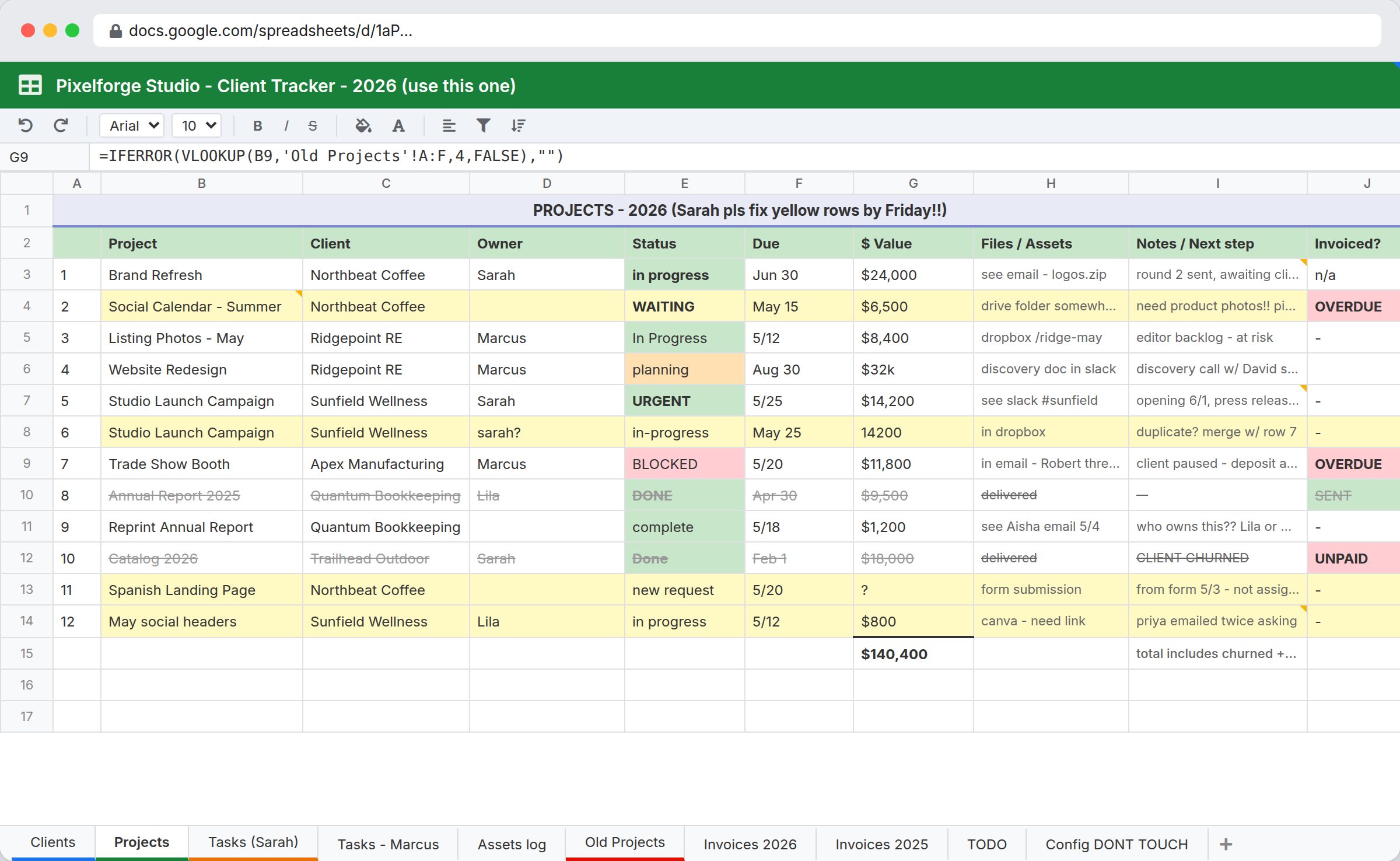
Every agency reaches the same point. There are enough clients that nobody holds the whole picture, enough retainers that someone has to reconcile hours against what was sold, and enough concurrent jobs that the question "what is actually happening on the Nolan account" takes twenty minutes and two people to answer.
The usual next step is an agency suite: Workamajig, Scoro, Productive, Teamwork. They are good products and they solve real problems. They also price per user, which is the reason a twelve-person shop often looks at the annual number, decides against it, and goes back to the spreadsheet for another year.
InfoLobby is the other option. It is a database you shape into an agency system, flat-priced with unlimited users, so account managers, freelancers, and the founder who just wants to see status all get access without changing the bill.
The build most agencies start with
Four connected tables cover the majority of agency operations.
Clients is the anchor. One record per client, holding the account lead, the contract type, and the renewal date.
Retainers connects to a client and holds what was sold: monthly hours or value, the period, and the start and end dates. One record per retainer period, so month-over-month history accumulates rather than overwriting.
Jobs connects to both a client and, optionally, a retainer:
| Field | Type | Purpose |
|---|---|---|
| Client | Connection | The account it belongs to |
| Retainer | Connection | Blank for project work, set for retainer work |
| Brief | Long text or File | The actual scope, on the job |
| Stage | Category | Your stages, not a vendor's |
| Owner | User | One name, not a team |
| Due | Date | Drives the overdue view |
| Hours booked | Number | Rolls up to the retainer |
Deliverables connects to a job, one record per asset, each with its own approval state. This is the table that stops "the job is 80% done" from meaning four different things to four people.
The structural decision worth making early is that jobs connect to retainers rather than duplicating retainer information. That is what lets hours roll up without a reconciliation step.
Retainer burn without the month-end scramble
Retainer reconciliation is the most common reason an agency's spreadsheet exists, and it is the thing worth automating first.
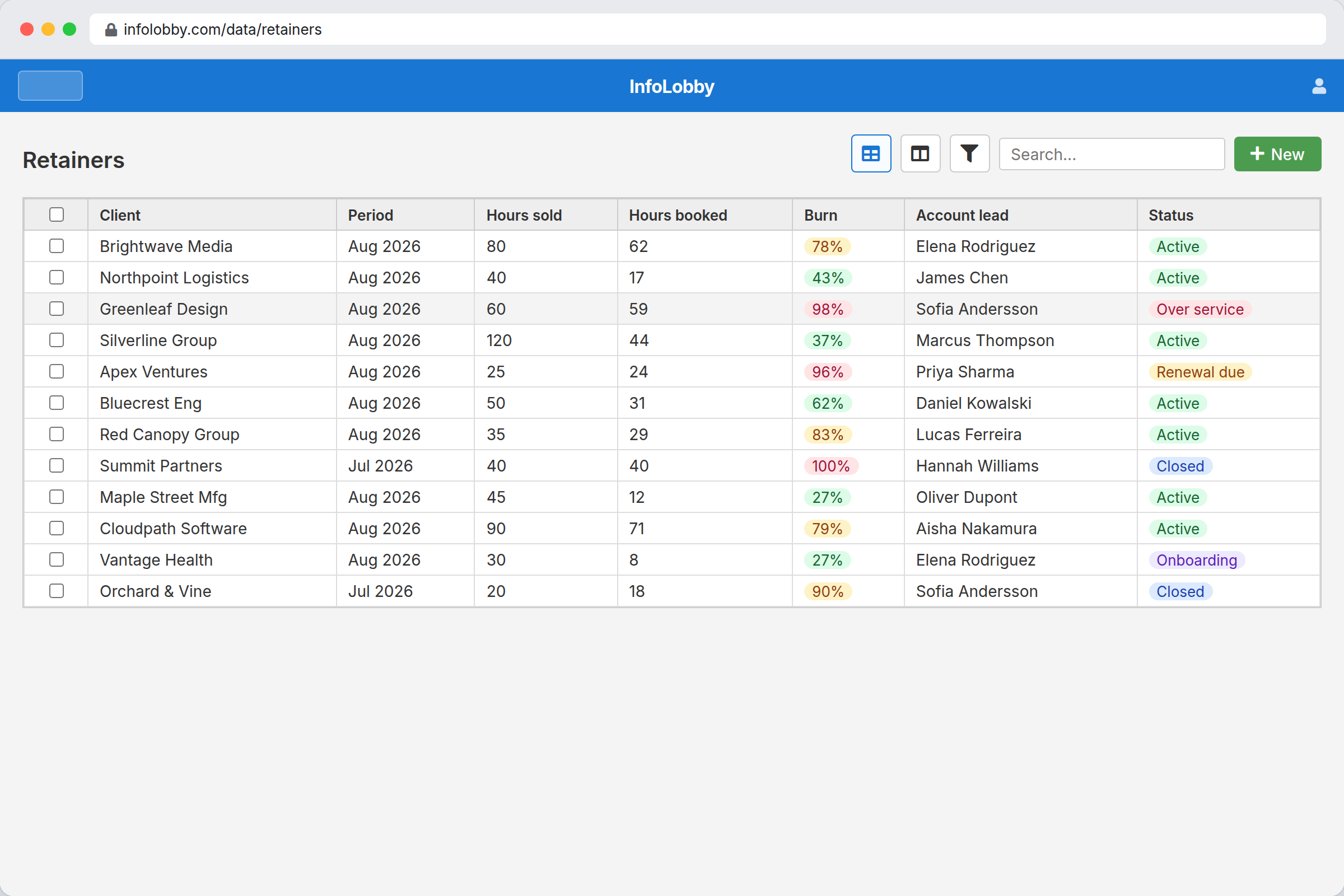
With hours stored on jobs and jobs connected to retainers, the sum of booked hours per retainer is a rollup rather than a monthly exercise. Build a view filtered to active retainers showing hours sold against hours booked, and the over-servicing conversation happens in week two instead of after the month closes.
One workflow makes it useful rather than merely visible: when booked hours pass a threshold of the sold amount, notify the account lead. Most agencies set that at 80%. The value is not the calculation, which a spreadsheet also does. It is that the alert arrives while there is still time to act.
Approvals that do not live in an inbox
Creative approval is where agency time disappears, and it disappears in a predictable way: work is sent, a client says nothing, and nobody notices for six days.
Keeping approval state on the deliverable record rather than in an email thread makes the stalled ones visible. A view of everything awaiting client approval, sorted by how long it has been waiting, is the single most useful screen most agencies build here. Add a reminder that fires after a set number of days and the follow-up stops depending on somebody remembering.
This is deliberately not a proofing tool. There is no annotation on a video frame, no side-by-side version comparison, no markup. Ziflow and Filestage do that properly. What InfoLobby tracks is that an approval is outstanding, who owns it, and how long it has been sitting.
The per-seat math
Figures below were read from each vendor's own pricing page on 2026-08-20. Agency suite pricing changes often and most vendors discount annual billing, so verify before deciding.
| Product | Published rates | At 12 users |
|---|---|---|
| Workamajig | $49/user/mo at 10+ seats, $47 at 25+, $45 at 50+ | $588/mo |
| Scoro | Core $19.90, Growth $32.90, Performance $49.90 per user/mo. Minimum 5 seats | $238 to $599/mo |
| Productive | Essential $10/user/mo, Professional $25/user/mo | $120 to $300/mo |
| InfoLobby | $29 / $59 / $129 flat | $59/mo |
Two things that table gets wrong if read carelessly. Scoro's entry tier is cheaper per seat than I would have guessed, so the gap is smaller than the headline suggests. And all three of those suites include time tracking, invoicing, and resource scheduling that InfoLobby does not have. If you need that in one place, the suite is the honest recommendation and the higher price buys real functionality.
The per-seat model bites in a specific situation: when the people who need visibility are not the people doing billable work. Founders, account leads, freelancers on a six-week engagement, and the client services coordinator all need to see status. On a per-user plan each of them is a line item, so agencies ration access, and the system stops reflecting reality because half the team is not in it.
InfoLobby's plan limits are workspaces and records, not people. Starter is $29 with 3 workspaces and 250,000 records. Team is $59 with 10 workspaces and 1,000,000 records. A twelve-person agency adding three freelancers pays the same as it did before.
Where an agency should not use this
You want time tracking and invoicing in one system. There are no timers, no timesheet approvals, and no invoice generation. Hours are a number someone enters. If billing accuracy depends on tracked time, keep Harvest or your accounting tool, or buy a suite.
You need resource scheduling. There is no capacity view showing who is over-allocated next month. That is a core agency suite feature and its absence is a real gap for shops doing formal resource planning.
You need proofing and markup. Covered above. Keep Ziflow or Filestage.
You are three people. At that size the spreadsheet genuinely is fine, and the honest advice is to wait. The problems this solves start appearing somewhere around eight to ten people, when no single person holds the full picture any more.
You want it to work on day one. This is a database you configure, not a template you activate. Expect to spend a day building the structure and a few weeks adjusting it. Agencies that want to open a product and start working should buy a product.
Sources checked
- InfoLobby plan limits and pricing: current pricing page, checked 2026-08-20
- Workamajig pricing, checked 2026-08-20. Tiers begin at 10 users
- Scoro pricing, checked 2026-08-20. Minimum 5 seats on every package
- Productive pricing, checked 2026-08-20. Ultimate tier is quote-only
- Ziflow and Filestage are named as proofing tools rather than compared on price, since they solve a different problem than this page covers
InfoLobby plan pricing and limits, and the competitor claims on this page, were last checked on 2026-08-20. Competitor pricing changes often and varies by region, so confirm current figures on the vendor's own pricing page before deciding. Our plans are on the pricing page.