Getting Started
New accounts include a managed MySQL database and managed file storage. You can build immediately, then connect your own MySQL, S3, FTP, SMTP, OpenAI, or HTTP services later.
Confirming your email
When you sign up, we email you a short confirmation code. Enter it and your workspace is built right away (this takes a few seconds, and you will see a progress indicator while it runs).
Nothing is created until you enter that code, so if someone signs up using your address by mistake, you can ignore the email and no account is made. The code expires after 15 minutes, and the confirmation page counts down so you can see how long is left. If it does not arrive, check your spam folder, then use send a new code on that page. A new code can be sent every 30 seconds.
Set your first goal
The fastest way in is to pick one workflow you want working, not ten.
The first time you sign in during your trial, InfoLobby asks what you want working first. Describe it in plain English (for example, "chase overdue invoices without keeping a spreadsheet") and it turns that into a short checklist: create this table, add this field, connect email, build this automation.
If you have been using InfoLobby for a while, nothing interrupts you. Open Setup Checklist from your user menu (top right) whenever you want to set a goal, and everything below works the same way.
A progress bar sits at the top of every page while the checklist is open. Click it to see the steps. Each step has a Do it button that takes you to the right screen with the AI assistant already asking the right question, so you approve the change rather than building it from scratch.
Steps tick themselves off. Nothing is marked done until you have actually done it, so the checklist always tells you the truth.
The first step that needs to build something asks which workspace to build it in. If you only have the sample Demo workspace, the checklist offers to create a real one and suggests a name based on your goal. If you already have several, you pick. Everything after that follows the same workspace, and the checklist shows which one it is with a link to change it.
A few things worth knowing:
- You can change your goal at any time from the checklist.
- Steps that do not apply to you can be skipped.
- Hide the bar with the x and it stays hidden for a week. Setup Checklist in the user menu (top right) brings it back whenever you want it.
- When every step is done, you can set another goal and start again.
Only the account owner sees the checklist. It is about setting the account up, not about the day to day work everyone else is doing.
First workflow
- Open the workspace overview from the InfoLobby logo.
- Create a workspace for a business area, such as Sales, Projects, or Operations.
- Add a table. Use an existing database table or create a new one.
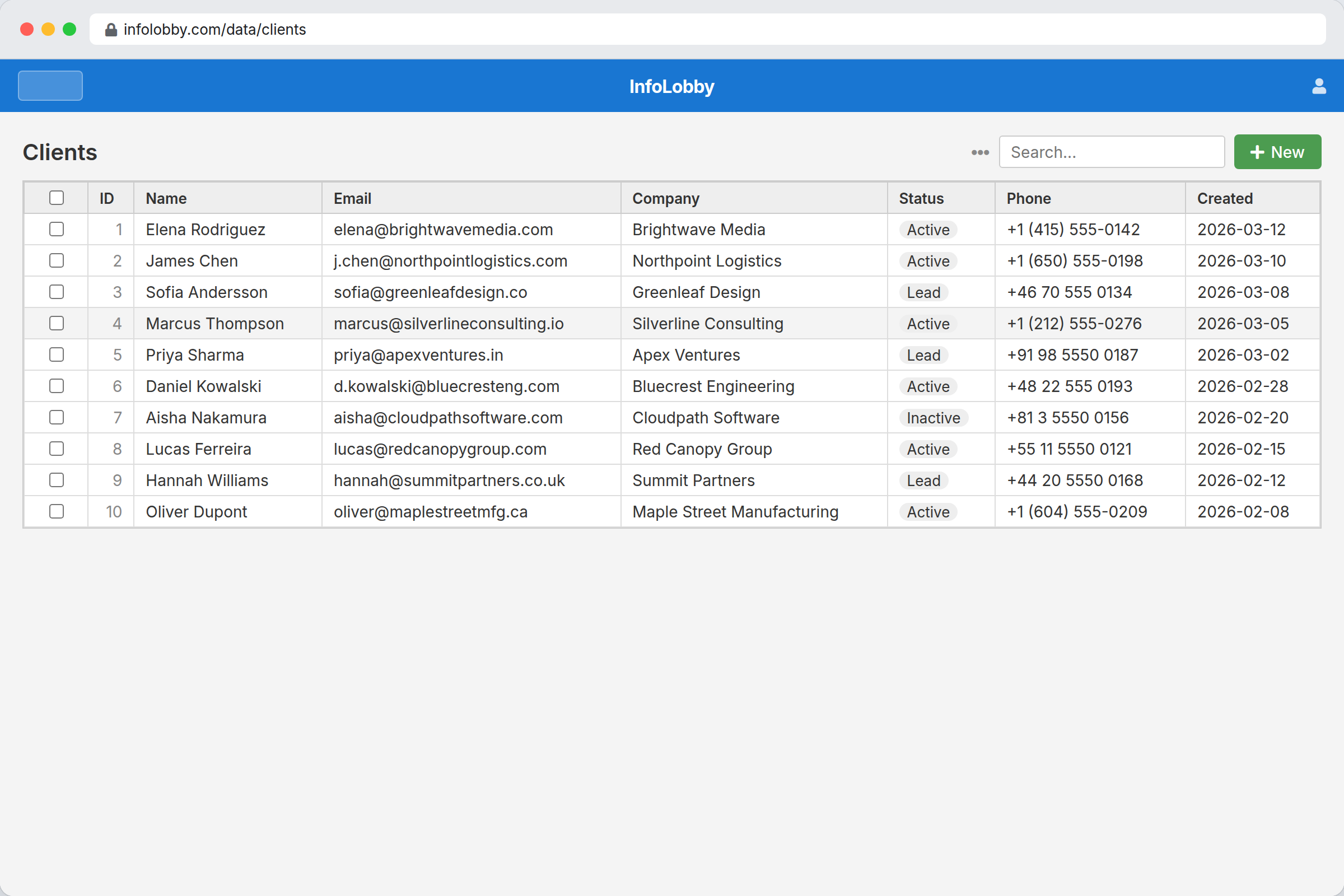
- Open the table to view records in the grid.
- Click + New to add a record.
- Configure fields and layouts when the form needs cleanup.
- Invite teammates from workspace settings.
Managed services
Managed database and storage are already connected. Use them unless you have a reason to bring your own infrastructure.
Bring your own services when you need existing production data, custom capacity, or company-managed credentials.